
Home staging 360° con IA amuebla la esfera entera
Sube una panorámica equirectangular de una habitación vacía y recíbela amueblada, con la costura de cierre resuelta para que aguante al girar los 360 grados.
Panorama equirectangular (relación 2:1) · JPG, PNG o WEBP · Máx. 20 MB
- Cada ejecución
- 1 crédito — una panorámica es siempre un render
- Para probarlo
- Cuenta gratuita, 3 créditos, sin tarjeta
- Qué acepta
- Un equirectangular 2:1, hasta 20 MB
¿Se puede amueblar virtualmente una panorámica 360°?
Sí. Sube el fotograma equirectangular —la imagen 2:1 que escribe cualquier cámara 360— y vuelve amueblado en el estilo que elijas. Lo difícil es el cierre: los bordes izquierdo y derecho son físicamente contiguos, y un modelo que no lo ve los genera por separado y rompe la esfera. 1 crédito por panorámica, desde $0.44–$0.60 por imagen.
Última actualización:
La costura a 0° y lo que costó cerrarla
Una panorámica equirectangular da la vuelta: su última columna de píxeles está junto a la primera. Un modelo de imagen ve un rectángulo plano y no lo sabe, así que genera los dos bordes de forma independiente —otros muebles, otra luz— y en un visor eso es un desgarro vertical detrás de ti. Pedir un cierre sin costuras en el prompt no sirve, porque el modelo no tiene mecanismo para cumplirlo.
- 01El cierre se muestra, no se describe
- Antes del render, cada borde se copia hacia dentro un 8 % del ancho —unos 29° de orientación— para que el entorno del cierre quede dentro del fotograma y el modelo dibuje sobre él una vez en lugar de adivinar dos.
- 02La costura cierra por construcción
- Después el relleno se funde a lo largo de unos 5°, y la rampa empieza en una columna que el propio modelo dibujó continua con el borde opuesto. La unión es exacta, no solo verosímil.
- 03La fusión es estrecha a propósito
- Una fusión ancha mezcla dos renders independientes de los mismos 29° y ves el marco de la puerta a través del sillón. Contexto ancho, rampa estrecha: dos trabajos distintos que antes compartían una constante.
- 04Renderizado a 2K, no a un megapíxel
- El modelo flash topa cerca de 1 MP, así que una panorámica de 8 MP volvía con cada pared, ventana y puerta regenerada en pequeño y reescalada. Esto corre en nano-banana-pro a 2K.
Una panorámica amueblada es una imagen alterada digitalmente según la AB 723 de California exactamente igual que una foto amueblada — muebles que no están en el inmueble es el caso central de la ley, que solo excluye el trabajo de exposición y color. El anuncio necesita un aviso visible y un enlace al original sin alterar. Ver las reglas de divulgación por estado
Cómo funciona
- 01
Suelta el equirectangular
La imagen 2:1 que escribe tu cámara 360, hasta 20 MB. Todo lo que quede fuera de 1,9–2,1 es un recorte o una foto ancha normal, y se rechaza en vez de amueblarse mal.
- 02
Elige estancia y estilo
Los mismos tipos de estancia y estilos de mobiliario que el staging plano, aplicados a la esfera entera y no a una pared de ella.
- 03
Mira alrededor antes de usarla
Gira los 360° completos en el visor, y fíjate en el cierre a tu espalda y en el suelo bajo tus pies. El control de calidad repite un resultado roto una vez sin coste.
Qué acepta
La forma del archivo decide si esta es siquiera la herramienta correcta. Una panorámica es 2:1 por definición, y todo lo demás es otro trabajo.
| Tu archivo | Qué acepta | Qué ocurre |
|---|---|---|
| Equirectangular 2:11,9–2,1 | Lo que escribe una cámara 360: Insta360, Ricoh Theta, exportaciones de Matterport. | Se amuebla como esfera, se cierra la costura y vuelve al tamaño de tu origen. |
| Panorámica recortada | Un equirectangular que alguien ha recortado, o un cosido parcial. | Rechazada. Amueblarla produce algo roto en el visor por bueno que sea el render. |
| Foto ancha normal | 16:9 o 3:2 de un móvil o un gran angular. | Rechazada aquí — ese es el trabajo de la herramienta de staging plano, que lo hace mejor. |
| Archivo muy grande | Por encima de 20 MB. | Rechazado antes de subir. Las cámaras 360 escriben archivos grandes; exporta con menos calidad si te pasas. |
Una panorámica es siempre un solo render y un solo crédito: cuando el resultado es un único fotograma inmersivo no hay nada que elegir, así que el selector de 1 a 3 variantes de las herramientas planas no aplica aquí. Una cuenta gratuita trae tres créditos, sin tarjeta. Sin sesión iniciada la herramienta no se ejecuta.
Preguntas sobre el staging 360°
Condiciones, límites y lo que la herramienta no hará.
¿El staging 360 con IA es gratis?
No sin cuenta, y no de forma ilimitada. Una cuenta gratuita no pide tarjeta y trae 3 créditos. Una panorámica cuesta 1 crédito — siempre uno, porque una ejecución 360 produce un único fotograma inmersivo y no un conjunto entre el que elegir. Después, los créditos salen a $0.44–$0.60 por imagen según el paquete, no caducan y no hay suscripción. Sin sesión iniciada no se ejecuta.
¿Qué archivo subo?
El fotograma equirectangular que escribe tu cámara 360: una sola imagen 2:1, no un juego de caras de cubo ni un enlace a un tour. Insta360, Ricoh Theta y Matterport exportan uno. Todo lo que quede fuera de 1,9 a 2,1 se rechaza, porque amueblar una panorámica recortada produce algo roto en el visor por bien que se vean los muebles.
¿La costura de mi espalda encajará?
Ese es el problema concreto en torno al que está construida esta herramienta. Antes del render, los propios bordes de la panorámica se copian hacia dentro para que el modelo pueda ver a través del cierre, y después el relleno se funde en una banda estrecha que arranca en una columna que el modelo dibujó continua. La unión cierra por construcción y no por pedírselo amablemente. Aun así, conviene girar los 360° antes de publicar.
¿Por qué un crédito y no de uno a tres?
Porque no hay nada que elegir. En una foto plana, las variantes te dan tres composiciones para quedarte con una. Un render 360 es un único fotograma inmersivo por el que caminas; un segundo no es otra toma, es otra habitación. Por eso una ejecución de panorámica está fijada en un render y un crédito.
¿Puedo amueblar una panorámica parcial o caras de cubo?
No. Una parcial la rechaza la comprobación de proporción. Las caras de cubo se construyeron, se midieron y se abandonaron: generar las seis caras de forma independiente puso muebles semitransparentes en cada frontera y un grupo de asientos distinto en el centro de cada cara. Mezclar renders independientes de una misma habitación es una doble exposición, no una transición.
¿Cambia la habitación en sí?
Añade muebles, que es el objetivo, y se le pide que mantenga la arquitectura —paredes, ventanas, puertas, suelo— tal como se fotografió. Como el modelo regenera el fotograma en lugar de pintar dentro de una máscara, trata el resultado como una nueva representación de tu habitación y recórrela antes de publicarla. Por eso también corre a 2K y no al megapíxel donde topa el modelo barato.
¿Tengo que declarar una panorámica amueblada?
Sí, en pie de igualdad con una foto amueblada. La AB 723 de California cubre las imágenes que cambian lo que un inmueble aparenta contener, y los muebles que no están son el caso central. Solo excluye iluminación, exposición, balance de blancos, corrección de color y enfoque. La norma exige un aviso visible junto a la imagen y un enlace al original sin alterar, y un tour 360 lo necesita igual que una foto fija.
¿Cuánto tarda?
Más que las herramientas planas —es un render a 2K de un fotograma de ocho megapíxeles— y más aún cuando el proveedor está saturado. Cerrar la pestaña no pierde ni la ejecución ni el crédito: el resultado se escribe en tu proyecto cuando llega.
¿Mis fotos son privadas?
Las subidas se procesan por conexiones cifradas y no se usan para entrenar ningún modelo. Se guardan junto a tu proyecto, y puedes borrar un proyecto y sus imágenes desde el estudio cuando quieras.
Divulgación de fotos alteradas
Desde el 1 de enero de 2026, la ley AB 723 de California exige una divulgación visible y un enlace a la foto original en las imágenes de anuncios alteradas digitalmente. Las ediciones que cambian el aspecto de la propiedad están cubiertas; los ajustes habituales de color y exposición no.
Revisamos 297 anuncios de California cuyos propios pies de foto admiten que las imágenes fueron alteradas. El 99% no ofrece ningún enlace público a la imagen original, que es la mitad de la ley que casi todo el mundo se salta.
Herramientas IA
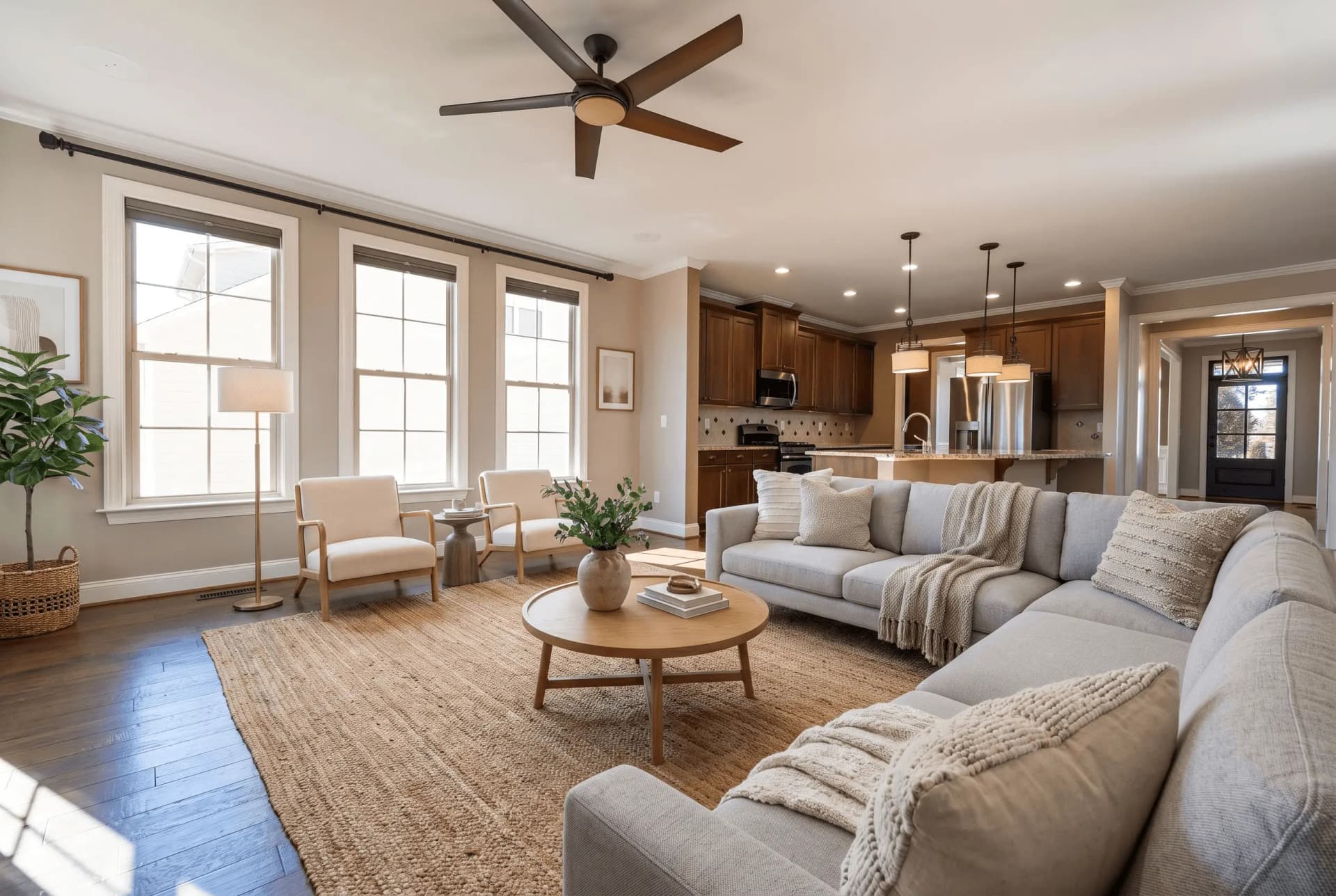 AntesHome staging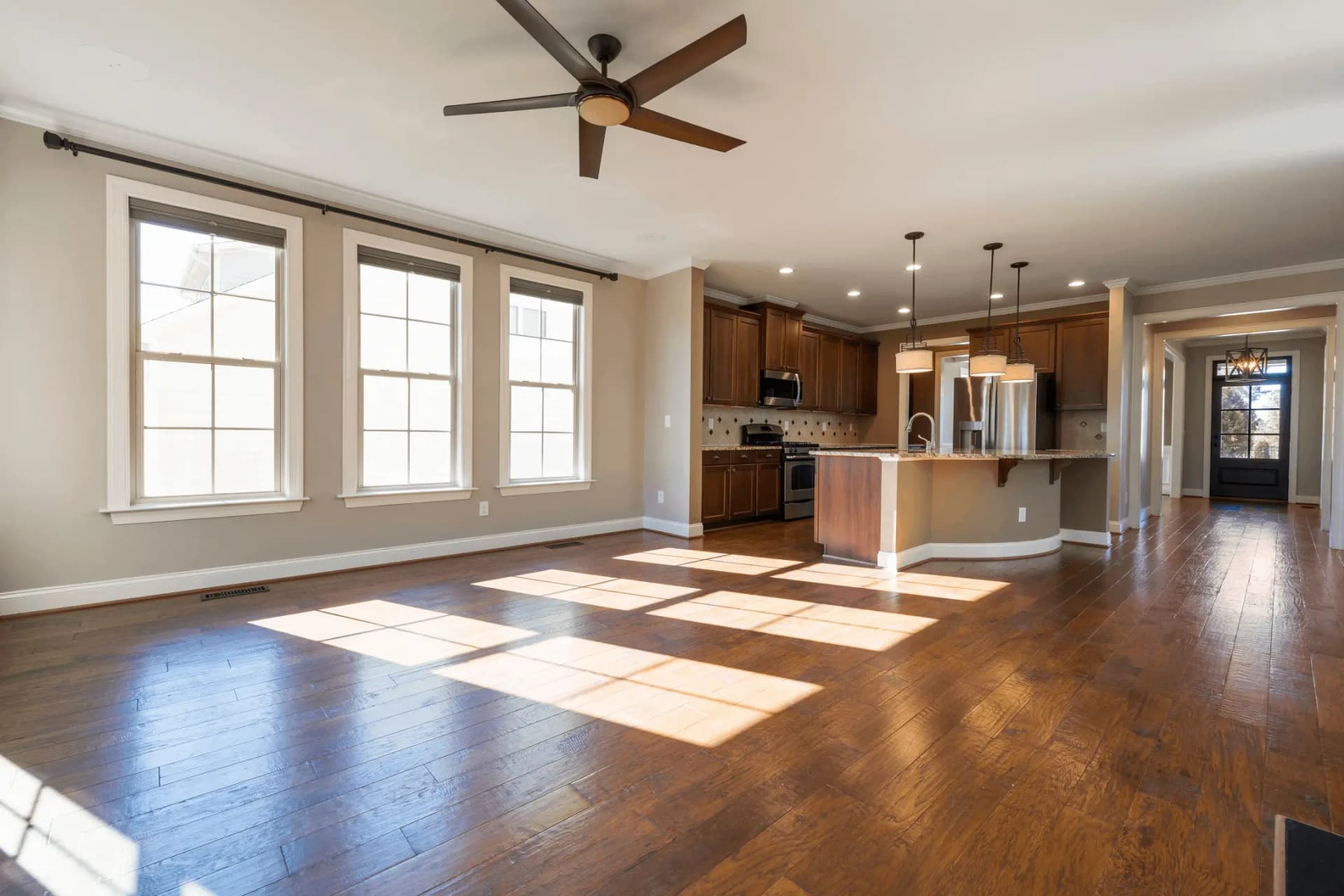
Staging Virtual
Transforma habitaciones vacías con muebles de IA
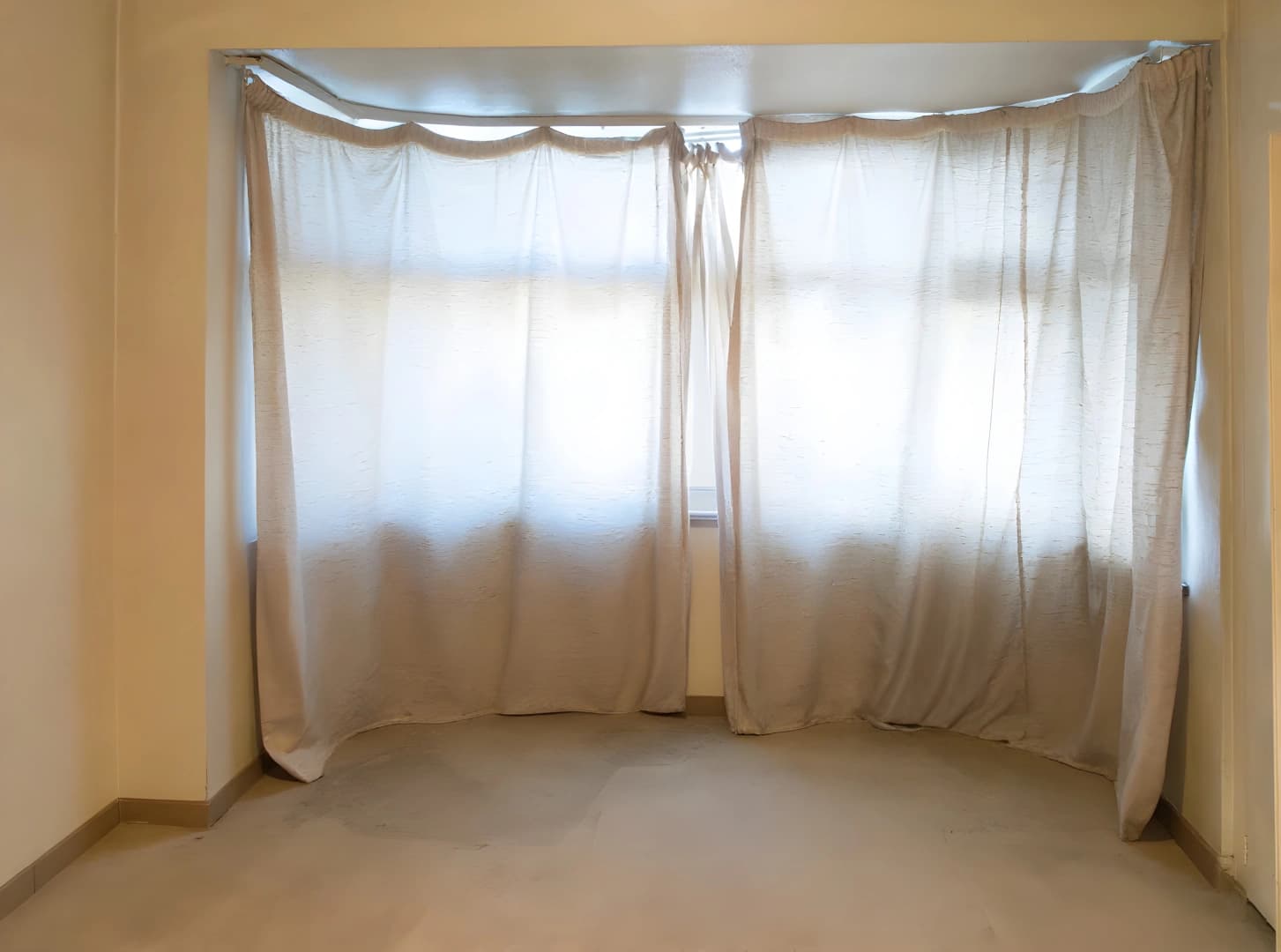 AntesMejora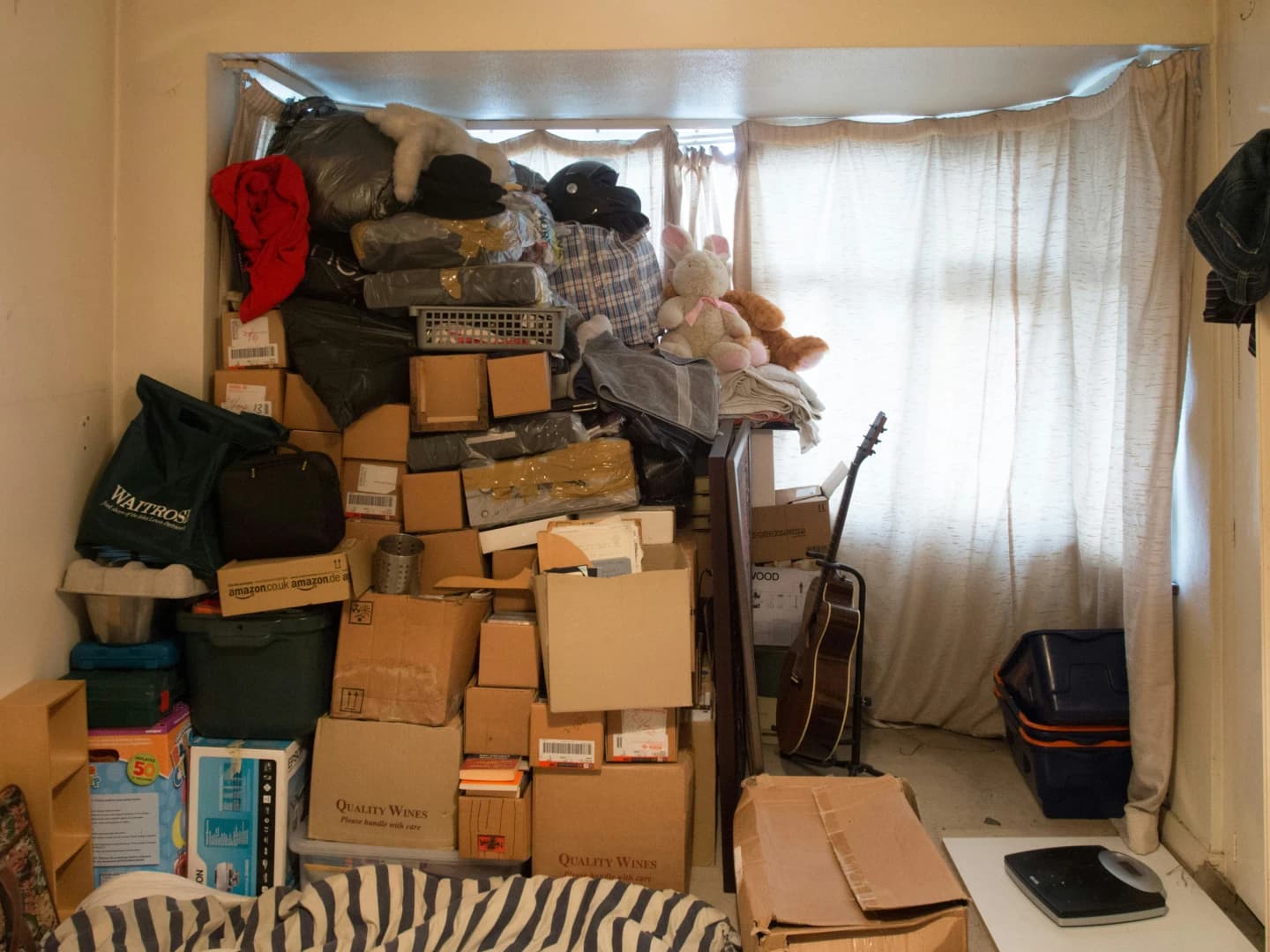
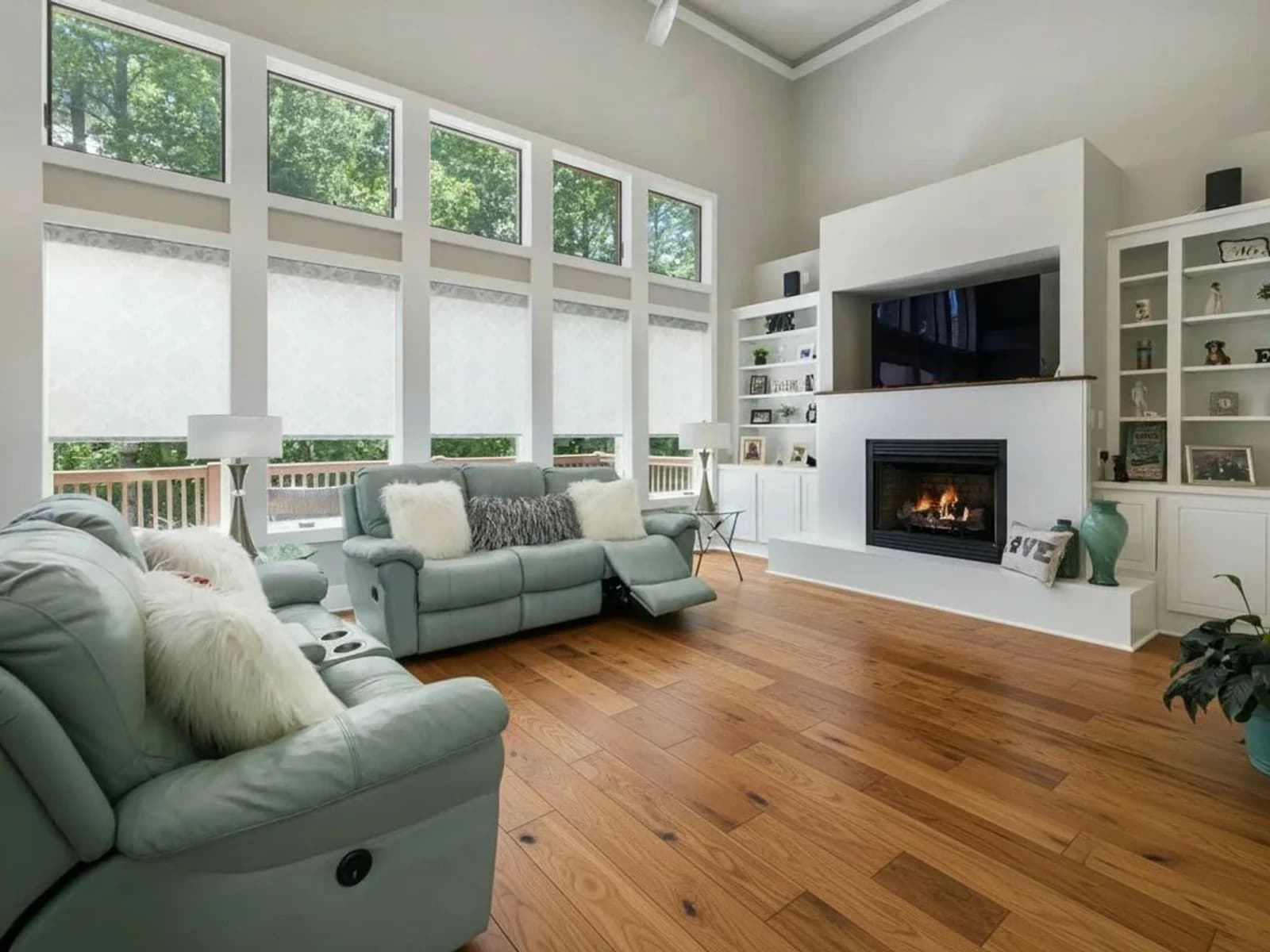
IA Despejar
Elimina automáticamente todos los muebles
 AntesHome staging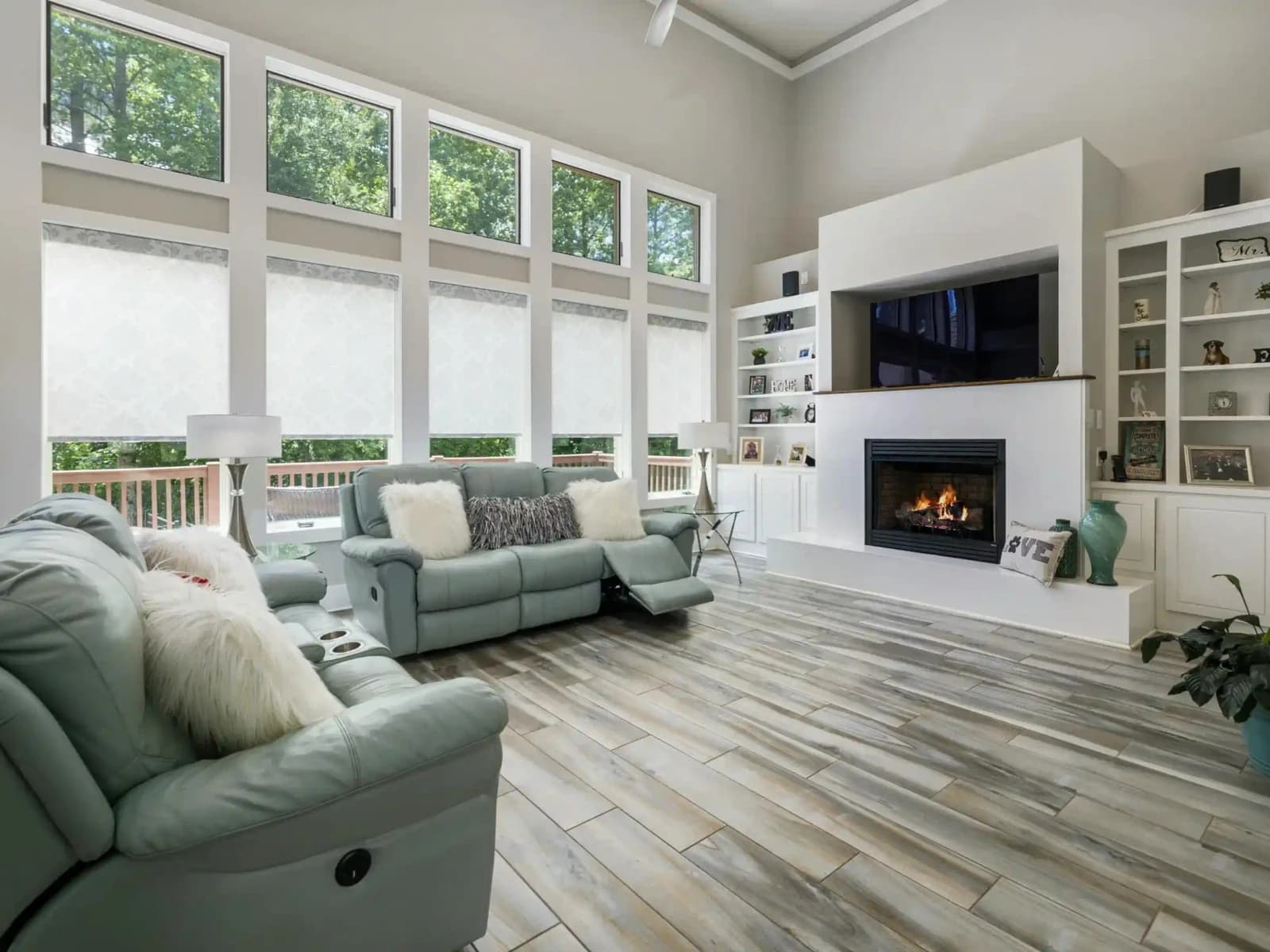
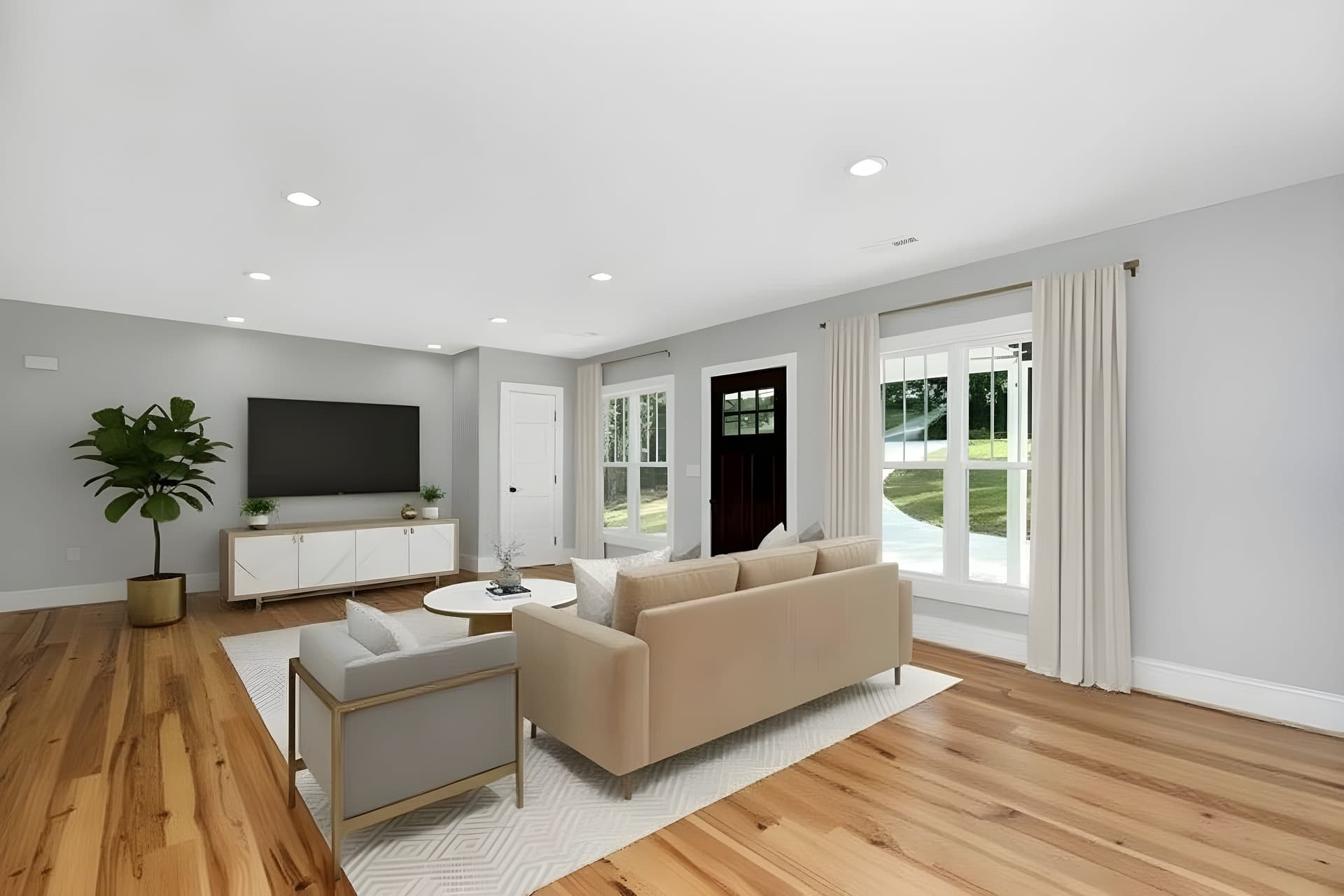
Renovación Virtual con IA
Nuevos acabados, la misma estancia y distribución
 AntesMejora
Mejorador de Imágenes IA
Mejora la calidad de fotos al instante con IA
La esfera está amueblada. ¿Y el reportaje plano?
La mayoría de los anuncios publican un tour 360 y veinte fotos normales. Los mismos estilos valen para ambos, y las habitaciones vacías del reportaje plano siguen necesitando muebles.
Prueba QuickStaging gratis3 créditos gratis para empezar, luego $0.44–$0.60 por foto. Los créditos nunca caducan. Ver precios