
AI virtual renovation new finishes, same room
Show a dated kitchen, bathroom, floor or wall as it would look updated. The layout, the dimensions and every fixture stay exactly where the camera found them.
JPG, PNG or WEBP · Max 15 MB
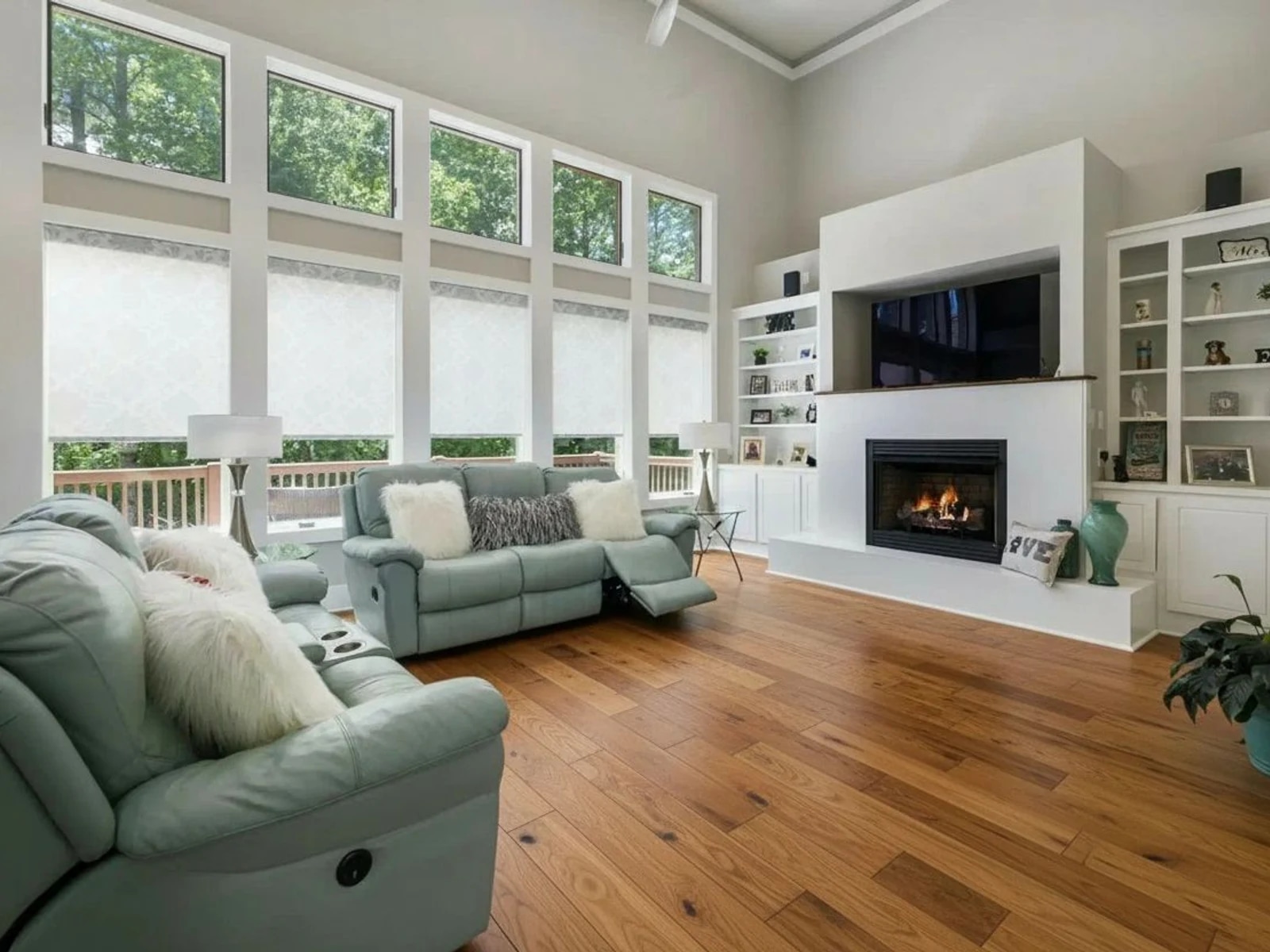
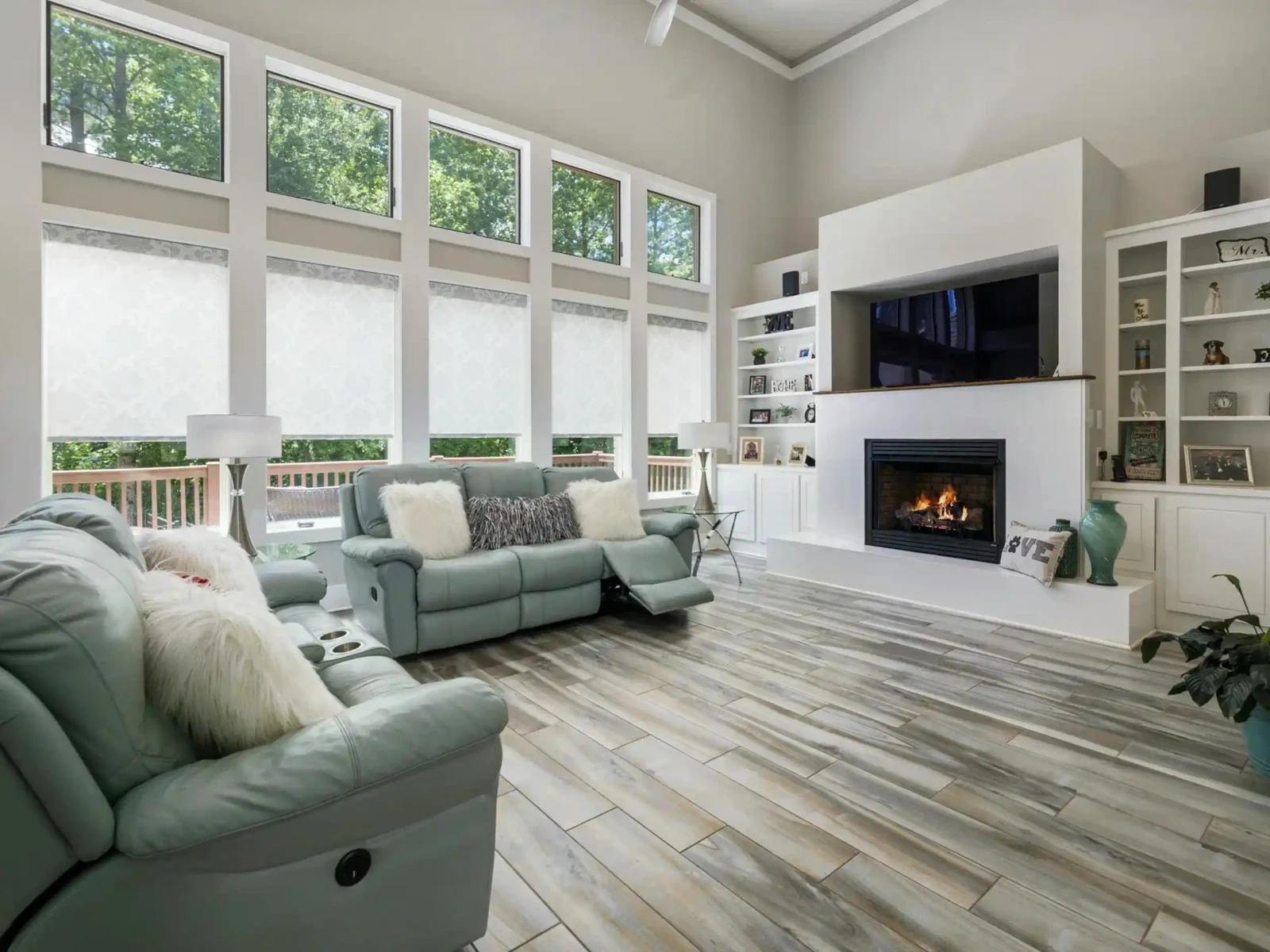
- What a run costs
- 1 credit per variant, and a run defaults to 2
- To try it
- A free account, 3 credits, no card
- Signed out
- Not available — this tool needs an account
What is virtual renovation for real estate photos?
It replaces the finishes in a photo of a real room — cabinet fronts, worktops, tile, flooring, wall colour — while holding the layout and dimensions as photographed. Four targets, five styles, so twenty combinations, each written separately. Unlike a 3D render it starts from your actual photograph, so the room and its light are the property's own. 1 credit per variant, from $0.45 per photo.
Última atualização:
Every target is one sentence of permission and one of constraint
A renovation preview is only useful if it is a picture of your room updated, rather than a picture of a different room in the same style. So each target names what may be replaced and then, in the clause the model weighs most heavily, what must not move.
- 01Kitchen: fronts change, carcasses do not
- Doors, drawer fronts, worktop, backsplash and handles may be replaced. Every cabinet run, the island, sink, hob, extractor and appliances stay at the same positions, the same door count and the same worktop outline.
- 02Bathroom: surfaces change, plumbing does not
- Vanity, tile, shower glass and tapware may be replaced. The toilet, basin, bath, shower tray and door keep their positions and footprint.
- 03Flooring meets the walls on the same line
- The new floor covers the same area, follows the floor plane's own perspective, and everything standing on it keeps its place and its contact shadows.
- 04Walls: paint only
- Skirting, architraves, cornices, frames, switches, sockets, radiators, artwork, mirrors and any tiled or panelled section keep their own colour and material.
This is the least borderline tool on the site for disclosure. California's AB 723 names changing paint colour, flooring and wall finishes, and replacing fixtures and appliances, outright — which is the whole of what this does. The listing needs a conspicuous notice and a link to the unaltered original, and NAR's Code of Ethics applies whichever state you are in. See the disclosure rules by state
How it works
- 01
Drop the interior photo
Any JPG, PNG or WEBP up to 15 MB. A dated kitchen, a tired bathroom, worn flooring, or a wall colour that dates the whole listing.
- 02
Pick a target and a style
Kitchen, bathroom, flooring or walls, in modern, classic, farmhouse, minimal or luxury. Or brush one surface, which makes your stroke the boundary instead of the target's own scope.
- 03
Compare it against your original
Check the fixtures have not moved and the room is the same size. Quality control re-runs a broken result once at no cost.
Four targets, five styles
Twenty finish sentences, written per target rather than shared. One generic "modern" produced a kitchen-shaped answer applied to a bathroom, which is why they are separate.
| Target | Four targets, five styles | What must not move |
|---|---|---|
| Kitchendefault | Cabinet doors and drawer fronts, worktop, backsplash, handles. | Cabinet runs, island, sink, hob, extractor, appliances — same positions, same door count. |
| Bathroom | Vanity unit, wall and floor tile, shower glass, tapware and fittings. | Toilet, basin, bath, shower tray, door — same positions, same footprint. |
| Flooring | The floor covering, following the floor plane's own perspective. | Furniture, rugs, doors, skirting, thresholds and cabinets, with the same contact shadows. |
| Walls | The flat painted wall areas, in a new colour and finish. | Skirting, architraves, cornices, frames, switches, sockets, radiators, artwork, tiled sections. |
Every target costs the same: 1 credit per variant, and the picker opens on 2 — except a brushed run, which is pinned to a single variant because it is a spot edit. A free account comes with three credits and no card. Signed out, the tool does not run at all. This tool is studio-only and is deliberately kept out of the automatic listing pipeline, so it never fires on a photo you did not choose it for.
Questions about virtual renovation
Terms, limits and what the tool will not do.
Is the AI virtual renovation tool free?
Not without an account, and not unlimited. A free account takes no card and comes with 3 credits. A run costs 1 credit per variant and the picker opens on 2, so those three cover one run at the default plus a single-variant one. After those, credits work out to $0.45 per photo depending on pack size, they never expire, and there is no subscription to keep. Signed out, the tool does not run.
How is this different from a 3D render?
A 3D render builds a room from a model, so what you see is a room like yours. This starts from your actual photograph, so the space, the window light and the view out of it are the property's own — and the layout is not a designer's interpretation of it. The trade is that it can only change surfaces: it cannot move a wall or take out an island.
Will it move my kitchen units or change the room size?
It is told not to, in the clause of each prompt that the model weighs most heavily. The kitchen target names the cabinet runs, the island, the sink, the hob, the extractor and the appliances as fixed at the same positions, the same door count and the same worktop outline. Check that against your original before you use the result — that is what step three is for.
Can I change just one surface?
Yes, by brushing it. A painted stroke makes your mask the boundary instead of the target's own scope, and the edit is composited back inside it, so every pixel you did not paint is bit for bit your original. A brushed run is pinned to a single variant, because it is a spot edit rather than a set to choose from.
What do the five styles actually change?
The finish, per target. "Modern" is a flat slab cabinet front in a kitchen, a large-format tile in a bathroom, a wide plank on a floor and a cool neutral on a wall — four different sentences rather than one adjective applied to everything. That is deliberate: a single generic style sentence produced a kitchen-shaped answer applied to a bathroom.
Do I have to disclose a renovated photo?
Yes, and of everything here this is the clearest case. California's AB 723 (Business & Professions Code § 10140.8) names changing paint colour, flooring and wall finishes, and replacing fixtures and appliances, outright — which is the entire tool. The rule requires a conspicuous notice next to the image and a link to the unaltered original. NAR's Code of Ethics and effectively every MLS photo rule apply regardless of your state.
Does it run automatically on my listing photos?
No, and that is on purpose. Renovation is available in the studio only and is deliberately left out of the automatic listing pipeline, because a classifier deciding on its own that your kitchen should be renovated would spend a credit on a change you never asked for.
How long does it take?
Usually 20 to 40 seconds, and longer when the model provider is busy. Closing the tab does not lose the run or the credit — the result is written to your project when it lands.
Are my property photos private?
Uploads are processed over encrypted connections and are not used to train any model. They are stored with your project so you can come back to the result, and you can delete a project and its images from the studio at any time.
Disclosing altered photos
Since January 1, 2026, California's AB 723 has required a visible disclosure and a link to the original photo on digitally altered listing images. Edits that change how a property looks are covered; routine colour and exposure fixes are not.
We checked 297 California listings whose own captions admit the photos were altered. 99% carry no publicly reachable link to the original image, which is the half of the statute almost everyone misses.
Ferramentas de IA
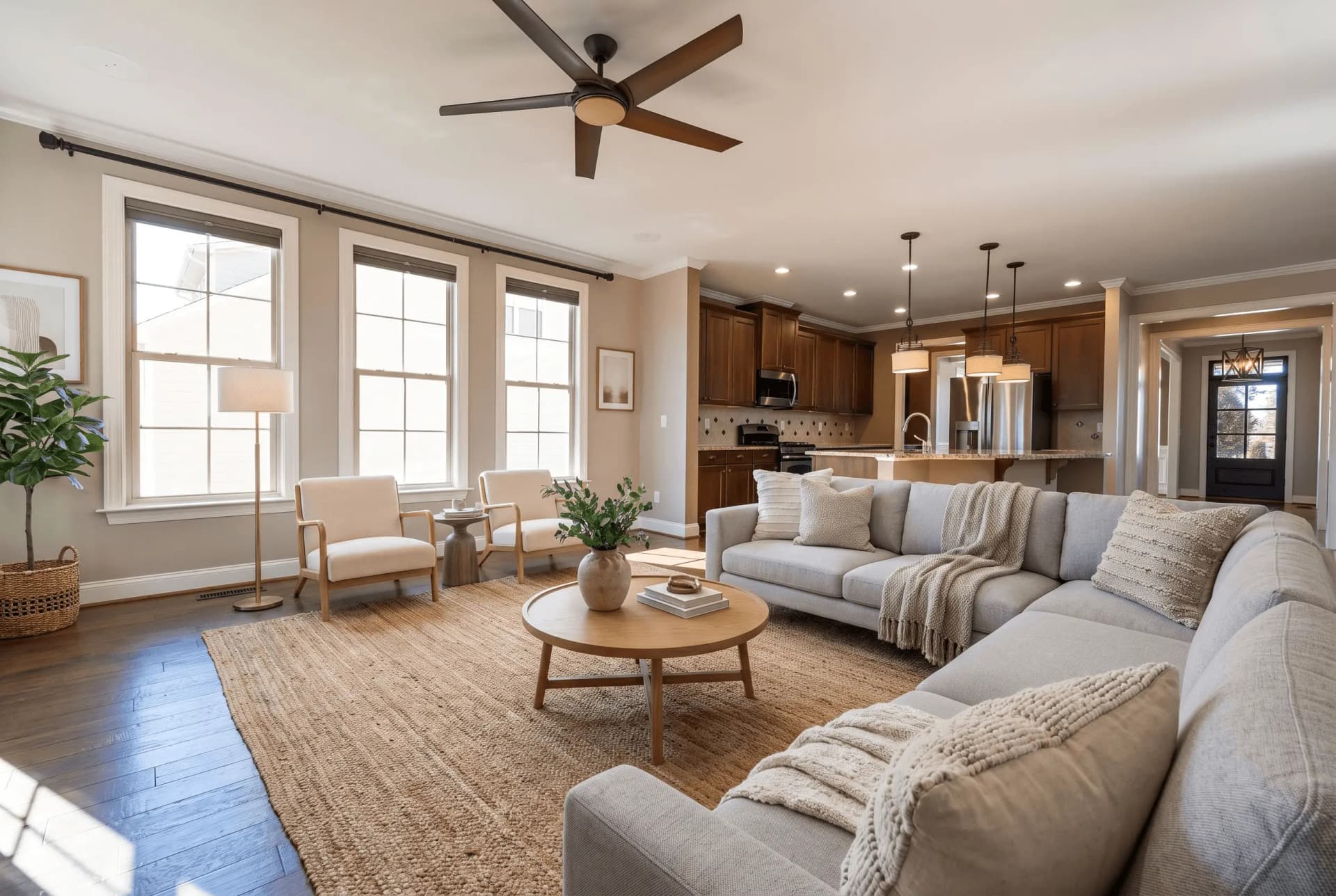 AntesHome staging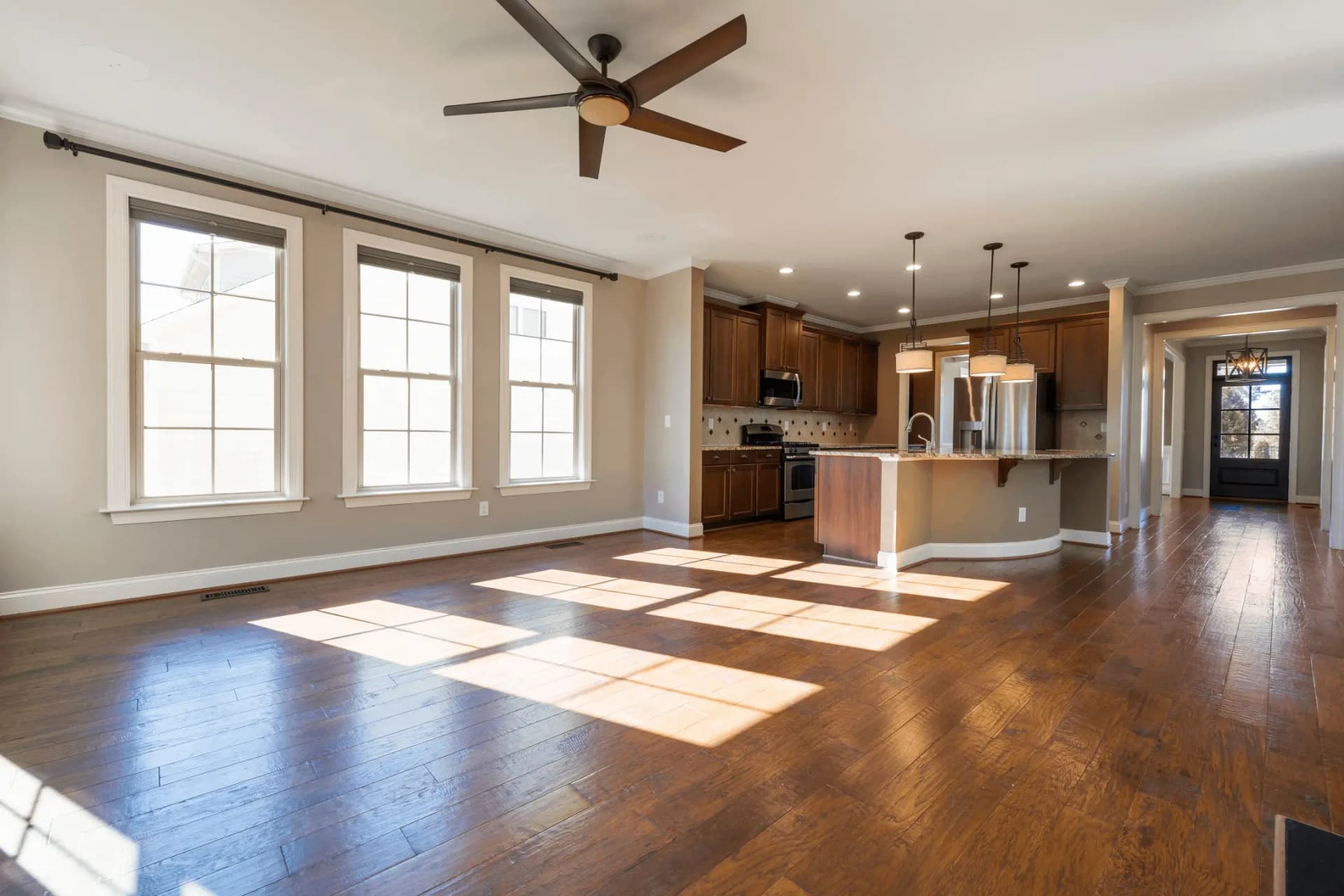
Staging Virtual
Transforme ambientes vazios com móveis gerados por IA
 AntesAprimoramento
IA Desorganizar
Remova automaticamente todos os móveis
 AntesAprimoramento
Planta com IA
Transforme uma planta 2D em um render 3D mobiliado
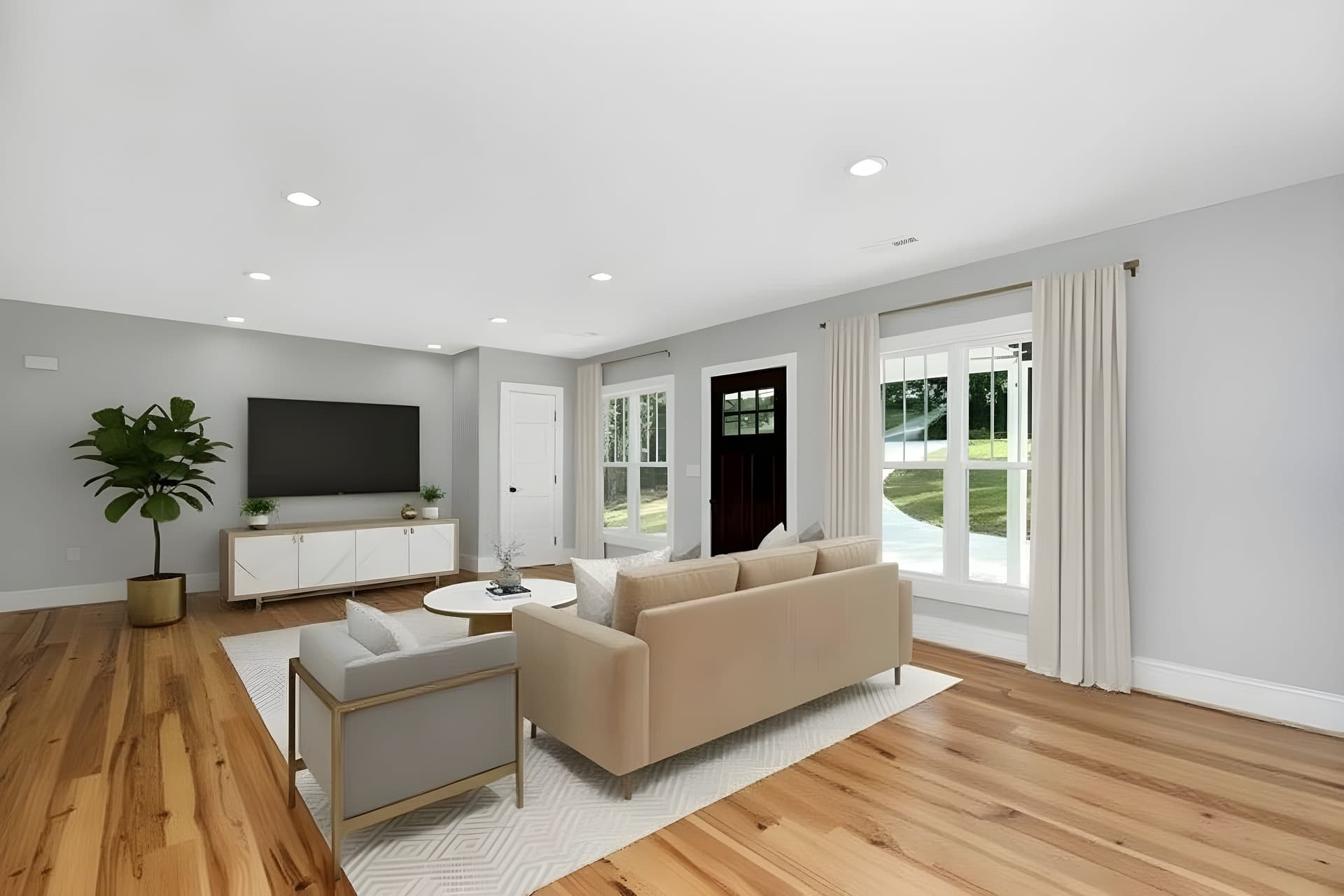 AntesAprimoramento
Aprimorador de Imagem com IA
Melhore a qualidade das fotos instantaneamente com IA
The finishes are updated. Is the room furnished?
A renovated empty room is still an empty room. Virtual staging puts furniture in it, and the photo tools fix the exposure on the same shot.
Try QuickStaging for free3 créditos grátis para começar, depois $0.45 por foto. Os créditos nunca expiram. Ver preços