
AI 360° virtual staging furnish the whole sphere
Upload an equirectangular panorama of an empty room and get it back furnished, with the wrap seam closed so it holds together when you turn all the way around.
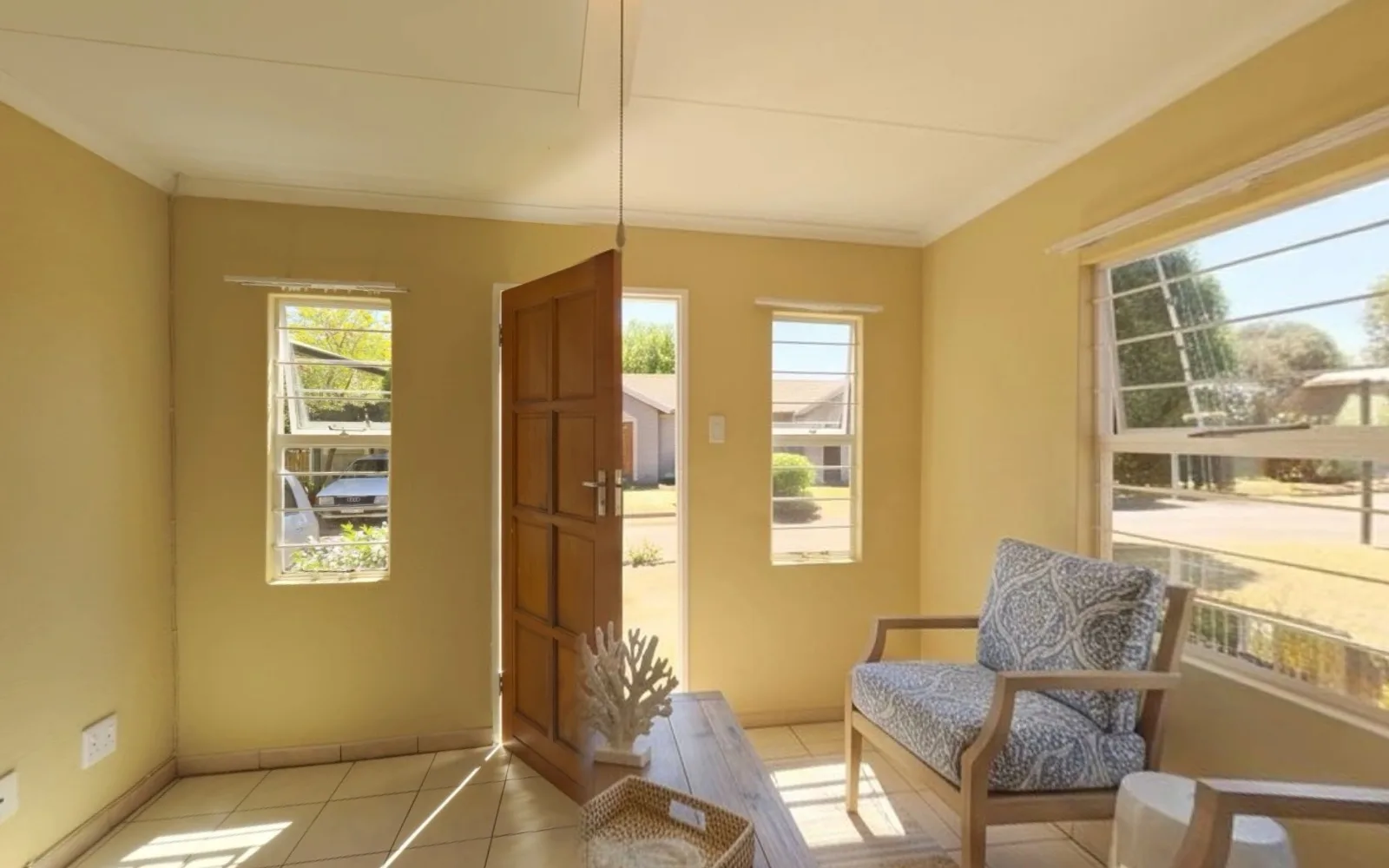
Equirectangular panorama (2:1 ratio) · JPG, PNG or WEBP · Max 20 MB
- What a run costs
- 1 credit — a panorama is always one render
- To try it
- A free account, 3 credits, no card
- What it takes
- A 2:1 equirectangular frame, up to 20 MB
Can you virtually stage a 360° panorama?
Yes. Upload the equirectangular frame — the 2:1 image any 360 camera writes — and it comes back furnished in the style you pick. The hard part is the wrap: the left and right edges are physically adjacent, and a model that cannot see that renders them separately and tears the sphere. 1 credit per panorama, from $0.44–$0.60 per image.
Last updated:
The seam at 0°, and what it took to close it
An equirectangular panorama wraps: its last column of pixels is physically next to its first. An image model sees a flat rectangle and has no idea, so it renders the two edges independently — different furniture, different light — and in a viewer that is a hard vertical tear behind you. Asking for a seamless wrap in the prompt does nothing, because the model has no mechanism to honour it.
- 01The wrap is shown, not described
- Before the render, each edge is copied inward by 8% of the width — about 29° of heading — so the wrap neighbourhood is visible inside the frame and the model draws across it once instead of guessing twice.
- 02The seam closes by construction
- Afterwards the padding is cross-faded out over about 5°, and the ramp begins at a column the model itself drew continuous with the far edge. The join is exact rather than merely plausible.
- 03The blend is deliberately narrow
- A wide cross-fade blends two independent renders of the same 29° and you see the door frame through the armchair. Wide context, narrow ramp: two separate jobs that used to share one constant.
- 04Rendered at 2K, not one megapixel
- The flash model caps near 1 MP, so an 8 MP panorama came back with every wall, window and door re-rendered small and upscaled. This runs on nano-banana-pro at 2K instead.
A staged panorama is a digitally altered image under California's AB 723 in exactly the way a staged photo is — furniture that is not in the property is the case the statute was written about, and it carves out only exposure and colour work. The listing needs a conspicuous notice and a link to the unaltered original. See the disclosure rules by state
How it works
- 01
Drop the equirectangular frame
The 2:1 image your 360 camera writes, up to 20 MB. Anything outside a 1.9–2.1 ratio is a crop or an ordinary wide photo and is rejected rather than staged badly.
- 02
Pick the room and the style
The same room types and furniture styles as flat staging, applied to the whole sphere rather than to one wall of it.
- 03
Look around before you use it
Turn all the way through 360° in the viewer, and pay attention to the wrap behind you and to the floor beneath. Quality control re-runs a broken result once at no cost.
What it accepts
The frame's shape decides whether this is even the right tool. A panorama is 2:1 by definition, and everything else is a different job.
| Your file | What it accepts | What happens |
|---|---|---|
| 2:1 equirectangular1.9–2.1 | What a 360 camera writes: Insta360, Ricoh Theta, Matterport exports. | Staged as a sphere, wrap seam closed, returned at your source's size. |
| A cropped panorama | An equirect someone has trimmed, or a stitched partial. | Rejected. Staging it produces something broken in a viewer no matter how good the render is. |
| An ordinary wide photo | 16:9 or 3:2 from a phone or a wide-angle lens. | Rejected here — this is the flat virtual staging tool's job, and it does it better. |
| A very large file | Above 20 MB. | Rejected before upload. 360 cameras write big files; export at a lower quality if yours exceeds it. |
A panorama is always a single render and a single credit — there is nothing to pick between when the result is one immersive frame, so the 1-to-3 variant picker the flat tools carry does not apply here. A free account comes with three credits and no card. Signed out, the tool does not run at all.
Questions about 360° staging
Terms, limits and what the tool will not do.
Is the AI 360 staging tool free?
Not without an account, and not unlimited. A free account takes no card and comes with 3 credits. A panorama costs 1 credit — always one, because a 360 run produces a single immersive frame rather than a set to choose from. After those, credits work out to $0.44–$0.60 per image depending on pack size, they never expire, and there is no subscription to keep. Signed out, the tool does not run.
What file do I upload?
The equirectangular frame your 360 camera writes — a single 2:1 image, not a set of cube faces and not a tour link. Insta360, Ricoh Theta and Matterport all export one. Anything outside a 1.9-to-2.1 ratio is refused, because staging a cropped panorama produces something that is broken in a viewer however good the furniture looks.
Will the seam behind me line up?
That is the specific problem this tool is built around. The panorama's own edges are copied inward before the render so the model can see across the wrap, and the padding is then cross-faded out over a narrow band that starts on a column the model drew continuous. The join closes by construction rather than by asking the model nicely. It is still worth turning all the way around before you publish.
Why is it one credit and not one to three?
Because there is nothing to choose between. On a flat photo, variants give you three compositions to pick a favourite from. A 360 render is one immersive frame you walk around inside; a second one is not an alternative take, it is a different room. So a panorama run is fixed at a single render and a single credit.
Can I stage a partial panorama or a cube-face set?
No. A partial is refused by the aspect check. Cube faces were built, measured and abandoned: rendering the six faces independently put translucent furniture along every face boundary and a separate seating group in the middle of each face. Blending independent renders of one room is a double exposure, not a transition.
Does it change the room itself?
It adds furniture, which is the point, and it is asked to hold the architecture — walls, windows, doors, floor — as photographed. Because the model re-renders the frame rather than painting into a mask, treat the result as a new rendering of your room and look around it before you publish. That is also why it runs at 2K rather than the one megapixel the cheaper model caps at.
Do I have to disclose a staged panorama?
Yes, on the same footing as a staged photo. California's AB 723 covers images that change what a property appears to contain, and furniture that is not there is the central case. It carves out only lighting, exposure, white balance, colour correction and sharpening. The rule requires a conspicuous notice next to the image and a link to the unaltered original, and a 360 tour needs it as much as a still does.
How long does it take?
Longer than the flat tools — it is a 2K render of an eight-megapixel frame — and longer still when the model provider is busy. Closing the tab does not lose the run or the credit; the result is written to your project when it lands.
Are my property photos private?
Uploads are processed over encrypted connections and are not used to train any model. They are stored with your project so you can come back to the result, and you can delete a project and its images from the studio at any time.
Disclosing altered photos
Since January 1, 2026, California's AB 723 has required a visible disclosure and a link to the original photo on digitally altered listing images. Edits that change how a property looks are covered; routine colour and exposure fixes are not.
We checked 297 California listings whose own captions admit the photos were altered. 99% carry no publicly reachable link to the original image, which is the half of the statute almost everyone misses.
AI Tools
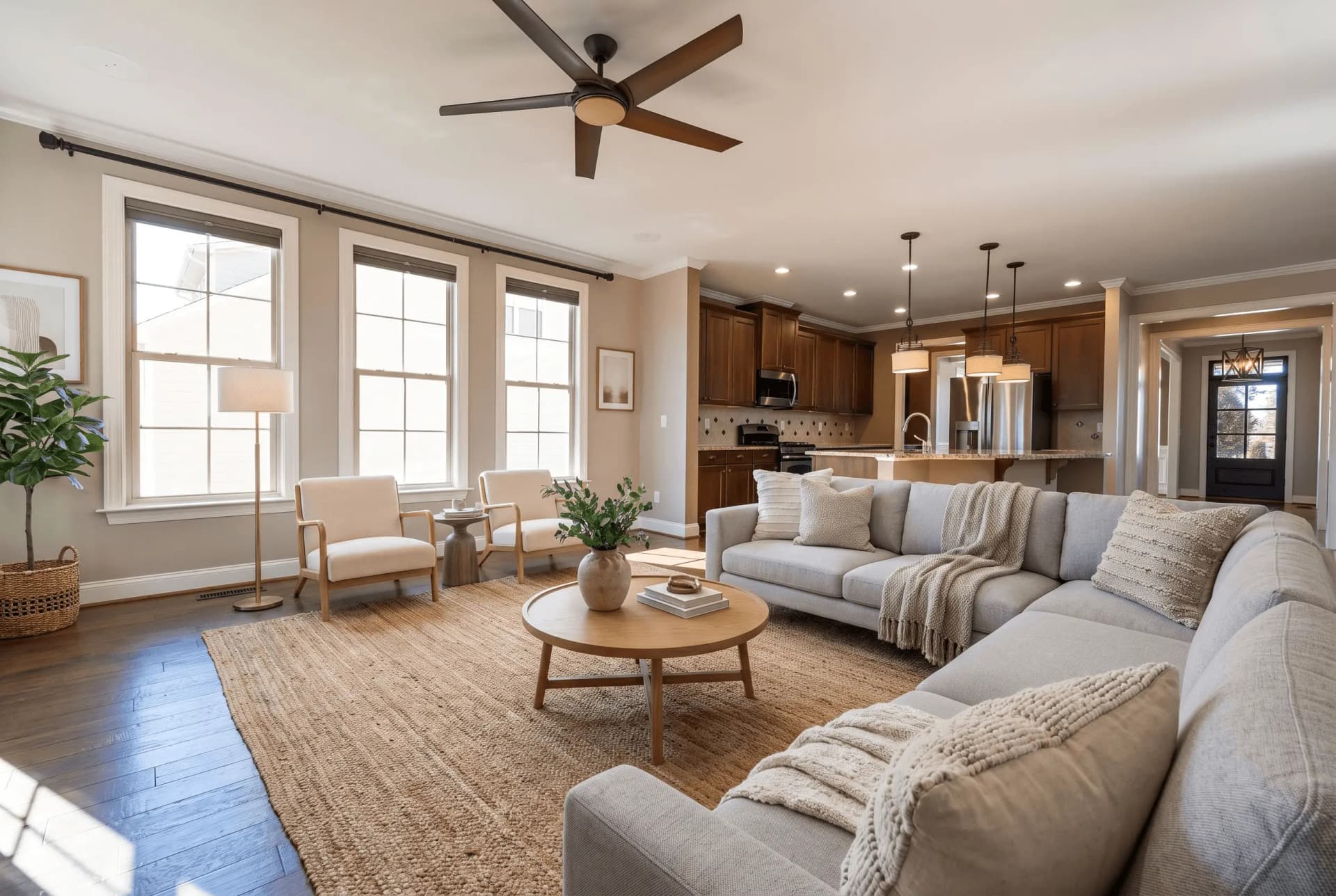 BeforeStaging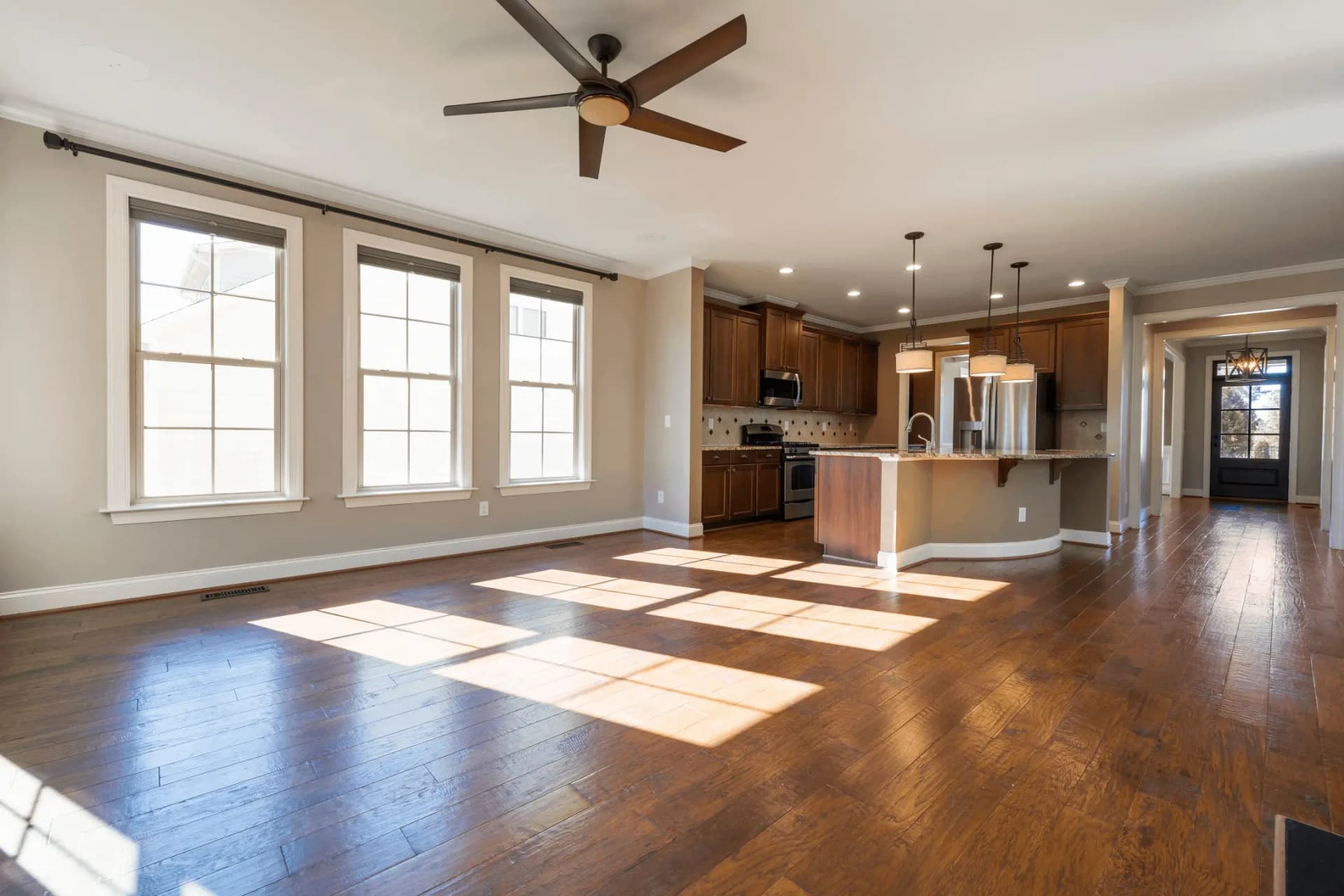
Virtual Staging
Transform empty rooms with AI-generated furniture
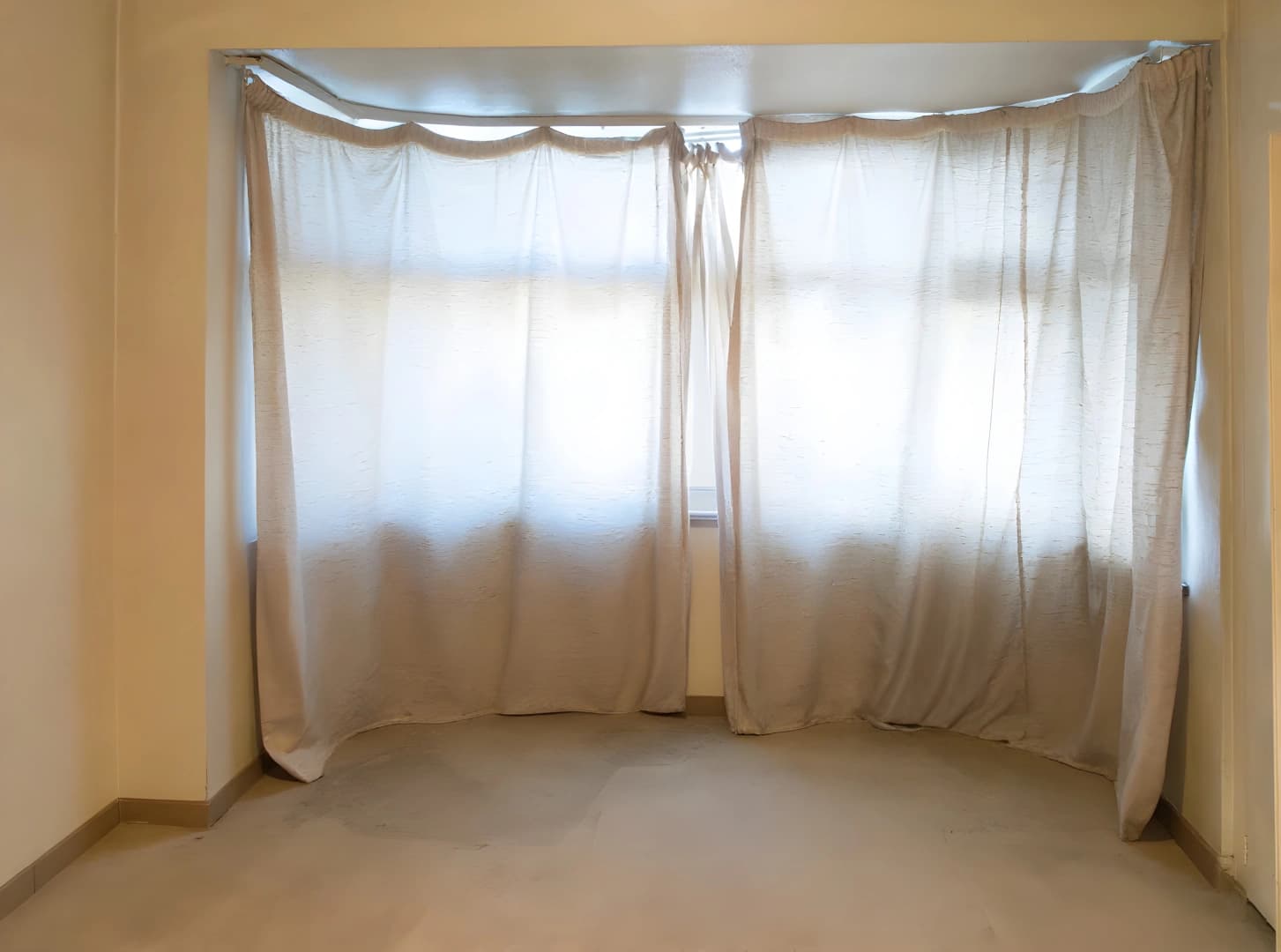 BeforeEnhancement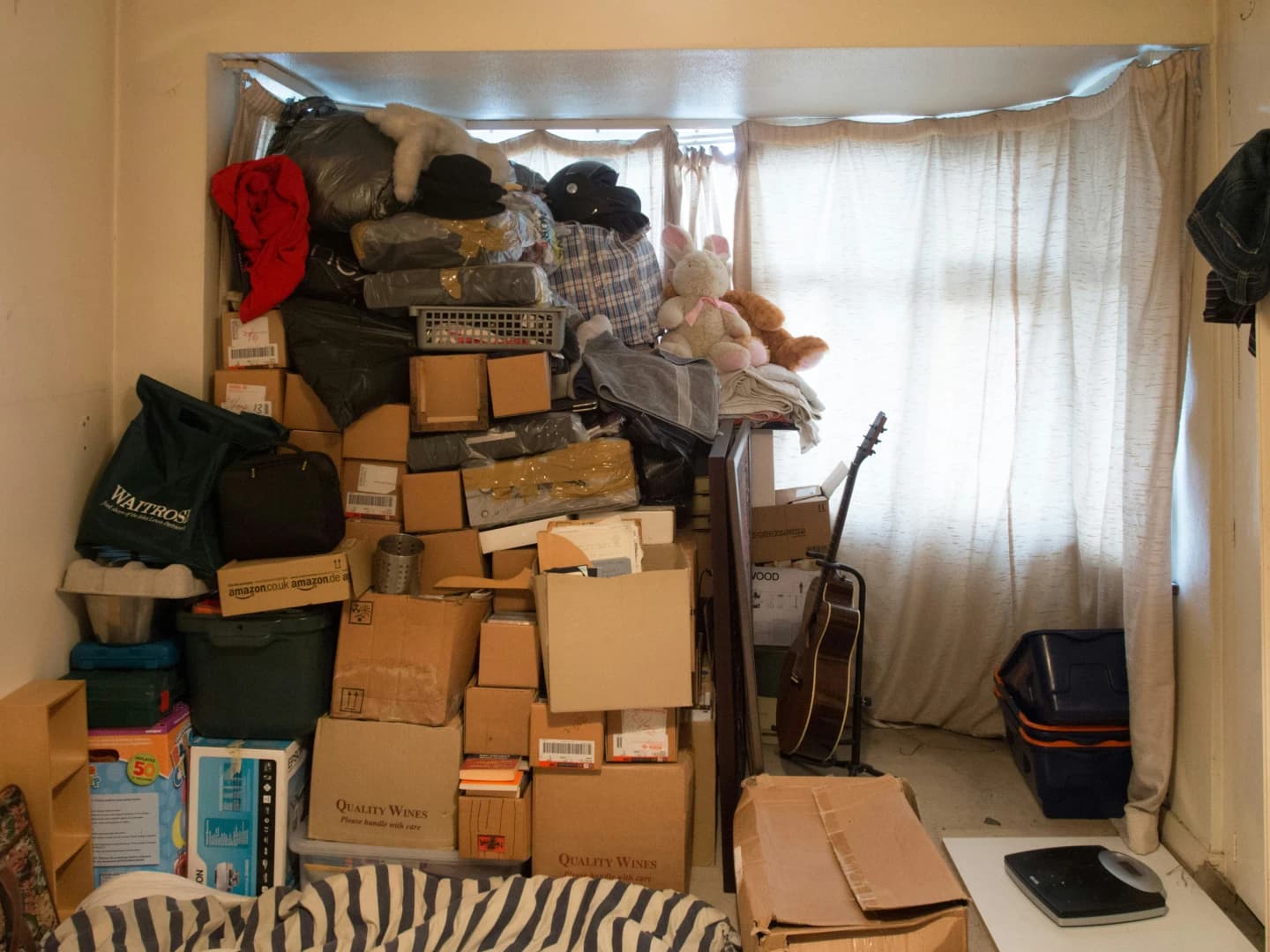
AI Declutter
Auto-remove all furniture & clutter
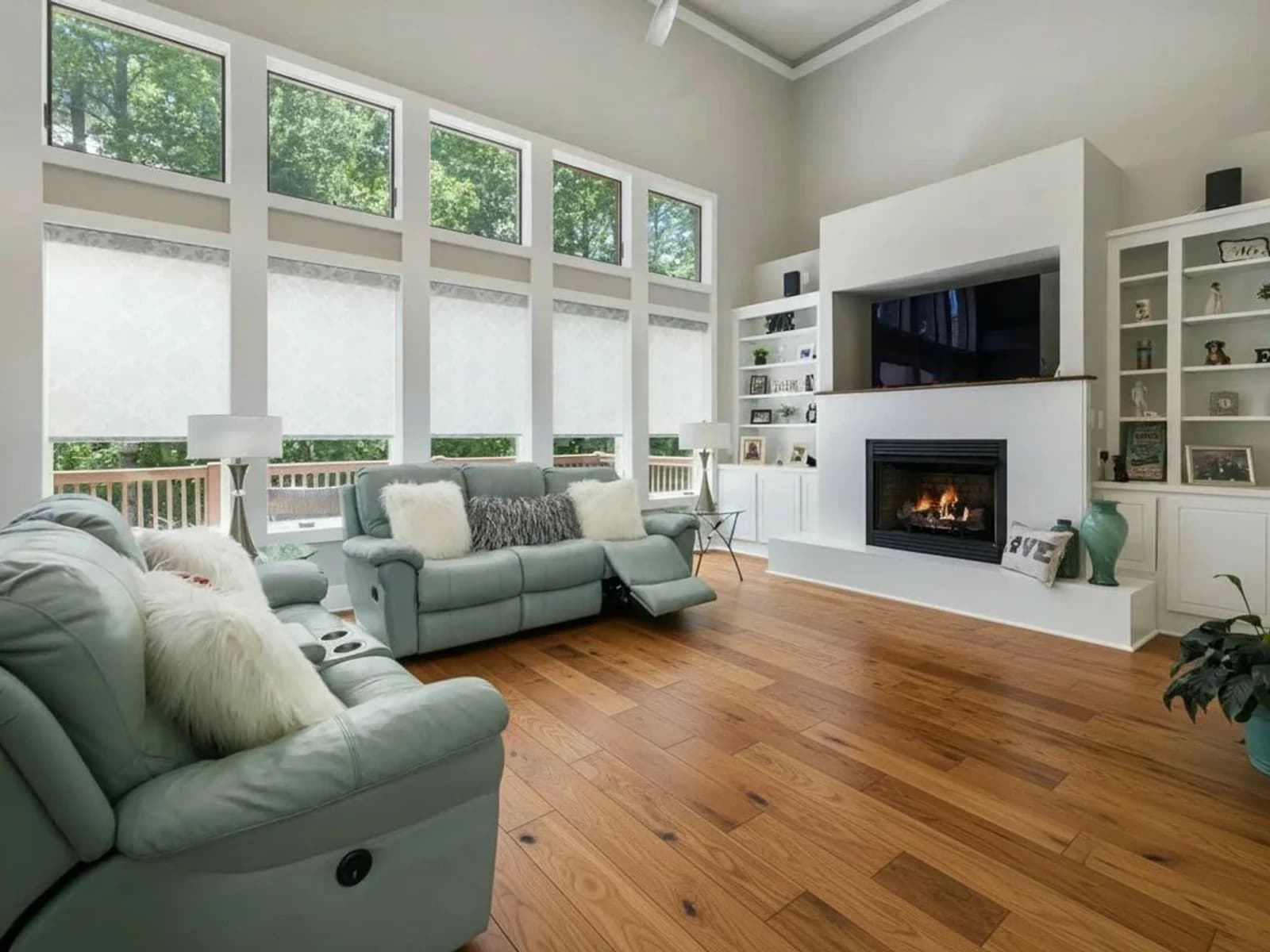 BeforeStaging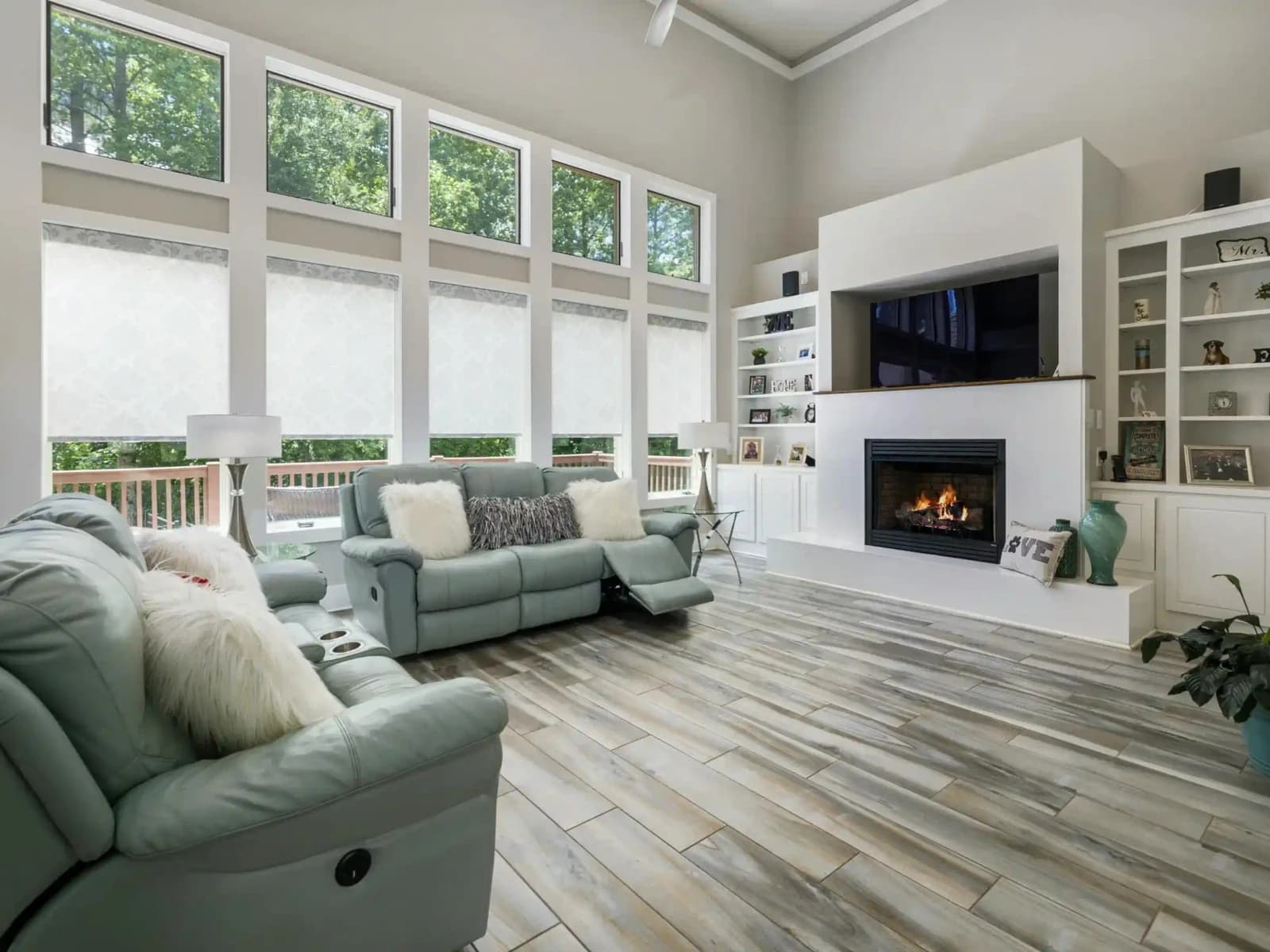
AI Virtual Renovation
New finishes, same room and layout
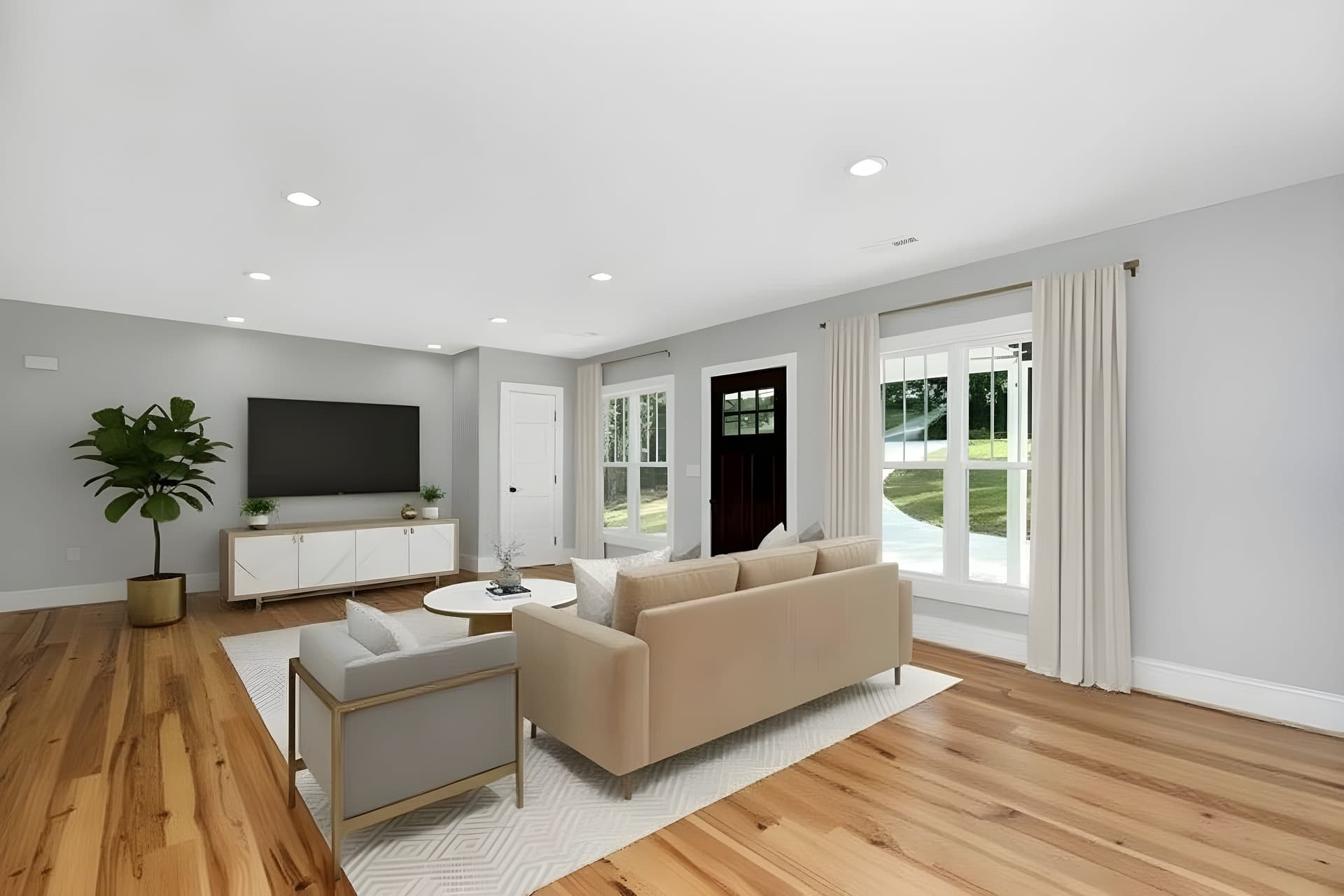 BeforeEnhancement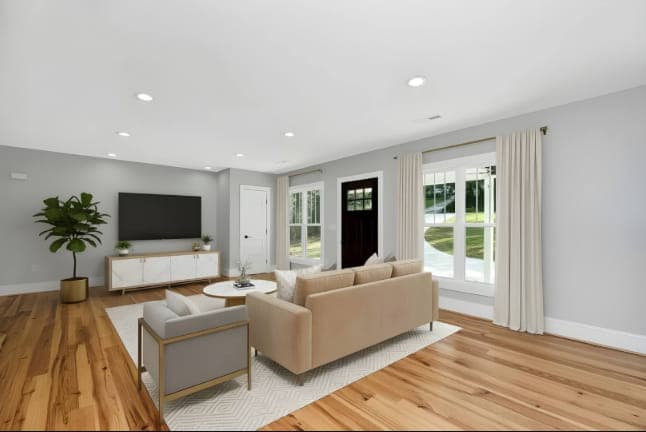
AI Image Enhancer
Enhance photo quality instantly with AI
The sphere is furnished. What about the flat set?
Most listings ship a 360 tour and twenty ordinary photographs. The same styles apply to both, and the empty rooms in the flat set still need furnishing.
Try QuickStaging for free3 free credits to start, then $0.44–$0.60 per photo. Credits never expire. See pricing