
Straighten real estate photos and fix leaning walls
Upload a room shot with tilted or converging verticals. The tool finds the vertical lines, measures the tilt and warps the photo so walls, door frames and windows stand straight. No AI model: nothing is added, removed or repainted.
JPG, PNG or WEBP · Max 15 MB
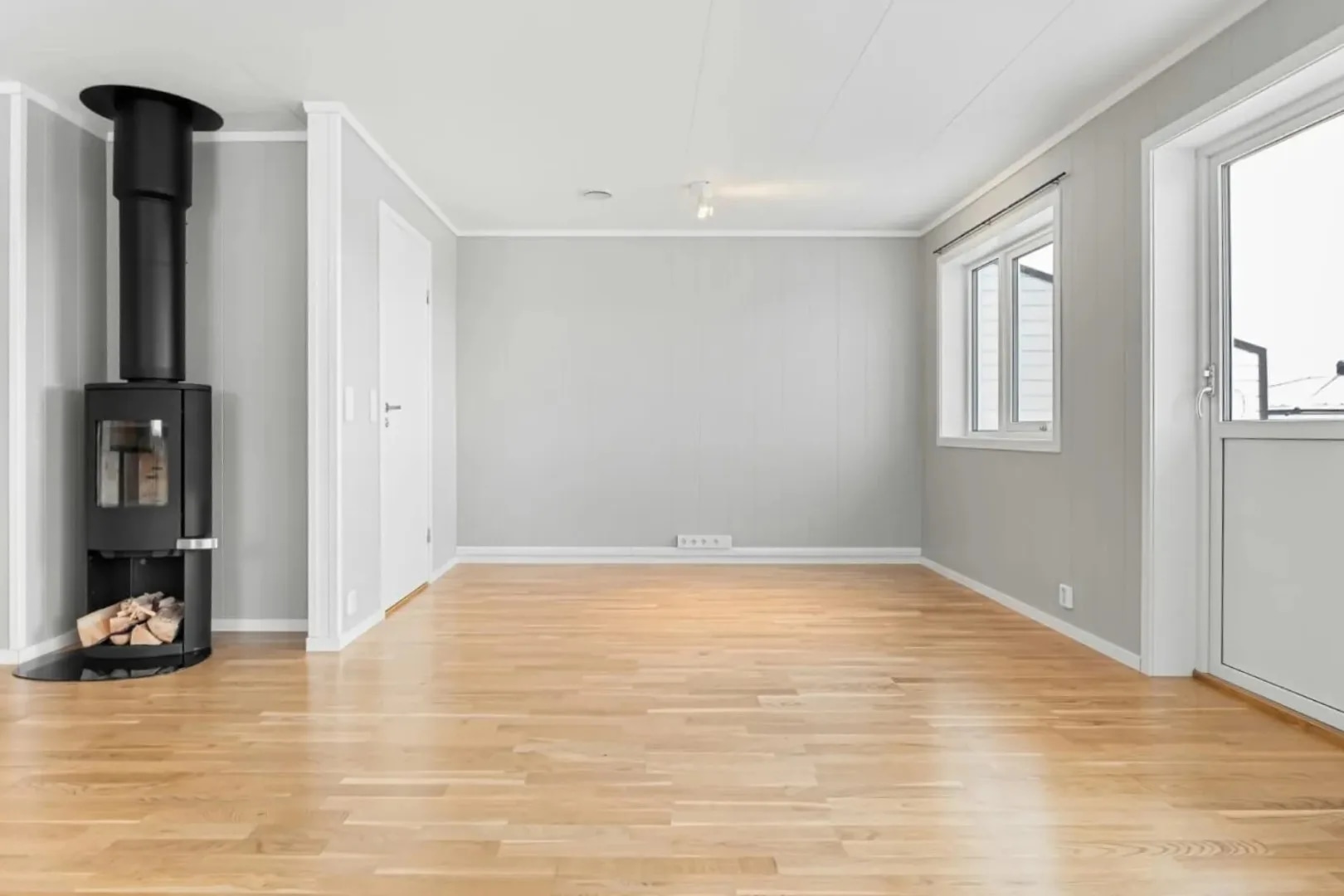
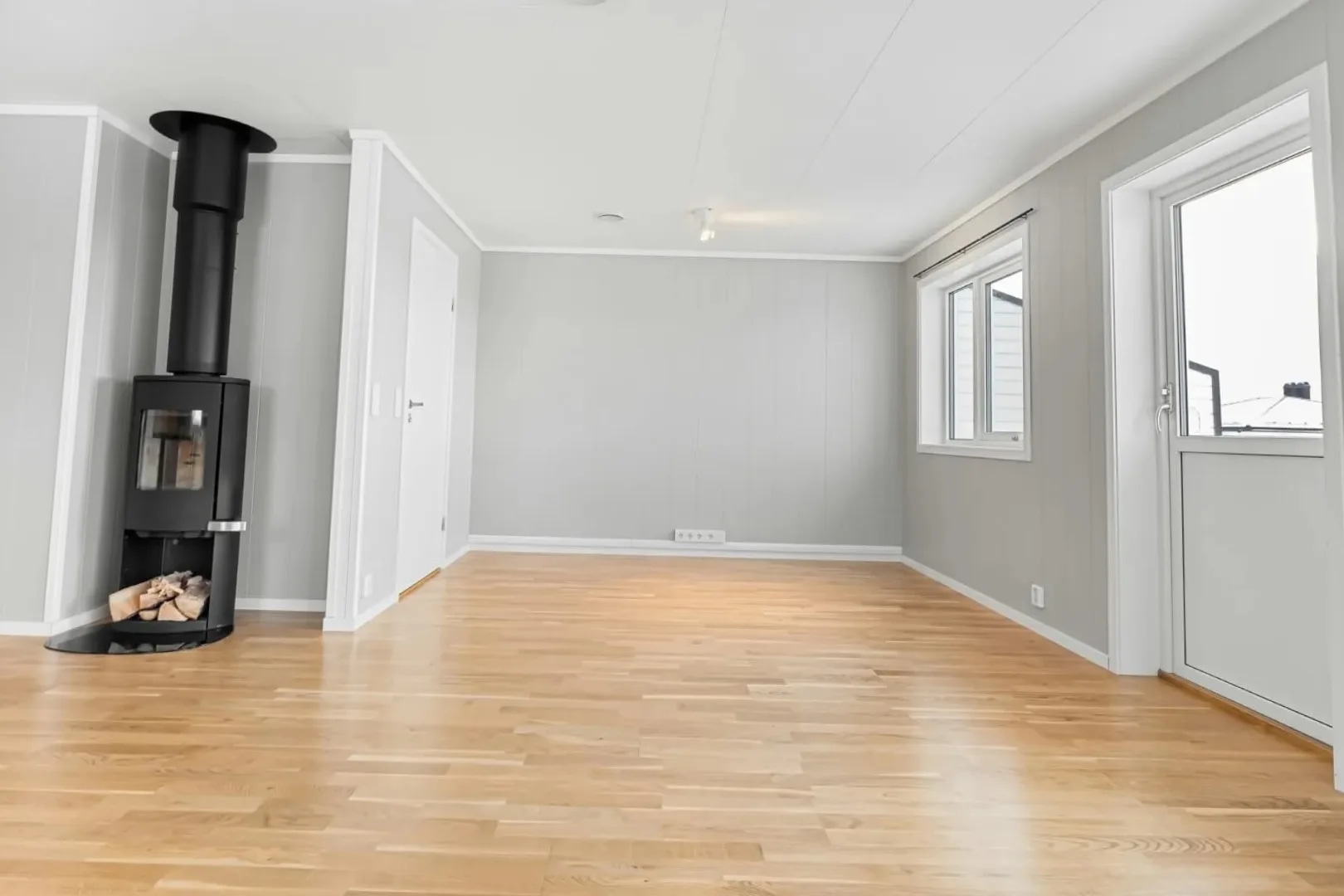
- Free run
- One, no account needed
- A run costs
- 1 credit, then the sliders are free
- Auto crop
- Never more than 15% of the frame
How do you straighten a real estate photo?
Upload the photo and run the straightener. It detects the vertical lines in the room, measures how far the camera was rolled and tilted, and warps the photo so those lines come out vertical and parallel, then crops to the covered area. The automatic fix keeps the crop at 15% or less; two sliders take it further for free. One credit per photo, from $0.45.
Last updated:
It moves pixels. It does not make new ones.
Most photo tools in this category now send the image through a generative model. This one measures lines and applies a perspective warp, the same operation as the vertical perspective slider in Lightroom or Photoshop, done for you.
- 01It leaves a photo alone when unsure
- If a room has too few clear vertical lines to measure, the tool says so and changes nothing. That happened on about one photo in four in our tests; the sliders still work on those.
- 02Measured on real listing photos
- On 99 listing photos given a known tilt, the median error was 0.13° and 95% were within 0.56°. Of the 20 photos it corrected on its own, none came out worse than the original.
- 03The crop is capped and shown
- Straightening a strongly tilted phone photo can cost a third of the frame. The automatic fix stops at 15% and says it went part of the way; the sliders show the crop before you commit to it.
- 04Nothing in the room changes
- Furniture, finishes, views and fixtures stay exactly as photographed. Only the angle does.
California's AB 723 names angle and straightening among the edits that do not make a photo digitally altered, next to lighting and colour correction. A straightened photo needs no altered-image notice unless you also edit what the property contains. See the disclosure rules by state
How it works
- 01
Drop the room photo
Any JPG, PNG or WEBP up to 15 MB. Interiors and exteriors both work, as long as walls, door frames or windows are in the shot.
- 02
Run the straightener
It measures the roll and the vertical tilt and applies the fix in a few seconds. The result has the same pixel dimensions as your upload.
- 03
Fine-tune with the sliders
Rotation and vertical lines each have a slider. Moving them re-renders the photo at no extra cost, with the crop shown as you go.
Questions about straightening photos
What it fixes, what it costs and what it will not do.
Is the photo straightener free?
The first run is free without an account, and the download carries a watermark. A free account takes no card and comes with 3 credits; a run costs 1 credit, and moving the sliders after a run costs nothing. After that, credits work out to $0.45 per photo depending on pack size, they never expire, and there is no subscription.
What exactly does it correct?
Two things: a camera that was rolled (the whole photo is rotated) and a camera that was tilted up or down (vertical lines lean toward each other, which is called keystoning or converging verticals). It does not correct wide-angle barrel distortion, and it keeps the natural convergence of horizontal lines.
Why did it leave my photo unchanged?
Either the photo was already straight to within half a degree, or it could not find enough clear vertical lines to measure the tilt with confidence, which is common in plain-walled rooms. It changes nothing rather than guess. Set it by eye with the sliders; they work on every photo.
Why is part of the photo cropped?
Straightening warps the frame, so its corners no longer fill a rectangle; the result is cropped to the largest area the photo still covers. The automatic fix keeps that under 15%. A strongly tilted phone photo can need a third of the frame for a full fix, so the tool corrects it part of the way and leaves the rest to the sliders.
Is it AI? Will it change anything in the room?
No model is involved. The tool detects straight line segments, estimates the vertical vanishing point and applies a perspective warp. It cannot add, remove or repaint anything, so the room is exactly as photographed.
Do I have to disclose a straightened photo?
Under California's AB 723, no: the statute lists angle and straightening, with lighting and colour correction, as edits that do not count as digital alteration. If the same photo is also staged or has objects removed, that edit still needs the notice.
Does it work on 360 panoramas?
No. An equirectangular panorama has no single vertical direction to correct, so the tool is for ordinary photos only.
How long does it take?
A few seconds for the first run, and about a second for each slider change. It is arithmetic on your photo rather than a queued model.
Are my property photos private?
Uploads are processed over encrypted connections and are not used to train any model. They are stored with your project so you can come back to the result, and you can delete a project and its images from the studio at any time.
AI Tools
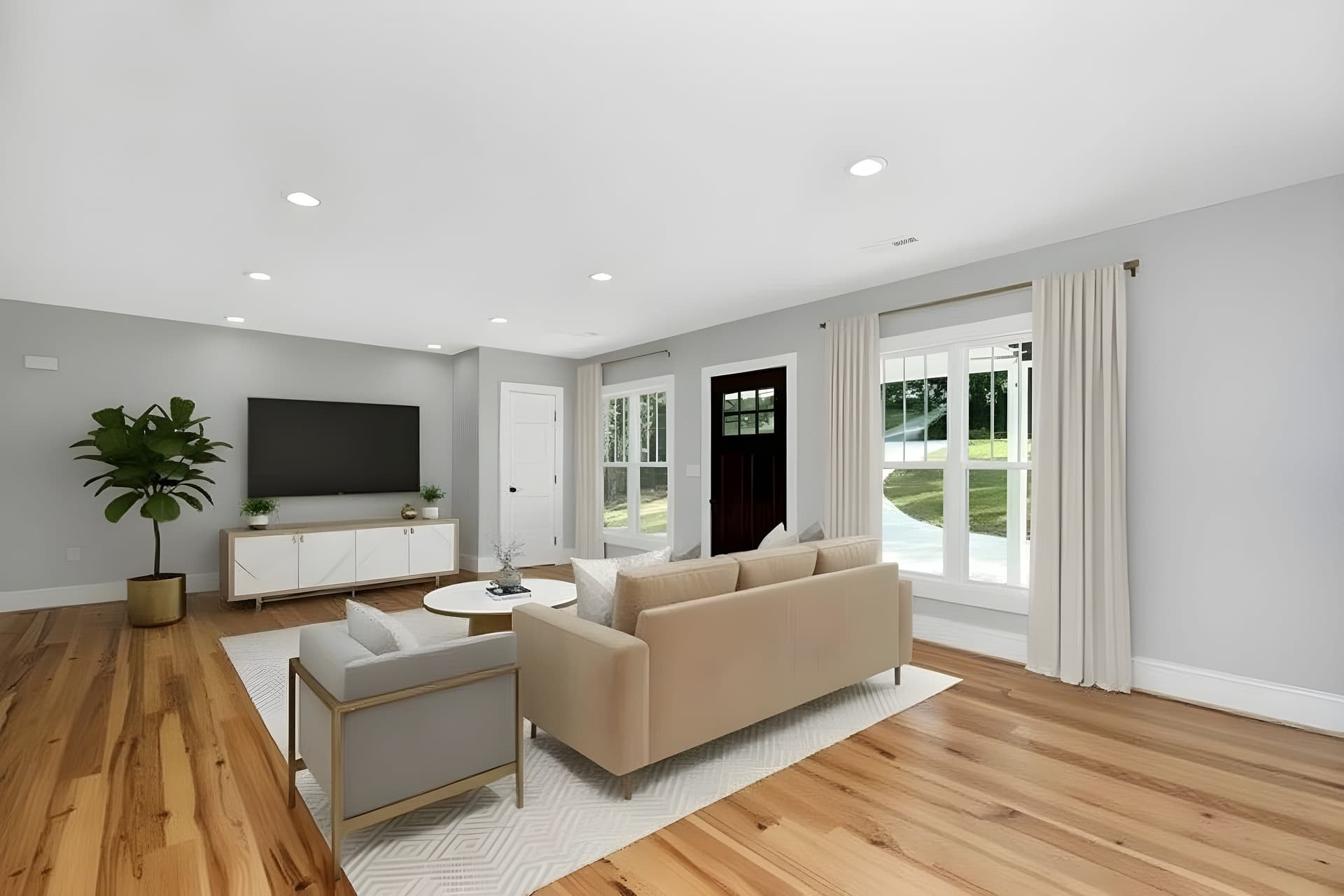 BeforeEnhancement
AI Image Enhancer
Enhance photo quality instantly with AI
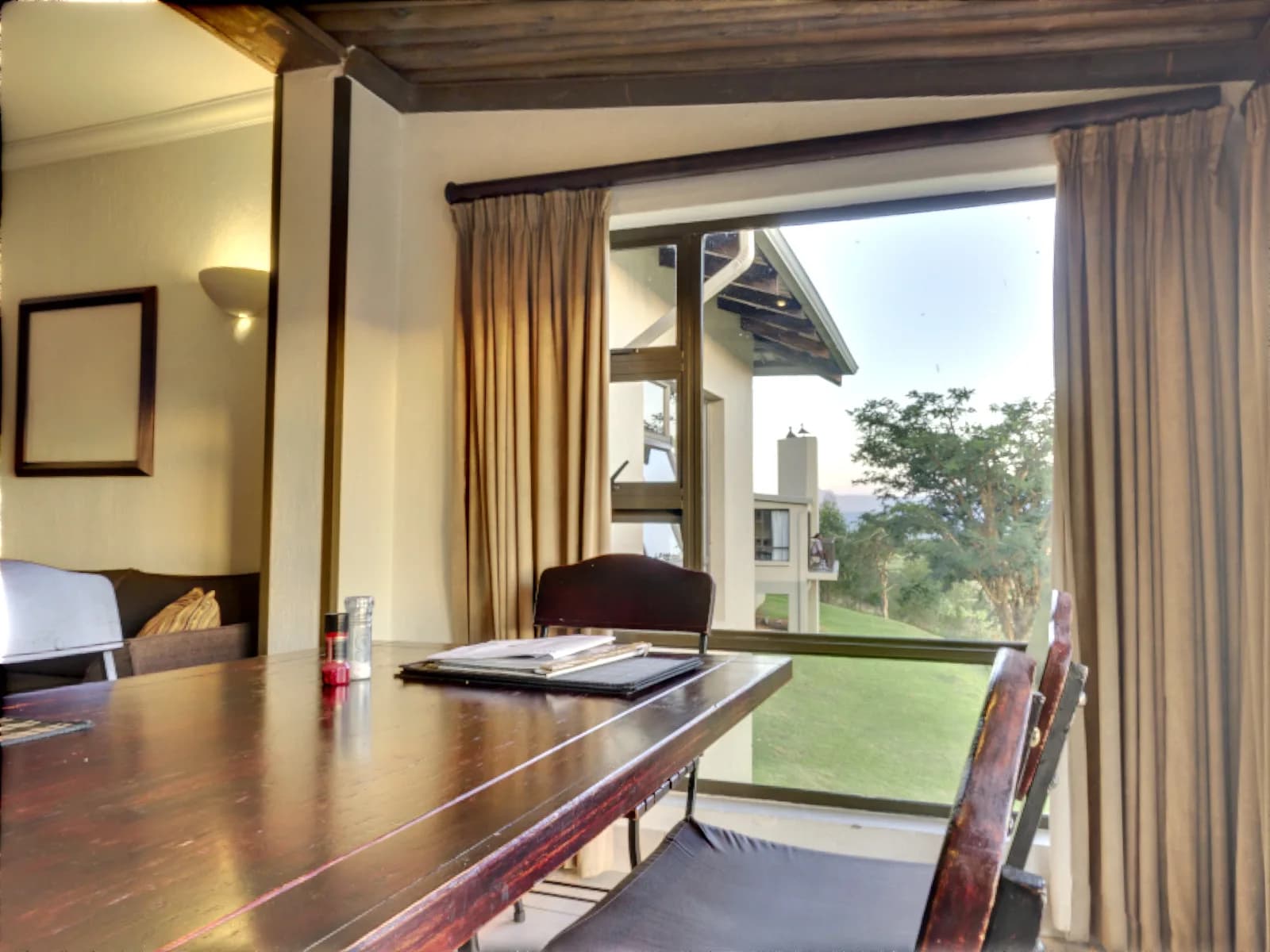 BeforeEnhancement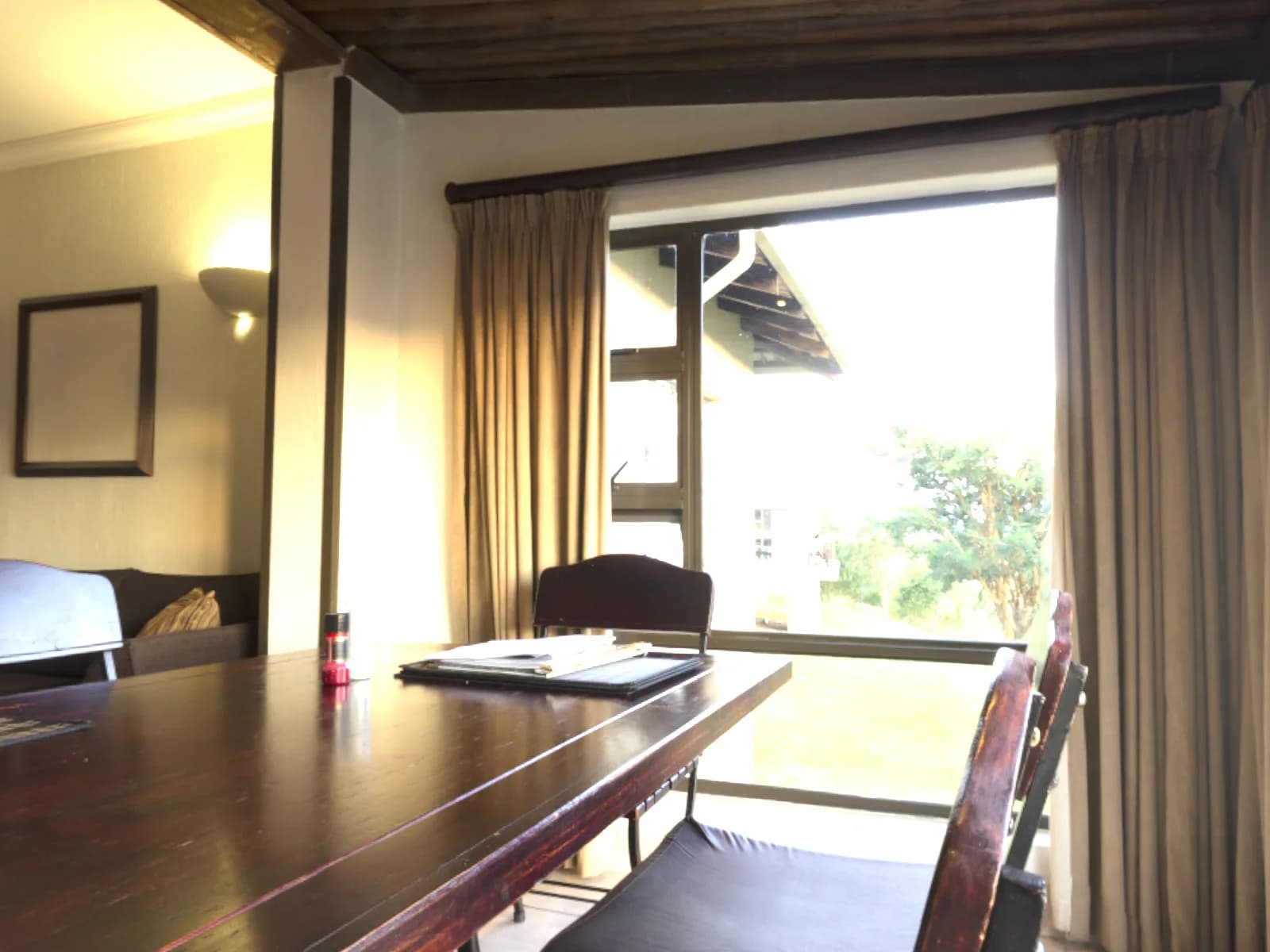
Bracket Merge
Merge bracketed exposures into one photo
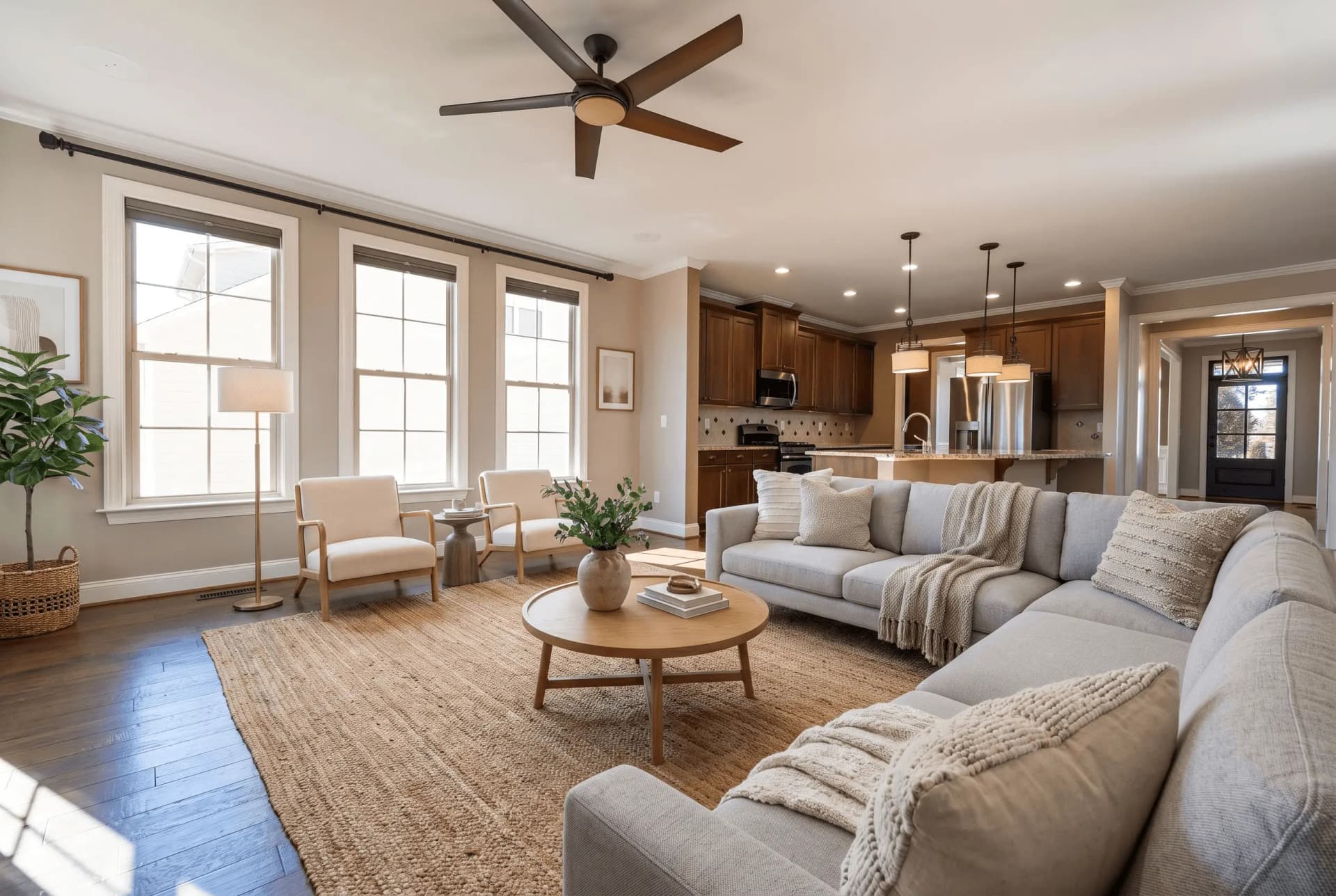 BeforeStaging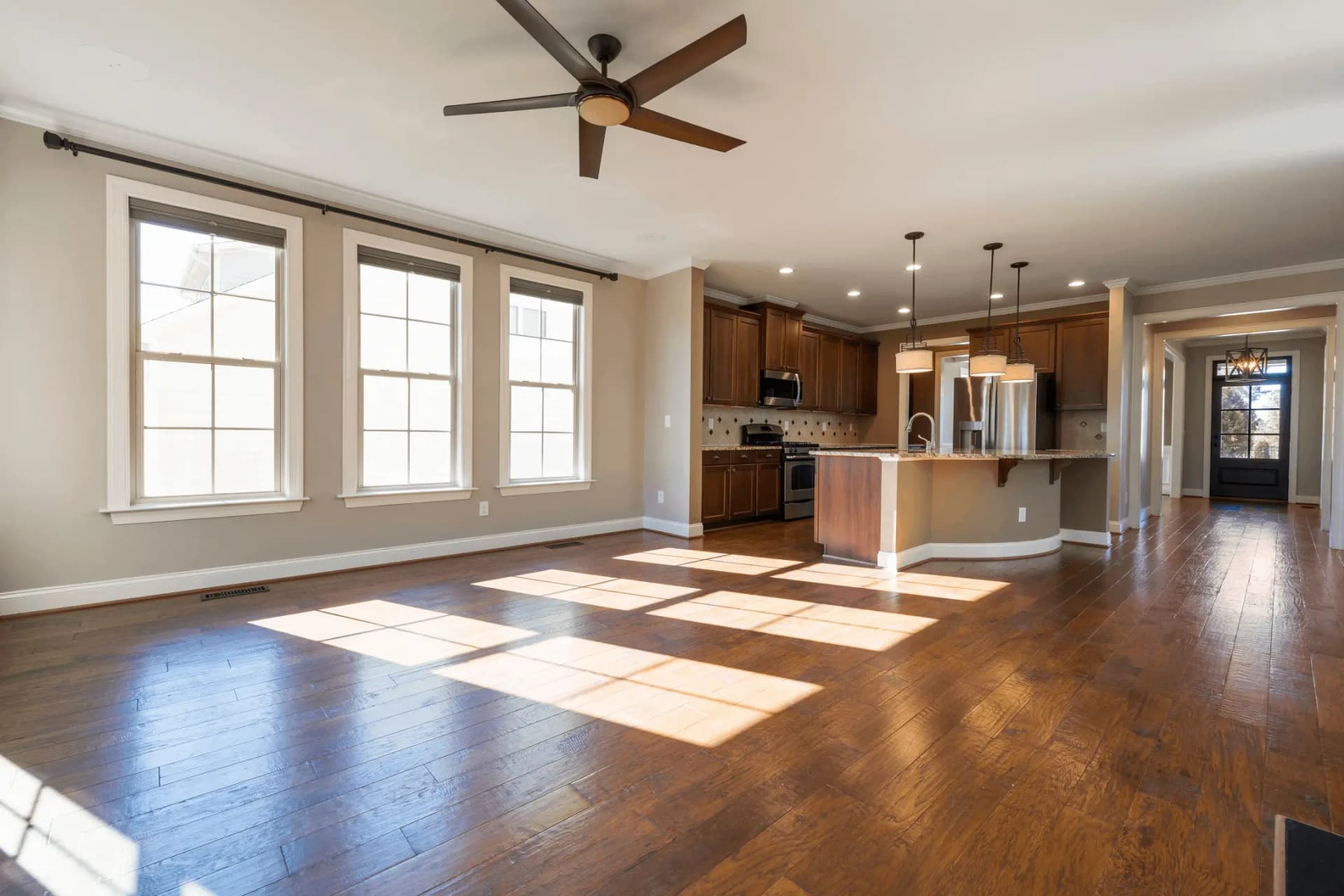
Virtual Staging
Transform empty rooms with AI-generated furniture
 BeforeEnhancement
AI Sky Replacement
Replace dull skies with stunning ones
The walls are straight. Is the light right?
A dark or flat room is a different job. The image enhancer corrects exposure and colour on the same photo, and staging furnishes it if the room is empty.
Try QuickStaging for free3 free credits to start, then $0.45 per photo. Credits never expire. See pricing