
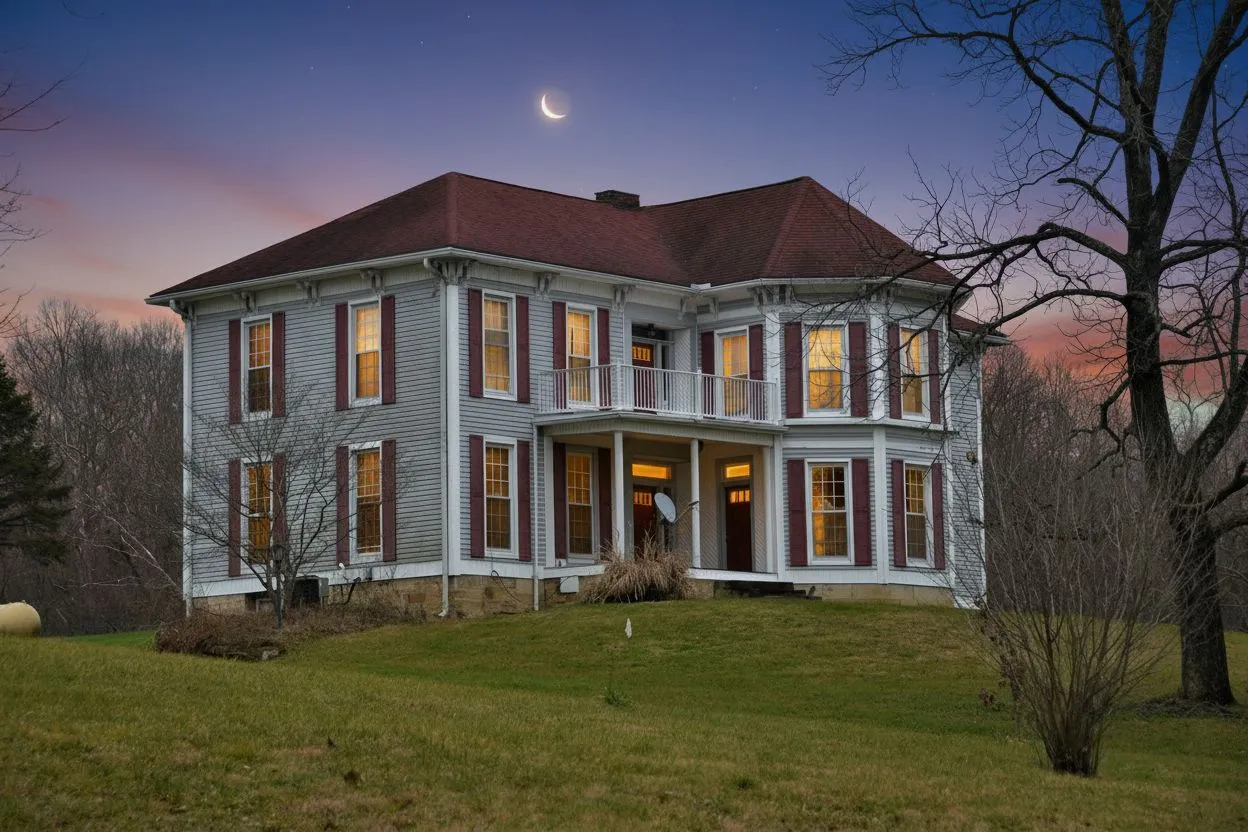

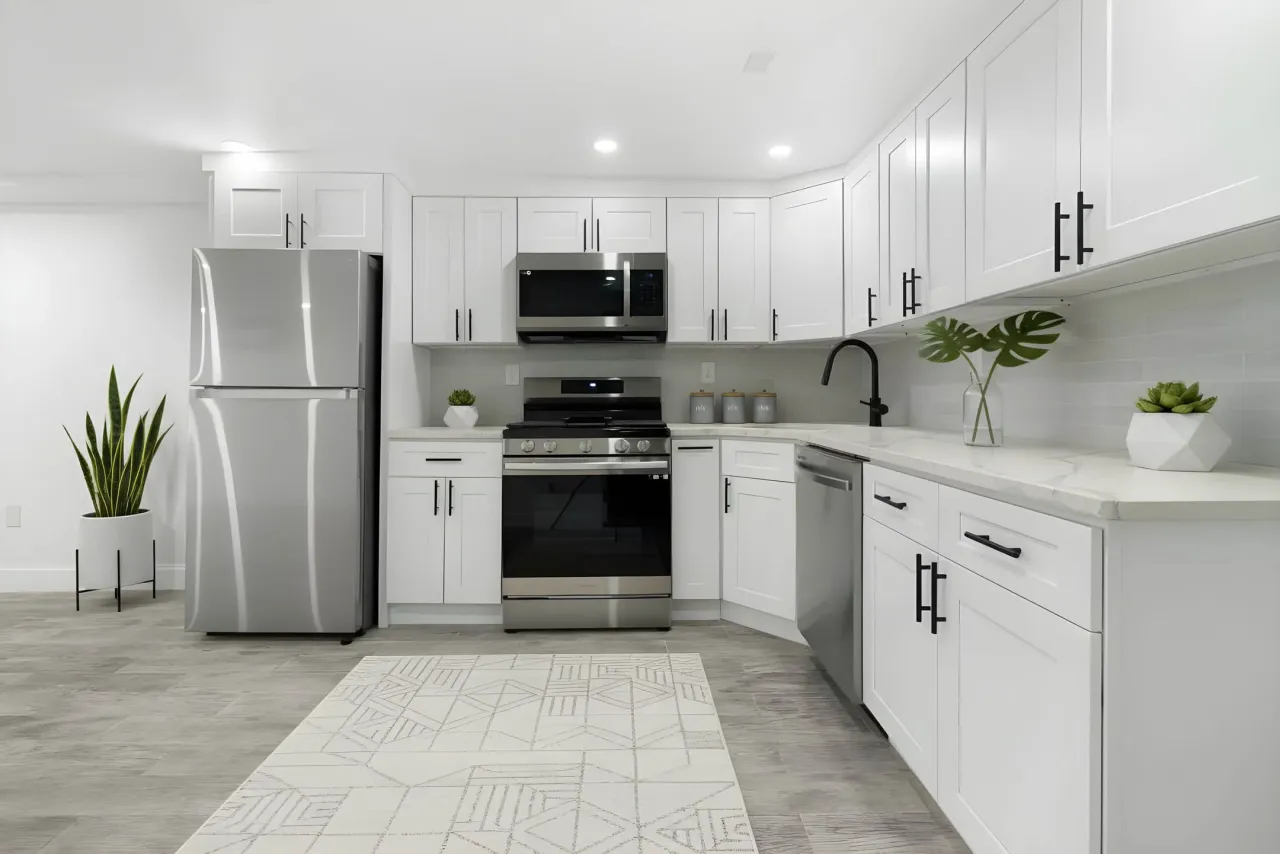
Supporto Foto della Proprietà
Carica una foto di alta qualità della proprietà che verrà mostrata in primo piano sul volantino — facendo risaltare il tuo annuncio a colpo d'occhio.
Inserisci i dettagli della proprietà e le informazioni dell'agente, visualizza il volantino in anteprima dal vivo, poi stampalo o salvalo in PDF — in meno di due minuti. Nessuna competenza di design richiesta.
Sample content
The flyer is filled with a sample listing so you can see the finished thing. Type in any field and it replaces the sample as you go.
JPG, PNG · Max 5 MB · Appare come immagine principale del volantino
PNG, JPG · Max 2 MB · Appare nel piè di pagina dell'agente
Per scaricare serve un account gratuito. Include 3 crediti per lo studio — senza carta.
Anteprima
One page · print-ready
Un volantino di annuncio abbina una buona foto esterna a indirizzo, prezzo, numeri chiave e recapiti, impaginati per restare leggibili a distanza di braccio. Questo strumento riempie un modello a partire dal suo immobile ed esporta un PDF pronto per la stampa più un PNG nel formato dei social. Gratuito. Per stampare non serve un account; per scaricare PDF o PNG serve un account gratuito.
Ultimo aggiornamento:
Crea il volantino della tua proprietà in tre semplici passaggi
Inserisci indirizzo, prezzo, camere da letto, bagni, superficie e una descrizione accattivante della proprietà.
Carica una foto opzionale della proprietà, aggiungi i tuoi dati di contatto e il logo, quindi scegli uno stile per il volantino.
Clicca su "Stampa / Salva come PDF" per aprire la finestra di stampa del browser. Seleziona "Salva come PDF" per scaricarlo o inviarlo alla tua stampante.
Tutto ciò che ti serve per promuovere il tuo annuncio
Carica una foto di alta qualità della proprietà che verrà mostrata in primo piano sul volantino — facendo risaltare il tuo annuncio a colpo d'occhio.
Mostra prezzo, camere da letto, bagni, superficie, anno di costruzione e fino a sei caratteristiche personalizzate in evidenza su un'unica pagina pulita.
Includi nome, telefono, email, agenzia e logo per un volantino completamente personalizzato che indirizza le richieste direttamente a te.
Stampa o scarica tutti i volantini di cui hai bisogno. Nessun abbonamento, nessun costo nascosto, nessun watermark — mai.
Tutto ciò che devi sapere sul creatore di volantini
Sì, completamente gratuito. Non ci sono abbonamenti, costi nascosti o watermark sui tuoi volantini. Per stampare non serve un account; per scaricare PDF o PNG serve un account gratuito.
Clicca su "Stampa / Salva come PDF", quindi nella finestra di stampa seleziona "Salva come PDF" come destinazione. Funziona su Chrome, Safari, Firefox ed Edge sia su Mac che su Windows.
Sì. Clicca su "Carica Foto" nella sezione Foto della Proprietà e seleziona un file JPG o PNG fino a 5 MB. La tua foto apparirà come immagine principale sul volantino.
Sì. Carica un logo PNG o JPG nella sezione Logo dell'Agente (max 2 MB). Apparirà accanto alle tue informazioni di contatto in fondo al volantino.
Sono disponibili due stili: Classico (intestazione blu navy con un layout pulito) e Moderno (design antracite elegante con tipografia contemporanea). Entrambi sono ottimi sia per la stampa che per la condivisione in PDF.
Puoi aggiungere fino a sei caratteristiche o punti di forza principali della proprietà. Appariranno come elenco puntato sul volantino — perfetto per evidenziare i servizi distintivi.
Trasforma stanze vuote in spazi arredati e fotorealistici con il virtual staging IA — il complemento visivo perfetto per un volantino professionale.
Prova Gratis l'AI Virtual Staging