
Real Estate Photo Enhancer that corrects, never repaints
Correct the exposure, color and noise in a listing photo without a model redrawing the room. One upload, three finishes, up to 4K.
JPG, PNG or WEBP · Max 15 MB
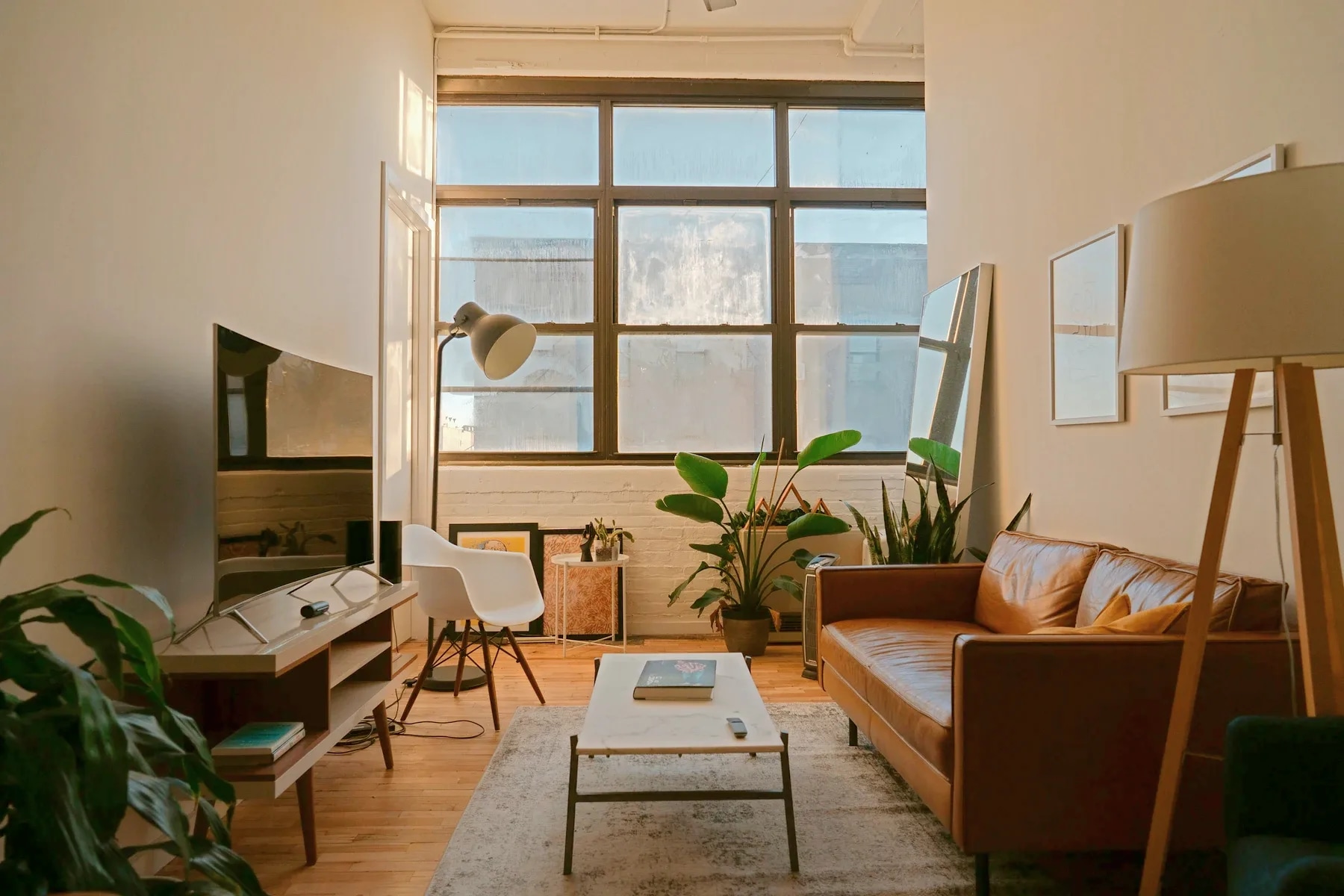
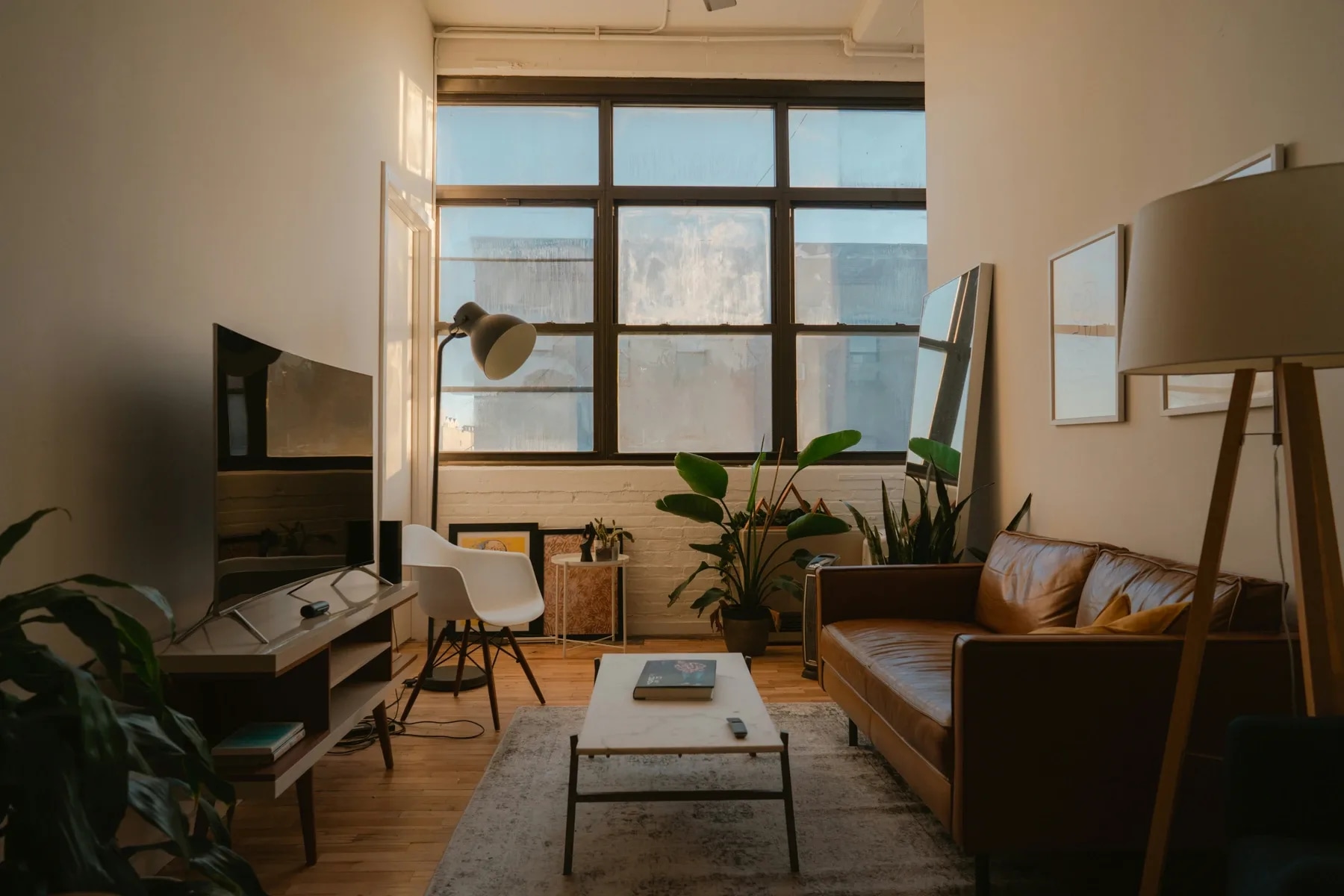
- Free run
- One, no account needed
- Free size
- Up to 2K, watermarked
- With an account
- 4K, no watermark, 3 credits
Is the AI real estate photo enhancer free?
Your first enhance is free with no account and no card: the full correction at up to 2K, watermarked on the download. A free account removes the watermark, unlocks 4K output and includes 3 credits. After that, one run costs 1 credit, which works out to $0.44–$0.60 per photo depending on pack size, and credits never expire.
Last updated:
Four things that make a room look amateur
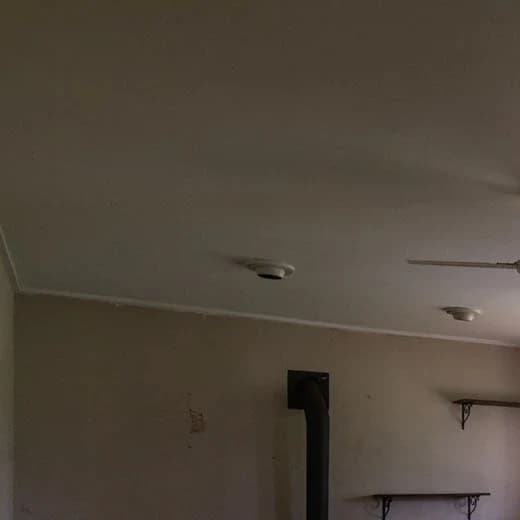
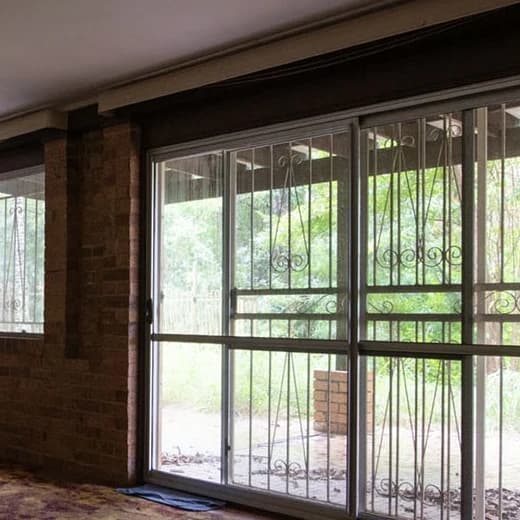
One listing photo, four crops at full size, each split corner to corner between the original and the corrected frame.
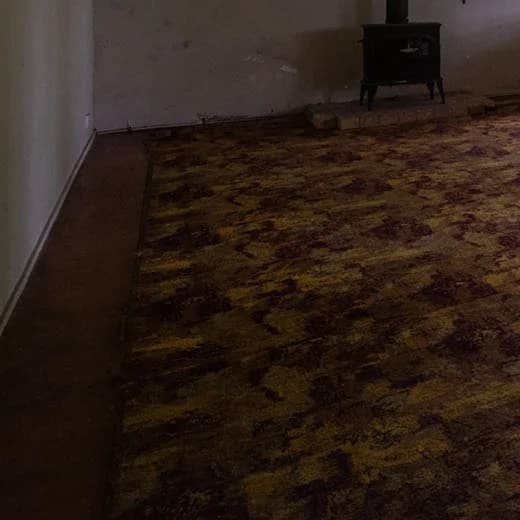 BeforeAfter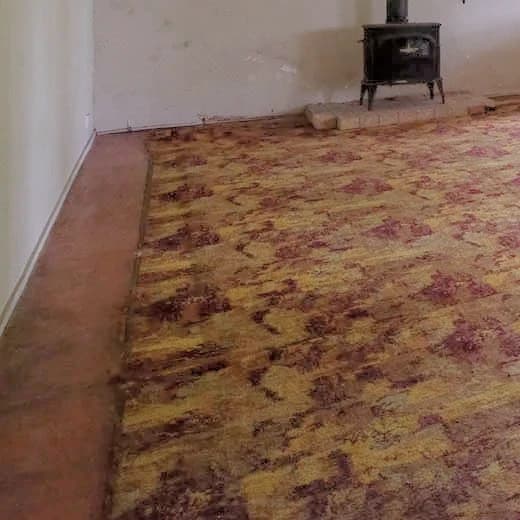
Shadows that swallow the floor The camera metered for the window, so everything else fell into silhouette.
 BeforeAfter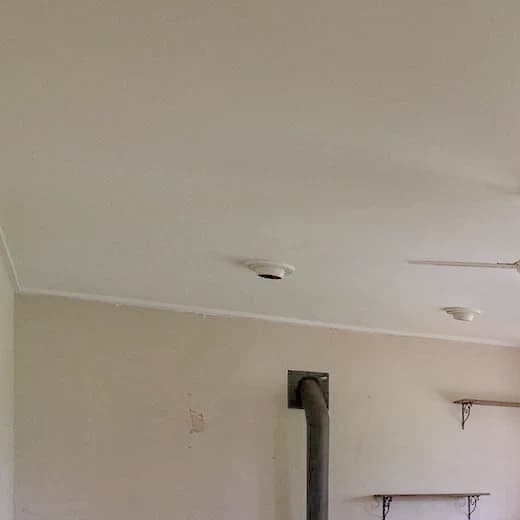
A grey cast on white walls Mixed indoor light turns white paint green or orange, and the eye reads it as dirty.
 BeforeAfter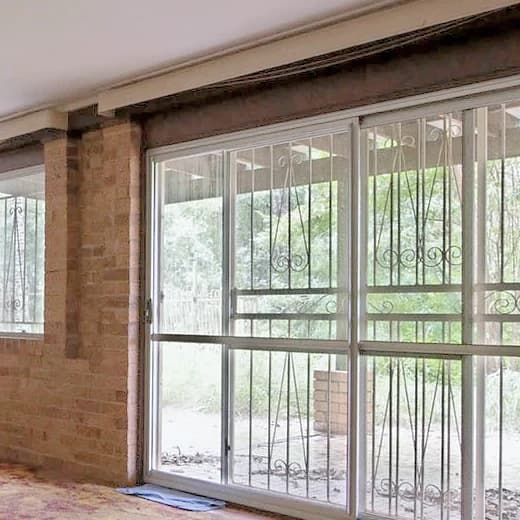
Windows blown to white The exposure the room needs is the one that throws away the view a buyer wants.
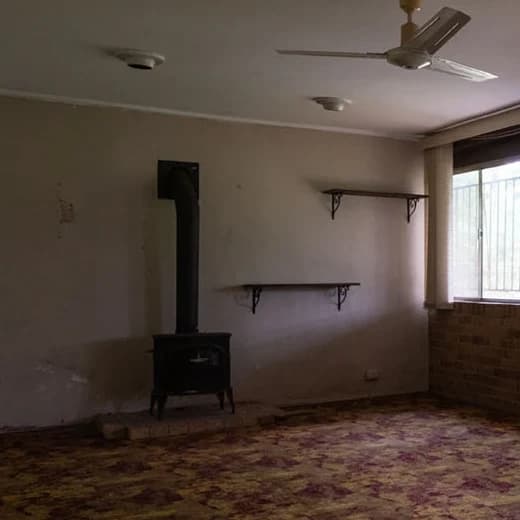 BeforeAfter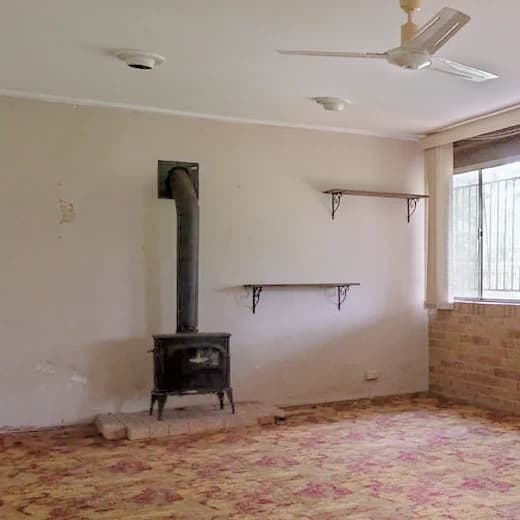
Flat, milky mid-tones No true black anywhere, so the whole frame looks like it was shot through fog.
Your room, not a picture of a room like yours
Most enhancers in this category are generative: a model repaints your photo and it looks sharper because it invented the detail. On a portrait that is a feature. On a listing it is a photograph of a room that does not exist.
- 01Nothing is generated
- Three passes of arithmetic on your own pixels. No model ever sees the frame.
- 02Enlarging recovers, never invents
- We replaced the upscaler in August 2026: the old one hallucinated texture and left rooms looking plastic.
- 03Exteriors get their own rule
- The warmth that rescues a tungsten-lit room turns a blue sky orange. Outdoors, warmth only comes down.
- 04Deterministic, so it repeats
- No seed, no reroll. A result you dislike is a bug we can reproduce, not luck you pay again to change.
It is also why this tool carries no disclosure notice while our staging tools do. Exposure, white balance and sharpening are what California's AB 723 carves out of its definition of a digitally altered image; adding, removing or replacing what is in the room is what it covers. See the disclosure rules by state
How it works
- 01
Drop the photo
Any JPG, PNG or WEBP up to 15 MB. Say if it is a facade or a garden: exterior shots follow a different warmth rule.
- 02
It measures, then corrects
Luminance percentiles, mid-tone channel means and a local brightness map are read off your frame. All three finishes come back in seconds.
- 03
Pick a finish and a size
Compare the three against your original, then download at 1K, 2K or 4K.
Output sizes
2K is the default: it is what portals want, and what nearly every phone or camera upload already exceeds. Asking for a size larger than your original engages an upscaler; the same size or smaller does not.
| Size | Output sizes | Without an account |
|---|---|---|
| 1K1024 px | Web pages, social posts and email. Smallest file. | Available, watermarked |
| 2K2048 px | The default. MLS and portal uploads, and most print at listing-sheet size. | Available, watermarked |
| 4K3840 px | Large-format print and brochures. Upscales when your original is smaller, which takes longer. | Needs a free account |
A signed-out run is a real run rather than a preview: the full correction, all three finishes, and a download carrying a small watermark. A free account removes the watermark, opens 4K, and comes with 3 credits.
Which tool should you use for an exterior listing photo?
Match the tool to the defect: enhance exposure and colour, replace only a weak sky, convert the whole scene to twilight, or repair the lawn. These are separate edits, and choosing the narrowest one avoids changing parts of a listing photo that were already right.
| Choose this tool | Use it when | What it changes | What it does not solve |
|---|---|---|---|
| Real estate photo enhancerThis page | The exposure is dark or flat, the white balance is off, or the file needs cleaner detail. | Exposure, tone, colour noise, white balance and sharpening through a deterministic pixel pipeline. | It does not replace the sky, recolour the lawn, add objects or turn daylight into dusk. |
| AI sky replacement | The exterior is usable but an overcast or washed-out sky makes the whole frame feel flat. | The existing sky is replaced with one plausible bright-blue sky with soft clouds. | It does not relight the facade, correct midday shadows or update reflections in glass and water. |
| AI day-to-dusk conversion | You want a twilight marketing image from a clear daytime exterior, including warm window light. | The sky becomes blue hour and warm light is added to windows and interior spaces. | Hard midday shadows can still conflict with the new hour, so the source photo matters. |
| AI grass and lawn replacement | The building and sky are fine but the existing lawn is brown, patchy or poorly presented. | The lawn inside its current boundary is refinished; optional controls can tidy turf and landscaping. | It is not meant to create a new lawn over decking, paving, gravel, paths, mulch or soil beds. |
If a photo has more than one problem, run only the generative edit the scene needs, then use the enhancer for the final exposure and colour pass. Sky, dusk and lawn edits may require disclosure where listing-photo rules treat them as digitally altered images.
Questions about the enhancer
Terms, limits and what the tool will not do.
Is the real estate photo enhancer free?
Your first run is free with no account and no card, up to 2K, and the download carries a small watermark. Creating a free account removes the watermark, unlocks 4K and gives you 3 credits. After those, a run costs 1 credit, which works out to $0.44–$0.60 per photo depending on pack size. Credits never expire and there is no subscription you have to keep.
Why is my free download watermarked?
Because the run is genuinely free rather than a teaser: you get the full correction and all three finishes, not a low-resolution preview. The watermark is what stops the tool being used anonymously at scale. A free account removes it, and costs nothing.
How many photos does one credit cover?
One credit covers one run of one photo, and a run returns all three finishes. Choosing a different finish afterwards, or keeping more than one of them, does not cost another credit. That is deliberate: the correction is a matter of taste, and making a taste decision cost a second credit was the complaint that created the three-finish behaviour.
Does the AI change what is in the room?
No. The correction is deterministic pixel arithmetic on your own image in three passes, exposure, tone and color, with no model generating anything. Nothing can be added to the room, removed from it, or invented. The one exception is asking for an output larger than the file you uploaded, which runs an upscaler chosen specifically because it recovers detail rather than inventing texture.
Do enhanced photos need an AI disclosure on the listing?
Not for the corrections this tool makes. California's AB 723, the most specific rule in force, defines a digitally altered image around adding, removing or altering what the property contains, and explicitly carves out lighting, exposure, white balance, color correction and sharpening. Virtual staging, object removal, sky replacement and day-to-dusk are a different matter, and our tools for those carry a disclosure notice. Rules vary by state, so check yours.
How long does it take?
The correction itself runs in a few seconds for all three finishes at 1K or 2K, because it is CPU work rather than a queued model. Choosing 4K on a photo smaller than 4K adds an upscaling pass, which takes longer.
What resolution should I choose?
2K, which is the default. It is what MLS platforms and portals want, and nearly every phone or camera file already exceeds it, so it costs nothing but processing. Choose 1K only when file size matters, and 4K for large-format print. Asking for a size larger than your original is the only case that involves upscaling.
Which photo formats and sizes are supported?
JPG, PNG and WEBP, up to 15 MB. Photos between 800x600 and 4000x4000 pixels work best. Interior and exterior shots are both supported, with a separate warmth rule for exteriors.
Can I enhance photos taken on a phone?
Yes, and that is the main case it is tuned for. Handheld interior shots arrive underexposed with color noise in the shadows, and the noise reduction here works on color only, so removing the blotches does not soften the edges the way a general-purpose denoiser would.
How is this different from Photoshop or Lightroom?
It makes the same class of correction, with the decisions already made. A manual edit means reading the histogram, setting white balance, masking the shadows and dosing the sharpening yourself, per photo. Here those numbers are measured off the frame and applied, and you choose between three finishes instead of a hundred sliders.
Will the same photo give the same result twice?
Yes. The pipeline is deterministic, with no random seed anywhere in it, so a given photo and finish always produce the same output. That is why there is no reroll button, and why a result you dislike is something we can reproduce and fix rather than something to spend another credit on.
What is the difference between enhancement and virtual staging?
Enhancement corrects how the photo was captured, its exposure, color, noise and sharpness, and leaves the room exactly as it was. Virtual staging changes the room, adding furniture and decor to an empty space. They solve different problems, and only the second one needs a disclosure on the listing.
AI Tools
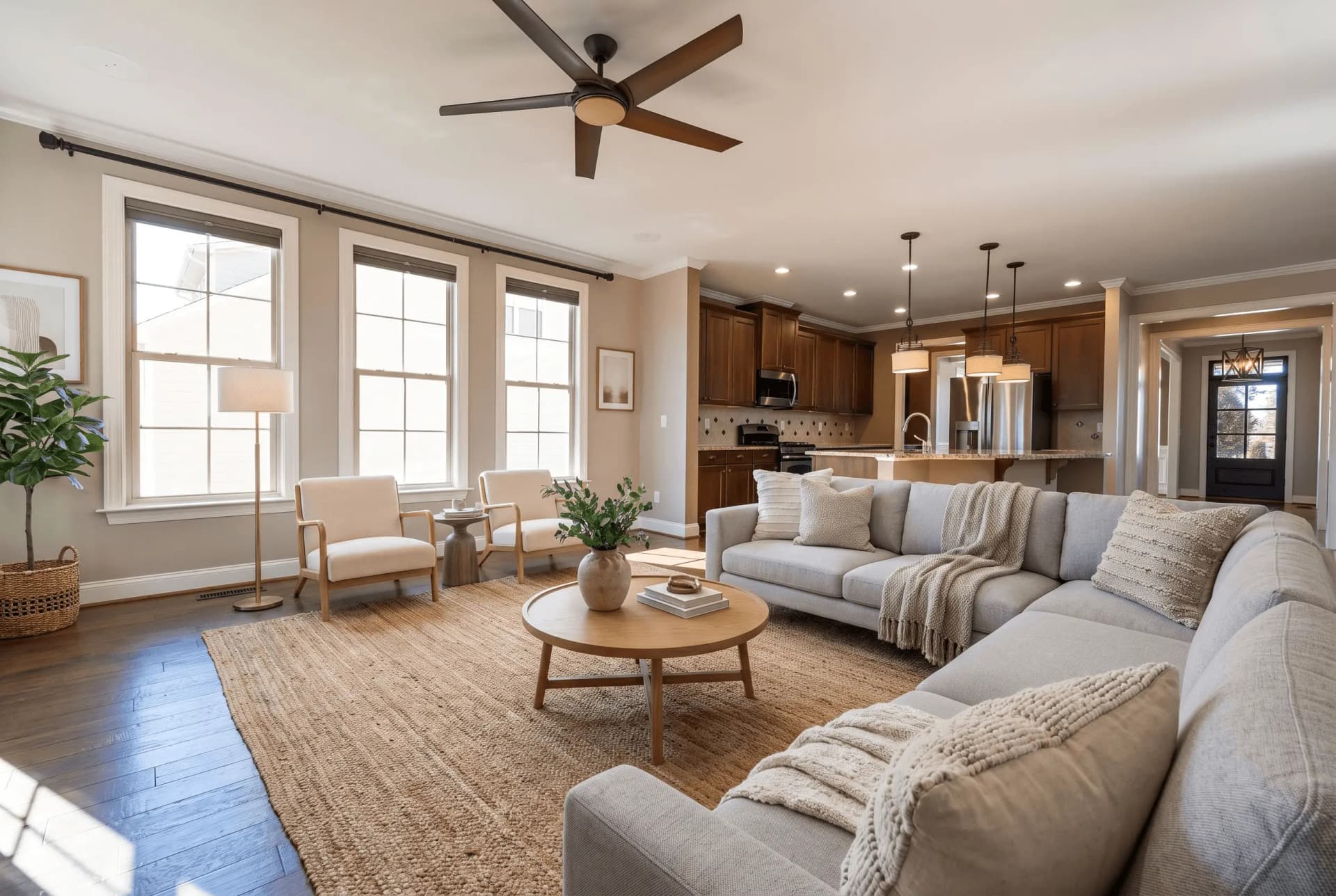 BeforeStaging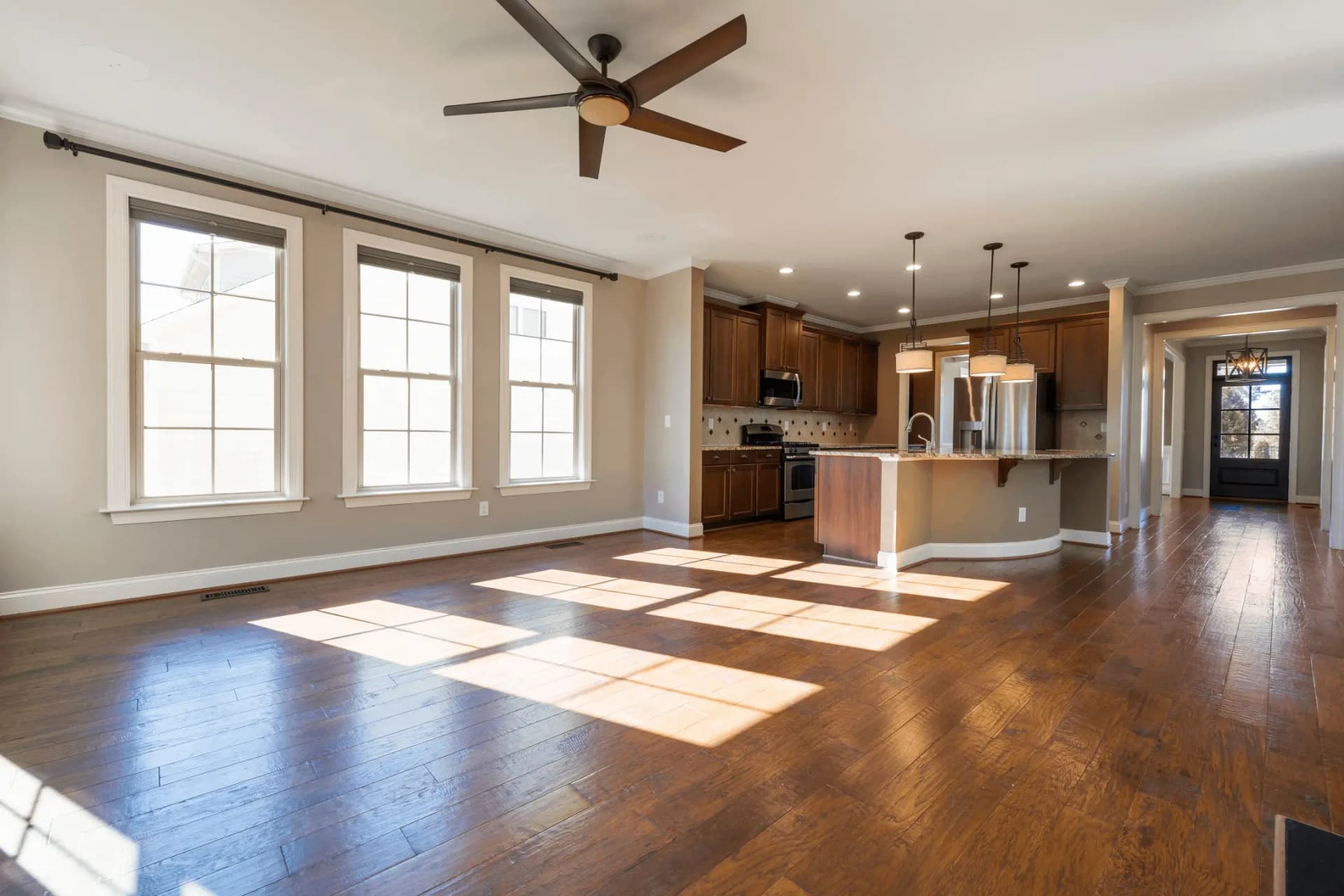
Virtual Staging
Transform empty rooms with AI-generated furniture
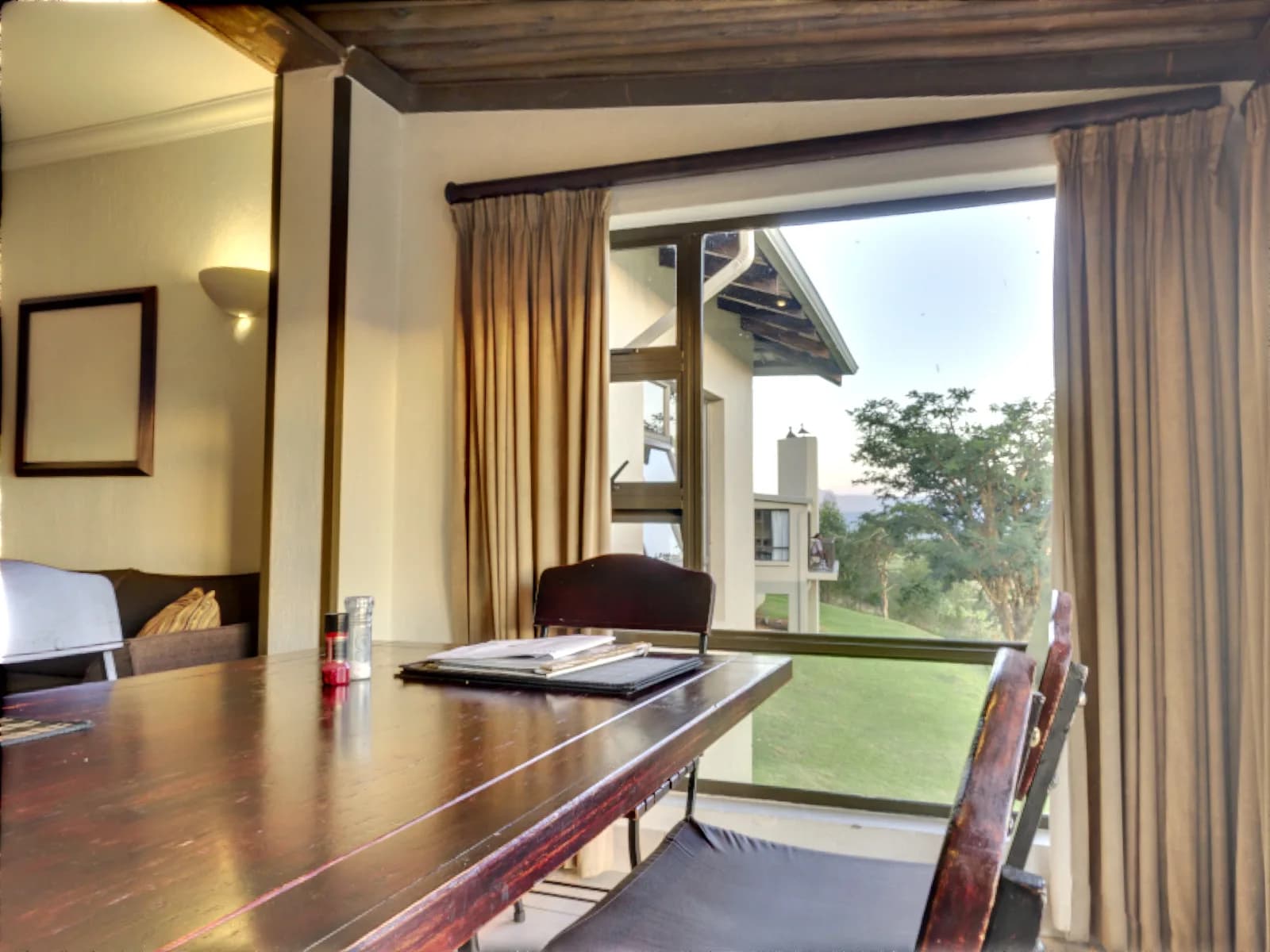 BeforeEnhancement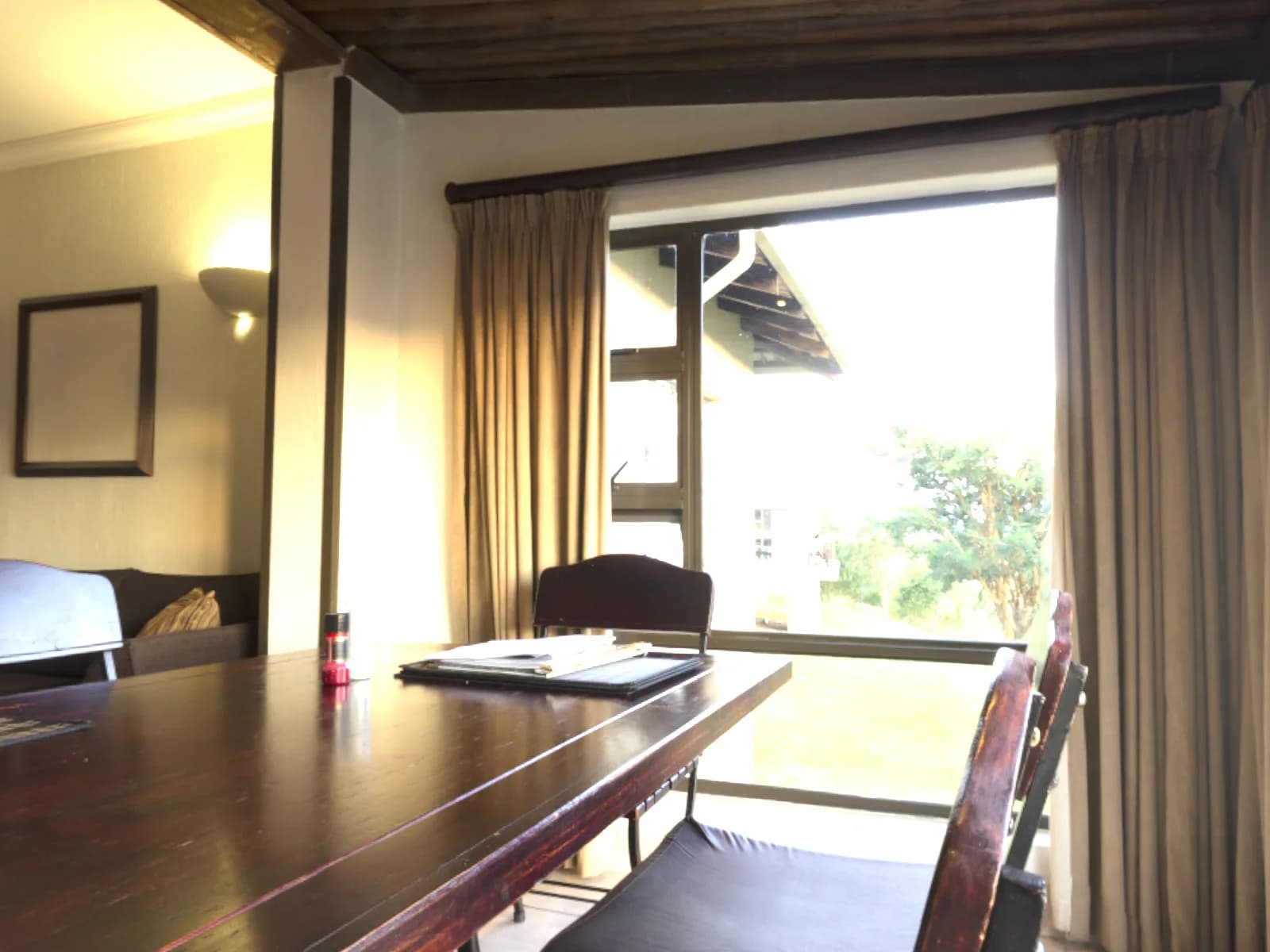
Bracket Merge
Merge bracketed exposures into one photo
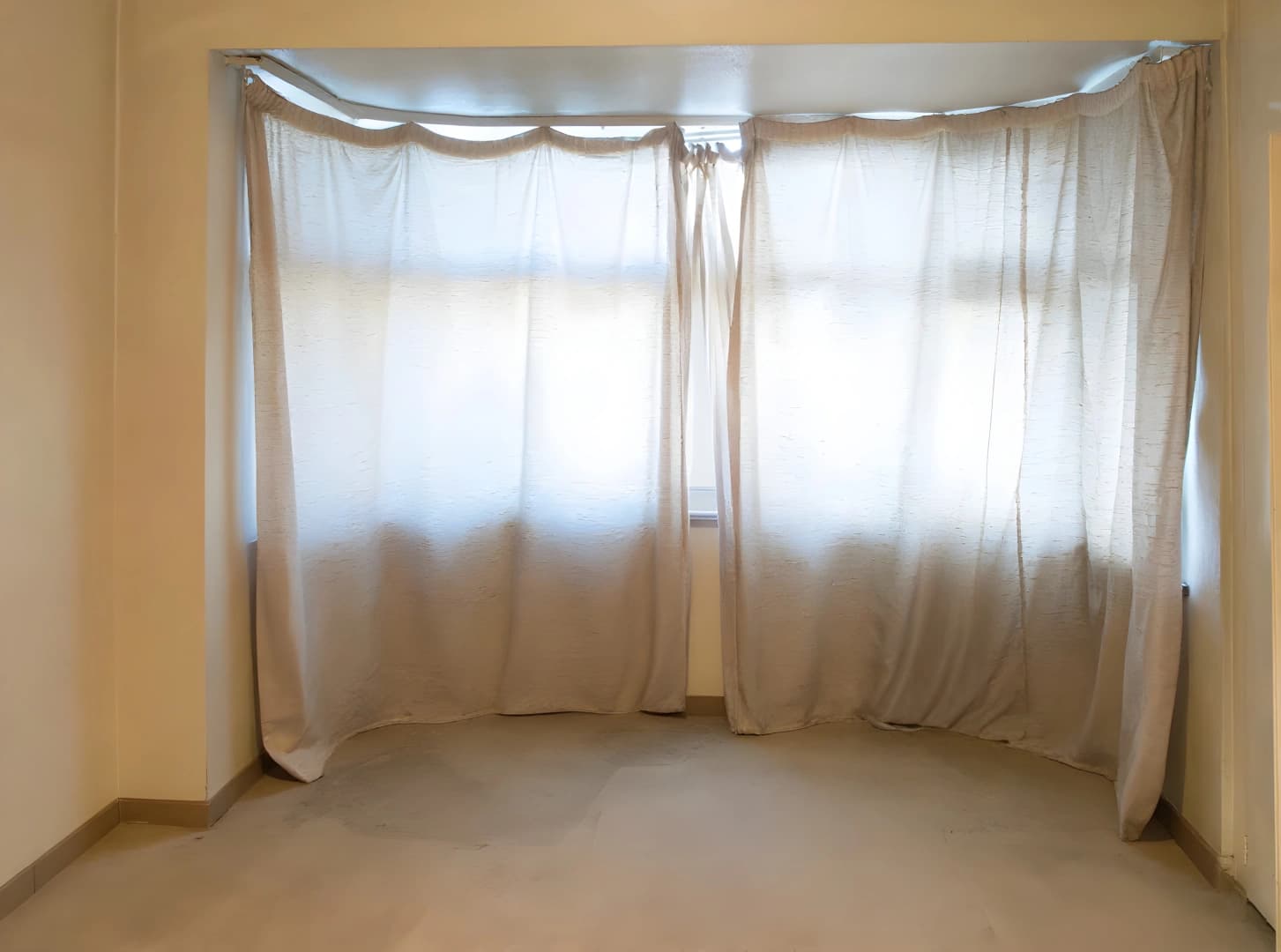 BeforeEnhancement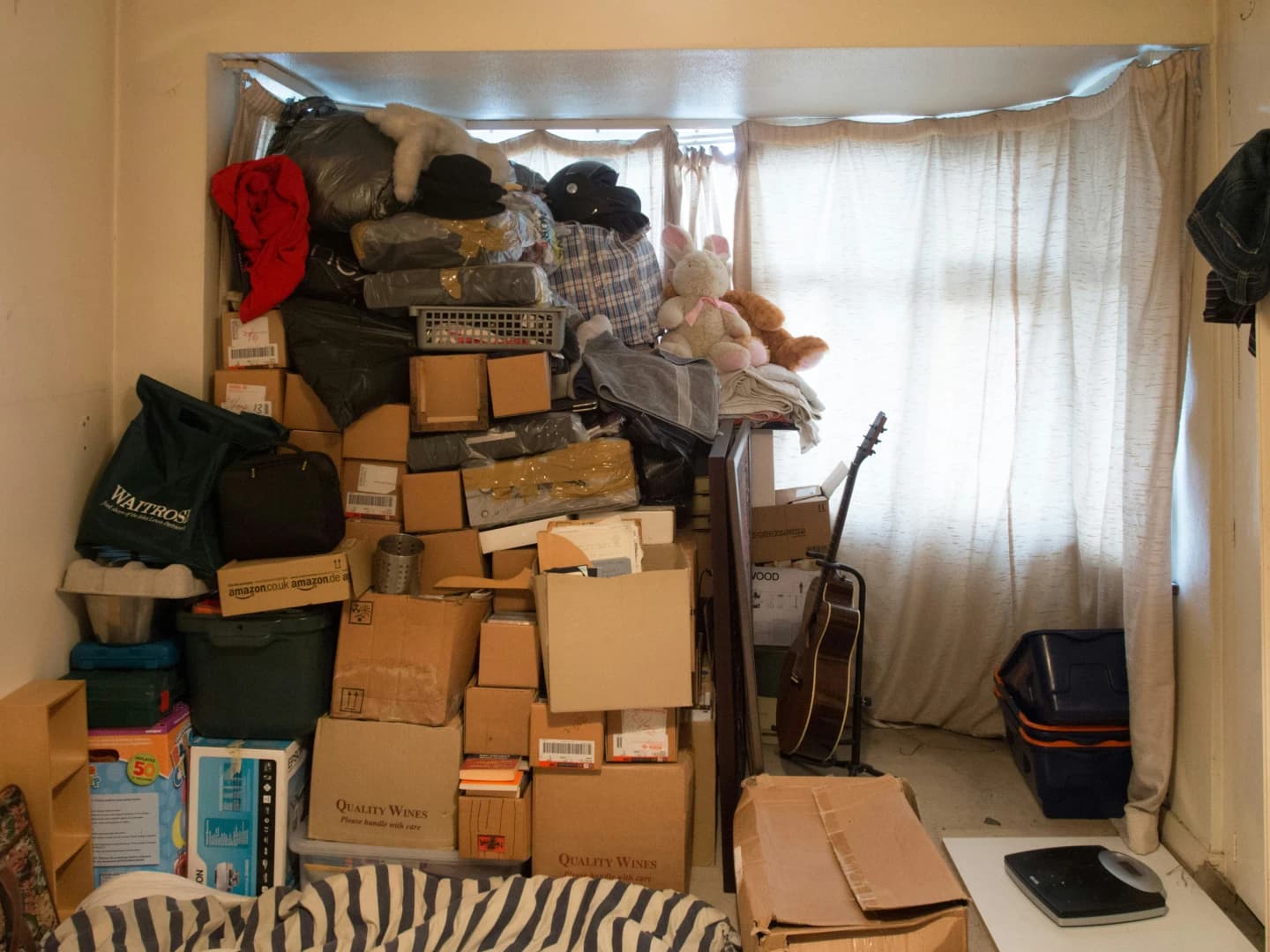
AI Declutter
Auto-remove all furniture & clutter
 BeforeEnhancement
AI Sky Replacement
Replace dull skies with stunning ones
The room is corrected. Is it empty?
Enhancement fixes how a photo was captured. Virtual staging changes what is in it, furnishing an empty room so buyers can picture living there.
Try QuickStaging for free3 free credits to start, then $0.44–$0.60 per photo. Credits never expire. See pricing