
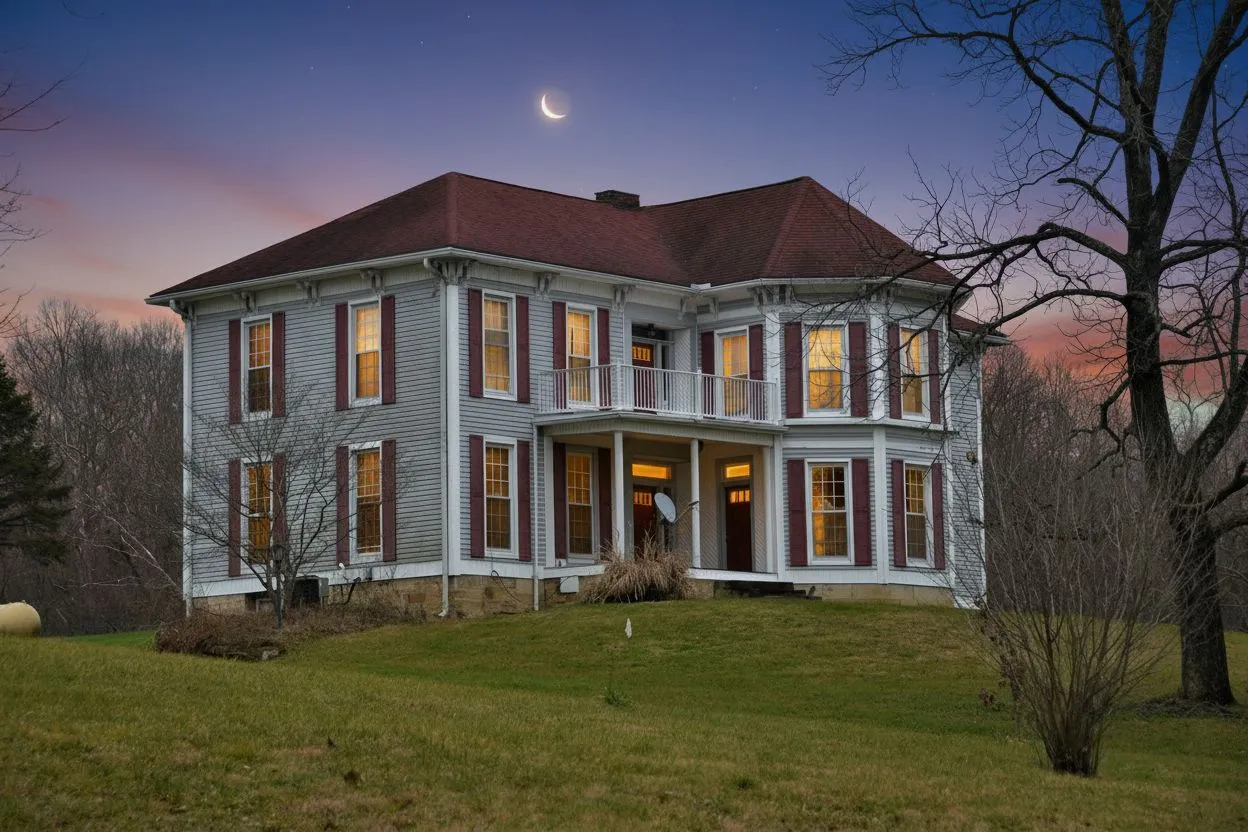
Soporte para Foto de Propiedad
Sube una foto de alta calidad que aparezca de forma destacada en el flyer.
Completa los detalles de la propiedad y la información del agente, visualiza tu flyer en tiempo real, luego imprime o guarda como PDF — en menos de dos minutos.
Contenido de ejemplo
El folleto está relleno con un inmueble de ejemplo para que veas el resultado final. En cuanto escribas en un campo, tu texto sustituye al ejemplo.
JPG, PNG · Máx 5 MB · Aparece como imagen principal del flyer
PNG, JPG · Máx 2 MB · Aparece en el pie de página del agente
Para descargar hace falta una cuenta gratuita. Incluye 3 créditos para el estudio — sin tarjeta.
Vista Previa
Una página · lista para imprimir
Un flyer de propiedad combina una buena foto exterior con la dirección, el precio, las cifras clave y tus datos de contacto, maquetados para que sigan siendo legibles a un brazo de distancia. Esta herramienta rellena una plantilla con tu inmueble y exporta un PDF listo para imprenta y un PNG para redes. Es gratis. Imprimir no requiere cuenta; descargar el PDF o PNG requiere una cuenta gratuita.
Última actualización:
Crea tu flyer inmobiliario en tres simples pasos
Rellena la dirección, precio, habitaciones, baños, superficie y una descripción atractiva.
Sube una foto de la propiedad, añade tus datos de contacto y logo, luego elige un estilo de flyer.
Haz clic en "Imprimir / Guardar como PDF" para abrir el cuadro de diálogo de impresión.
Todo lo que necesitas para promocionar tu propiedad
Sube una foto de alta calidad que aparezca de forma destacada en el flyer.
Muestra precio, habitaciones, baños, superficie, año de construcción y hasta seis características personalizadas.
Incluye nombre, teléfono, email, agencia y logo para un flyer completamente personalizado.
Imprime o descarga tantos flyers como necesites. Sin suscripciones ni costes ocultos.
Todo lo que necesitas saber sobre el creador de flyers
Sí, completamente gratuito. Sin suscripciones, costes ocultos ni marcas de agua. Imprimir no requiere cuenta; descargar el PDF o PNG requiere una cuenta gratuita.
Haz clic en "Imprimir / Guardar como PDF", luego selecciona "Guardar como PDF" en el cuadro de diálogo.
Sí. Sube un archivo JPG o PNG (máx 5 MB) que aparecerá como imagen principal en el flyer.
Sí. Sube un logo PNG o JPG (máx 2 MB). Aparecerá junto a tus datos de contacto en la parte inferior del flyer.
Dos estilos: Clásico (cabecera azul marino, diseño limpio) y Moderno (diseño antracita, tipografía contemporánea).
Puedes añadir hasta seis características o comodidades destacadas, que aparecen como lista de viñetas.
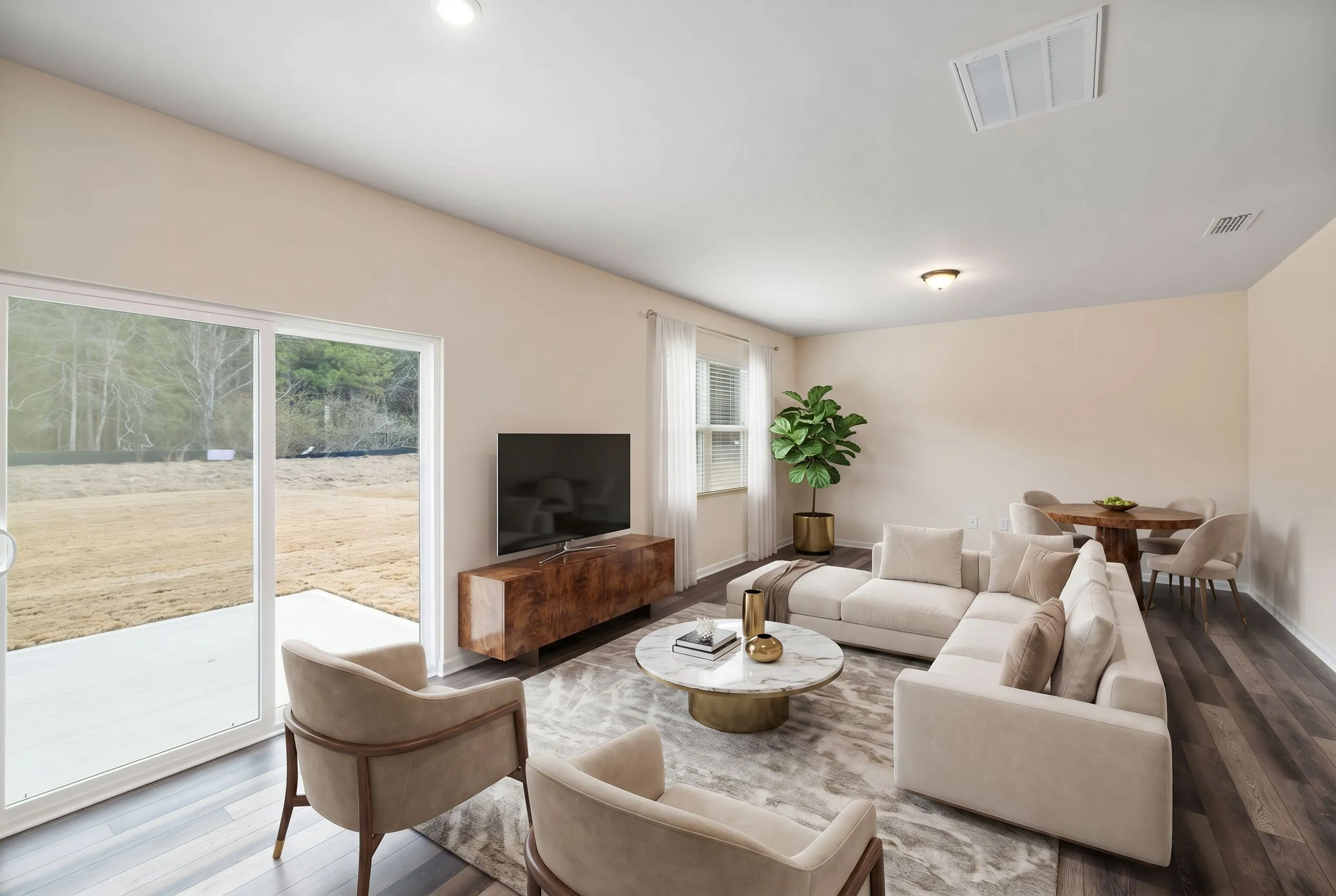
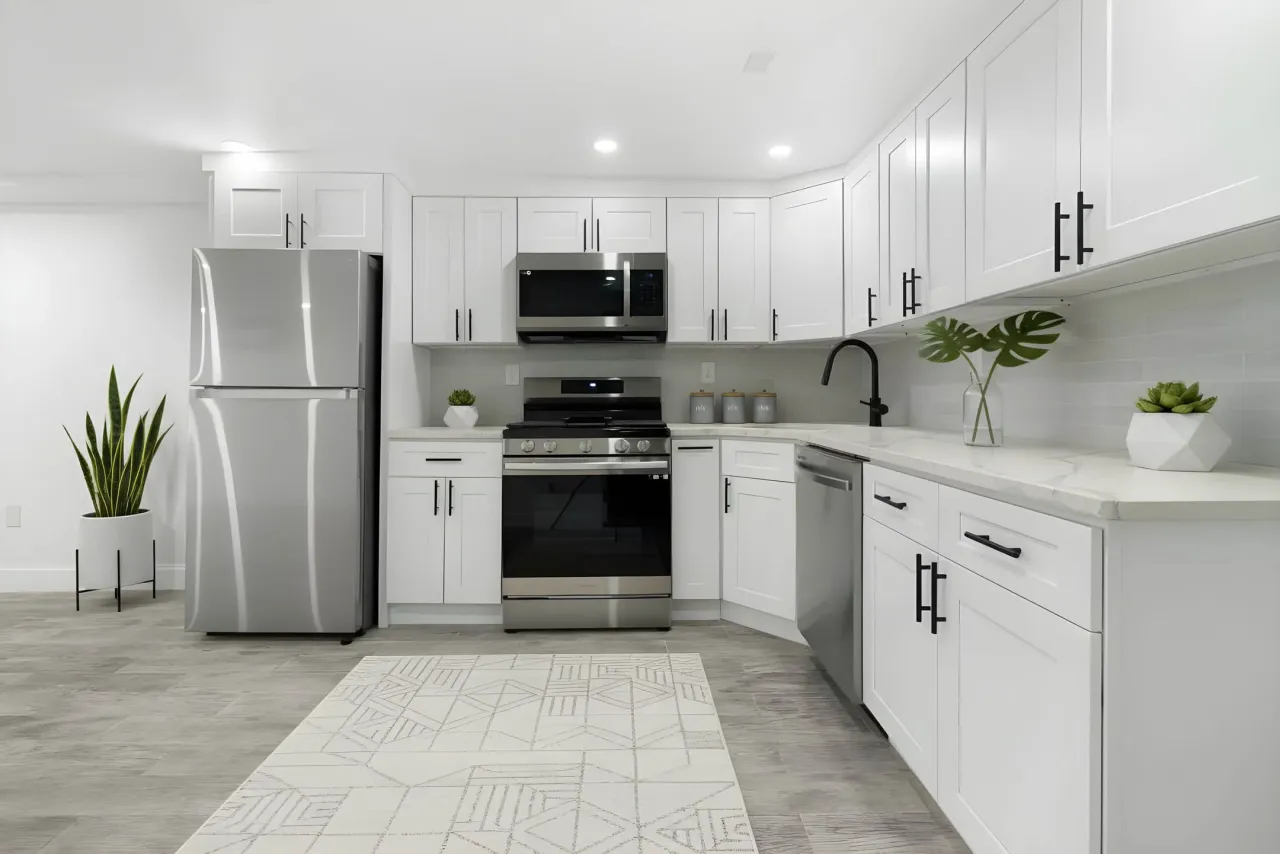
Transforma habitaciones vacías en espacios fotorrealistas con IA — el complemento visual perfecto para un flyer profesional.
Prueba el Staging Virtual IA Gratis