
AI object remover paint it, and only it changes
Brush over the car, the bin, the sign or the person. The edit is composited back inside your stroke, so every pixel you did not paint is bit for bit the photo you uploaded.
JPG, PNG of WEBP · Max 15 MB
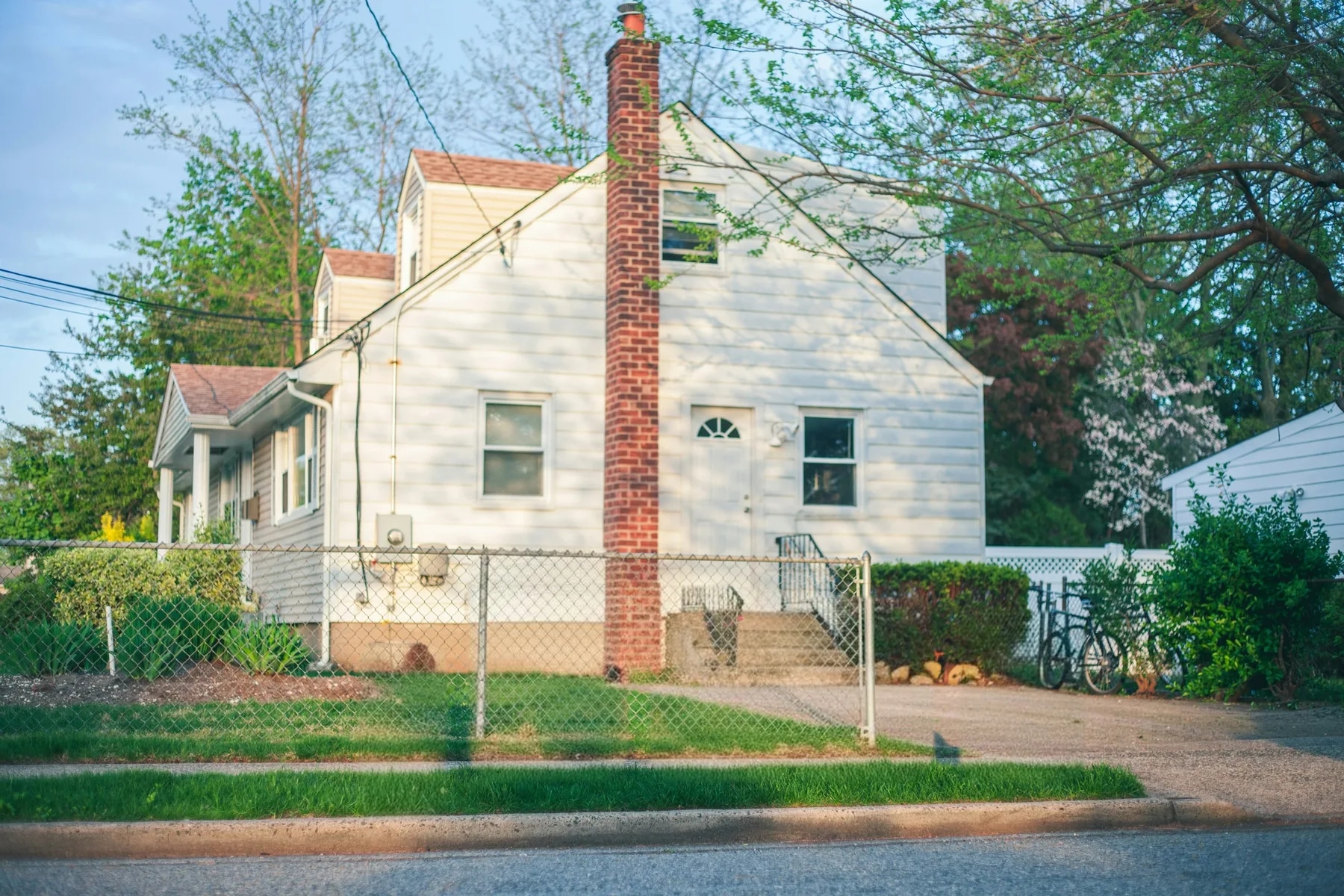
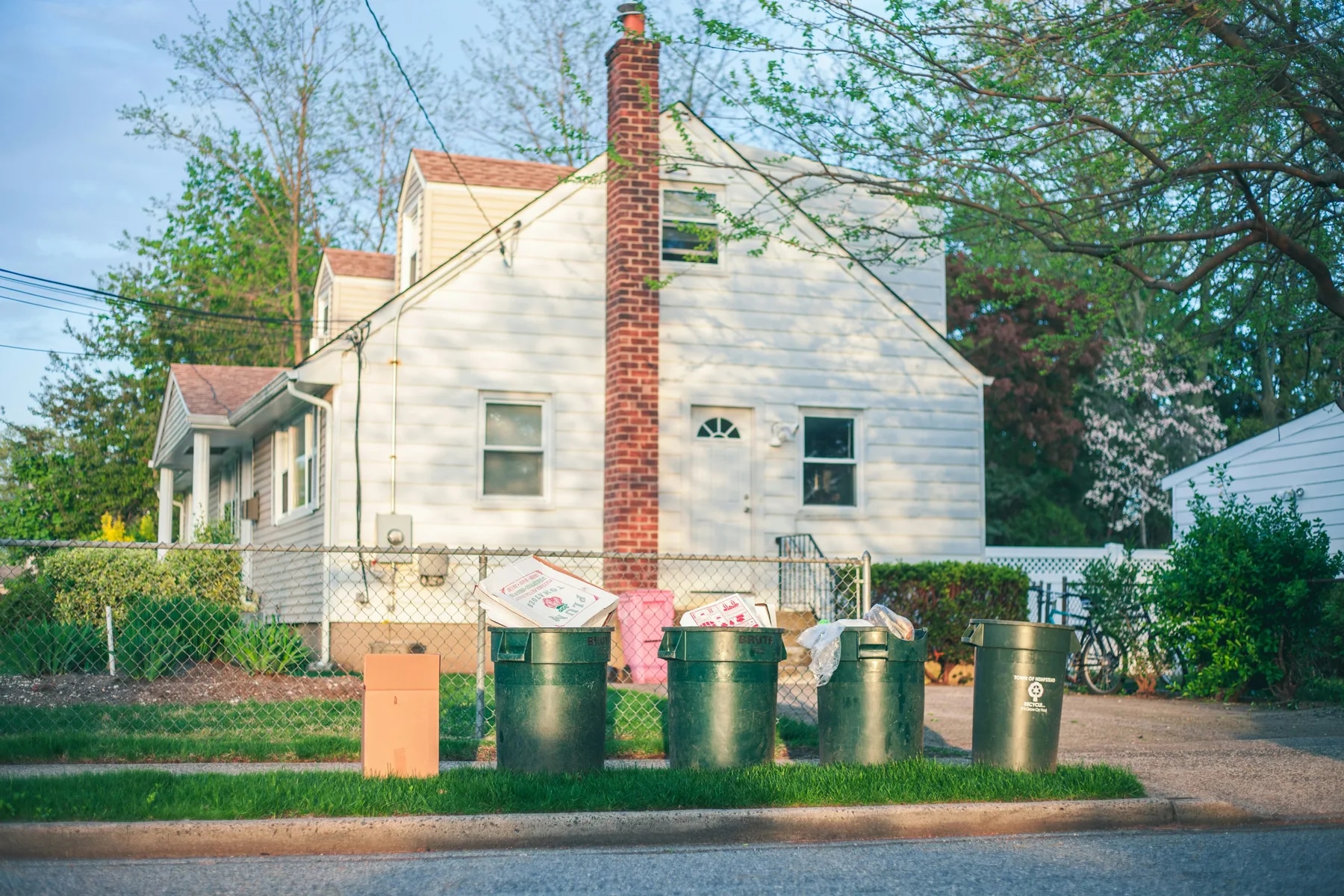
- What a run costs
- 1 credit per variant, and a run defaults to 2
- To try it
- A free account, 3 credits, no card
- Signed out
- Not available — this tool needs an account
How do you remove an object from a real estate photo?
Upload the photo and paint over what should go. The model's edit is clipped back to the painted region and composited over your original, so everything outside the stroke is unchanged — not re-rendered and not upscaled back. That is the difference from a whole-frame edit. 1 credit per variant, from $0.45 per photo.
Laatst bijgewerkt:
The 95% of the photo you did not ask anyone to touch
Every generative image model here re-renders the whole frame at about one megapixel. Send a 2048px photo with one small brush stroke on it and you would get a 1024px re-render of the entire picture back, with the untouched 95% reconstructed rather than kept. The brush is the fix, and it is geometric rather than a matter of asking nicely.
- 01The stroke is the boundary
- The model's output is taken only inside the painted region and composited over the source. Outside it, the file is your file — the same bytes, at the resolution you uploaded.
- 02The mask is recovered, not trusted
- The browser sends the source and the painted composite; the server derives the mask by diffing them. A client cannot widen its own edit region by editing the request.
- 03It refuses rather than guess
- If the stroke covers almost nothing, almost everything, or the model returns a frame that does not line up, the composite is abandoned and you get the plain result instead of a misaligned one.
- 04Emptying a room is the other tool
- Reconstructing a floor behind a whole suite of furniture needs the frame redrawn. That is what the declutter presets are for, and why they carry a different guarantee.
Removing an object from a listing photo is a digitally altered image under California's AB 723 — the statute carves out exposure and colour work, not changing what the property contains. The listing needs a conspicuous notice and a link to the unaltered original. See the disclosure rules by state
How it works
- 01
Drop the photo
Any JPG, PNG or WEBP up to 15 MB. Interiors and exteriors both work; the object needs a background the model can plausibly continue.
- 02
Paint over what should go
Cover the object and a little of its shadow and reflection. A stroke that stops at the object's outline leaves its shadow behind, which is the most common bad result.
- 03
Compare it against your original
Only your stroke changed, so read the patch and its edges. Quality control re-runs a broken result once at no cost.
What the brush handles, and what it does not
The reconstruction has to be inferable from what surrounds it. That, rather than the size of the object, is what decides the result.
| What you paint | What the brush handles, and what it does not | What you get |
|---|---|---|
| On a plain surfacebest case | A bin on tarmac, a sign on grass, a car on a driveway. | Clean. The surround is uniform, so the fill has an obvious answer. |
| Over a pattern | Something on tiling, brickwork, decking, a patterned rug. | Usually good. Check that the pattern's lines continue rather than restart. |
| In front of structure | An object overlapping a window frame, a stair rail, a door. | The hard case. The model has to rebuild the architecture behind it; read the edges closely. |
| Most of the frame | A stroke covering nearly the whole photo. | The composite is abandoned above 95% coverage. Use the declutter presets instead. |
Every case costs the same: 1 credit per variant, and the variant picker opens on 2. A free account comes with three credits and no card. Signed out, the tool does not run at all — the studio shows a sign-up wall rather than spending a GPU on an anonymous request.
Questions about object removal
Terms, limits and what the tool will not do.
Is the AI object remover free?
Not without an account, and not unlimited. A free account takes no card and comes with 3 credits. A run costs 1 credit per variant and the picker opens on 2, so those three cover one run at the default plus a single-variant one. After those, credits work out to $0.45 per photo depending on pack size, they never expire, and there is no subscription to keep. Signed out, the tool does not run — the request is refused before it reaches a GPU.
Does it change the rest of my photo?
No, and this is the one tool here where that answer is unqualified. The model's edit is taken only inside the region you painted and composited over your original file. Every pixel outside the stroke is bit for bit what you uploaded, at the resolution you uploaded. Compare that with the declutter presets, which redraw the whole frame because reconstructing a room behind its furniture requires it.
Should I use this or the declutter tool?
This one if you want a specific thing gone — a car, a bin, a sign, a person, a reflection. Declutter if you want the room itself changed: tidied, unfurnished, or emptied. Painting over every item in a room one at a time is slower and worse than the preset built for it.
How should I paint the mask?
Cover the object and a little of what it casts — its shadow, and its reflection if there is glass or wet ground. The most common disappointing result is an object removed cleanly with its shadow still lying on the floor, and that is a mask problem rather than a model one. Painting slightly wide costs nothing.
What if the removal looks wrong?
Usually the surround did not give the model enough to continue — an object in front of a window frame or a stair rail is much harder than one on plain tarmac. Repainting with a slightly wider stroke often fixes it. Quality control also re-runs a result it judges broken once, at no cost.
Does the result keep my photo's resolution?
Yes, for the brush. Only the painted region comes from the model; the rest of the file is your original, untouched and un-upscaled. That is the whole reason the composite exists.
Do I have to disclose a removed object on the listing?
In California, yes. AB 723 covers images that change what a property appears to contain, and carves out only lighting, exposure, white balance, colour correction and sharpening. Removing an object is not in that carve-out. The rule requires a conspicuous notice next to the image and a link to the unaltered original. Other states vary — our disclosure reference tracks what is in force where.
How long does it take?
Usually 20 to 40 seconds, and longer when the model provider is busy. Closing the tab does not lose the run or the credit — the result is written to your project when it lands.
Are my property photos private?
Uploads are processed over encrypted connections and are not used to train any model. They are stored with your project so you can come back to the result, and you can delete a project and its images from the studio at any time.
Disclosing altered photos
Since January 1, 2026, California's AB 723 has required a visible disclosure and a link to the original photo on digitally altered listing images. Edits that change how a property looks are covered; routine colour and exposure fixes are not.
We checked 297 California listings whose own captions admit the photos were altered. 99% carry no publicly reachable link to the original image, which is the half of the statute almost everyone misses.
AI-gereedschap
 VoorVerbetering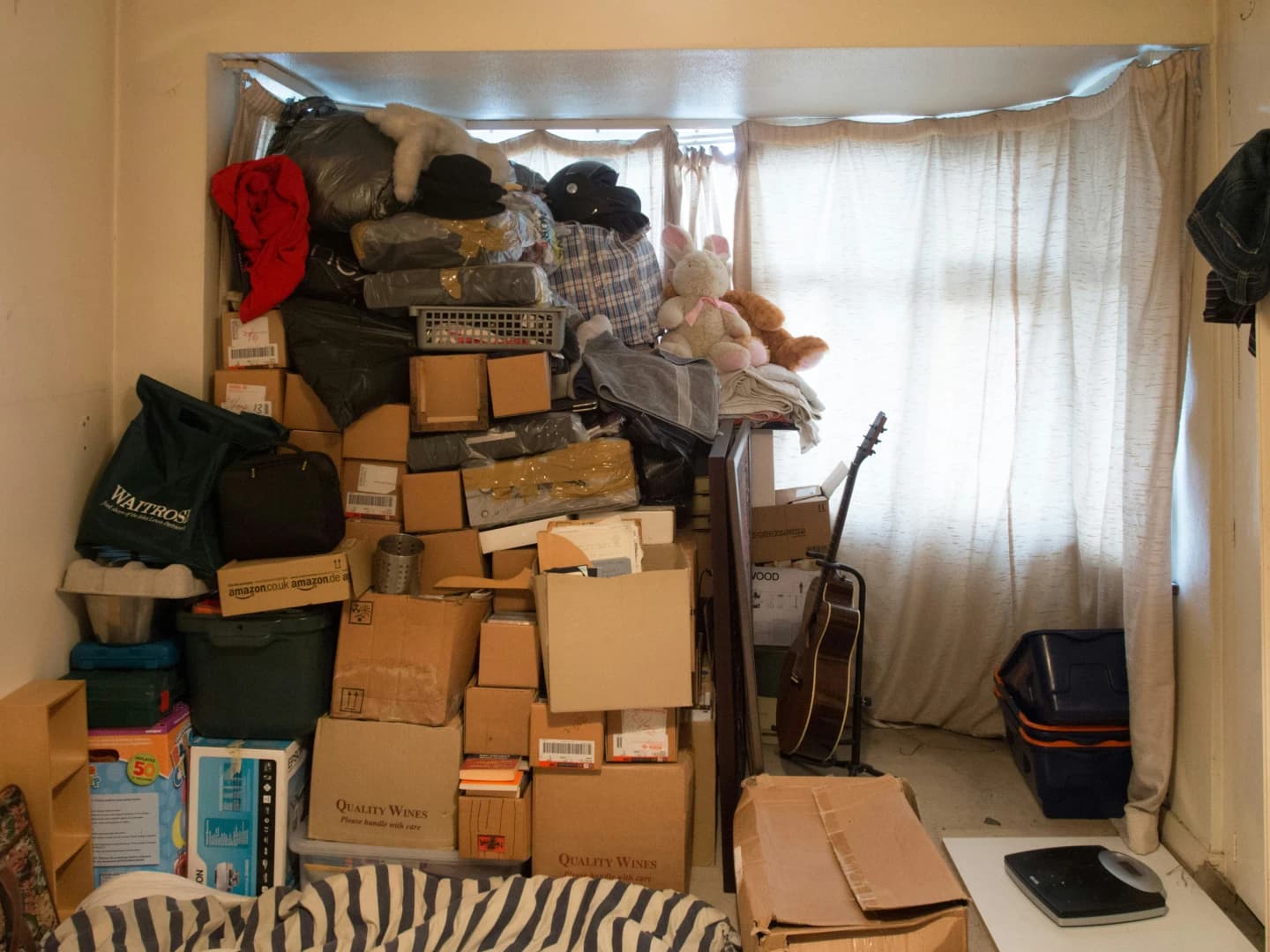
AI Opruimen
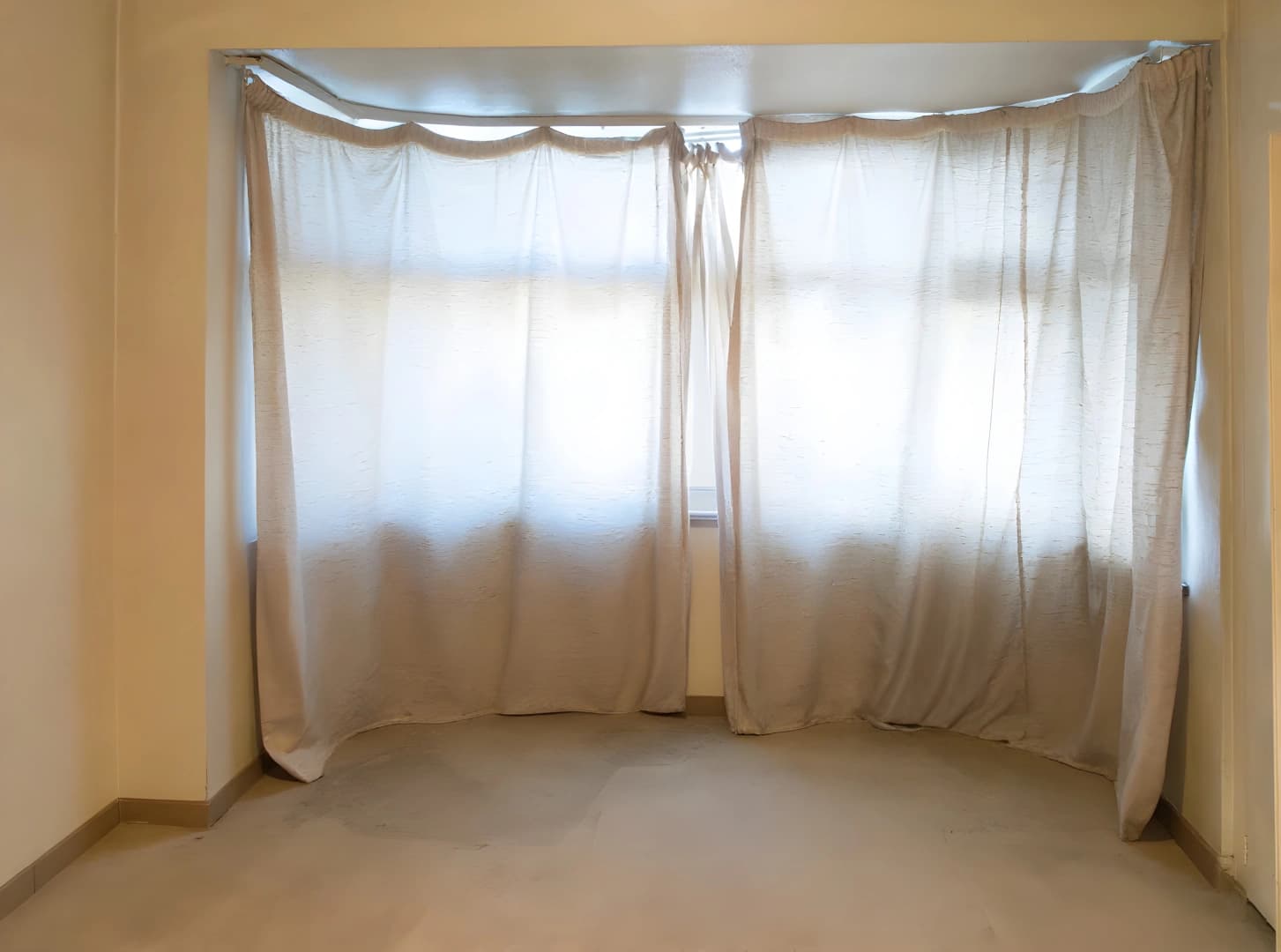
Verwijder automatisch alle meubels
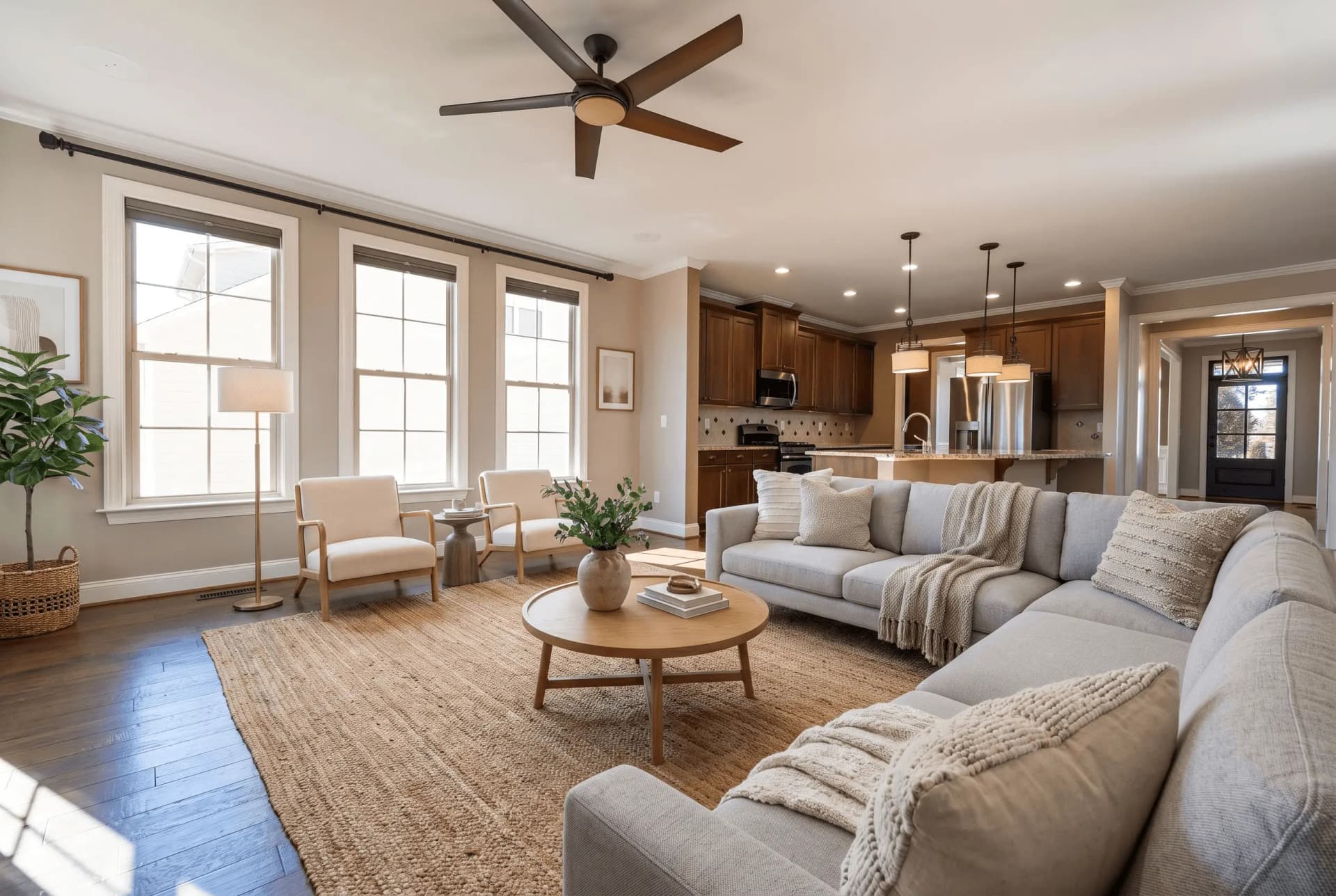 VoorStyling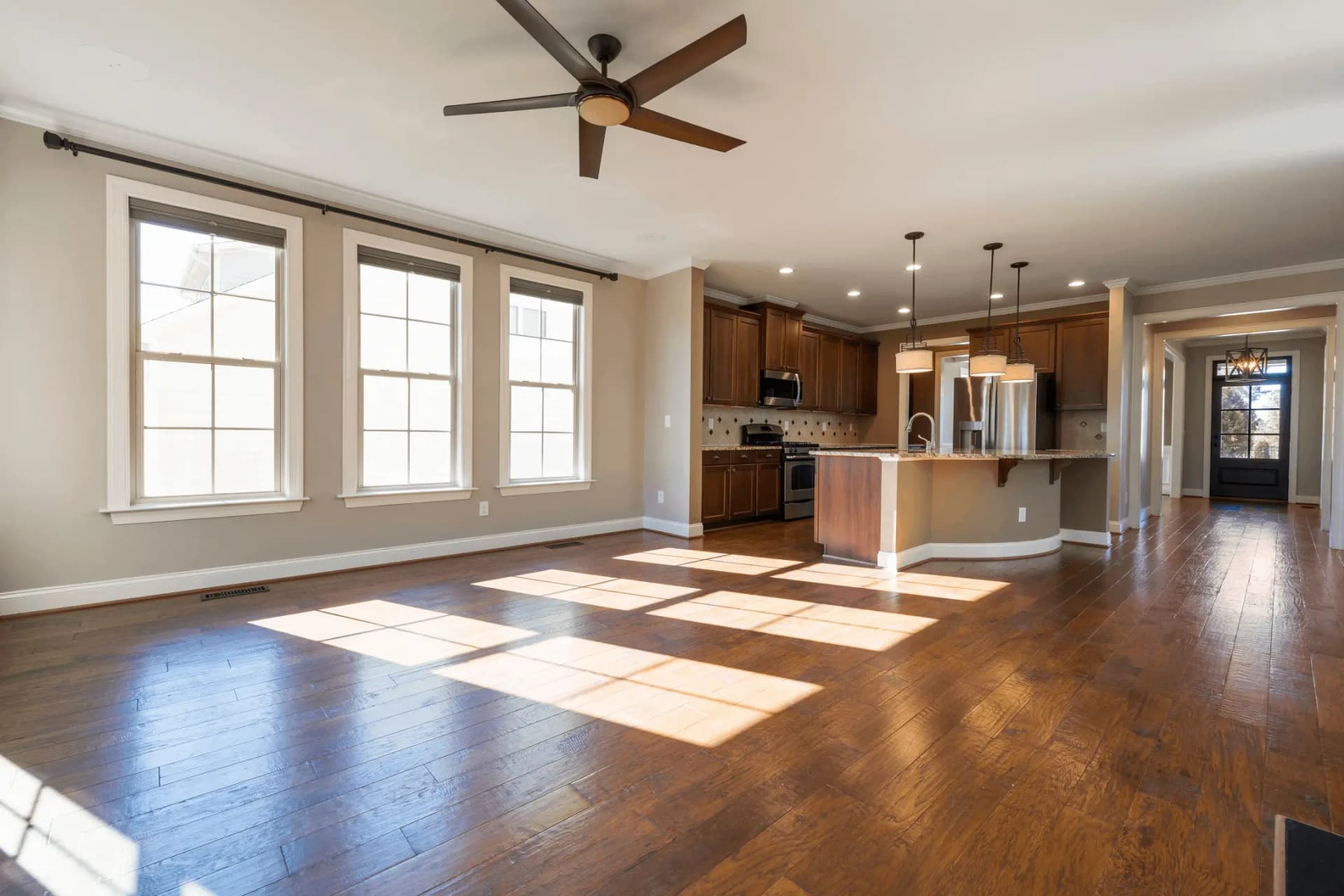
Virtuele Staging
Transformeer lege kamers met AI-gegenereerde meubels
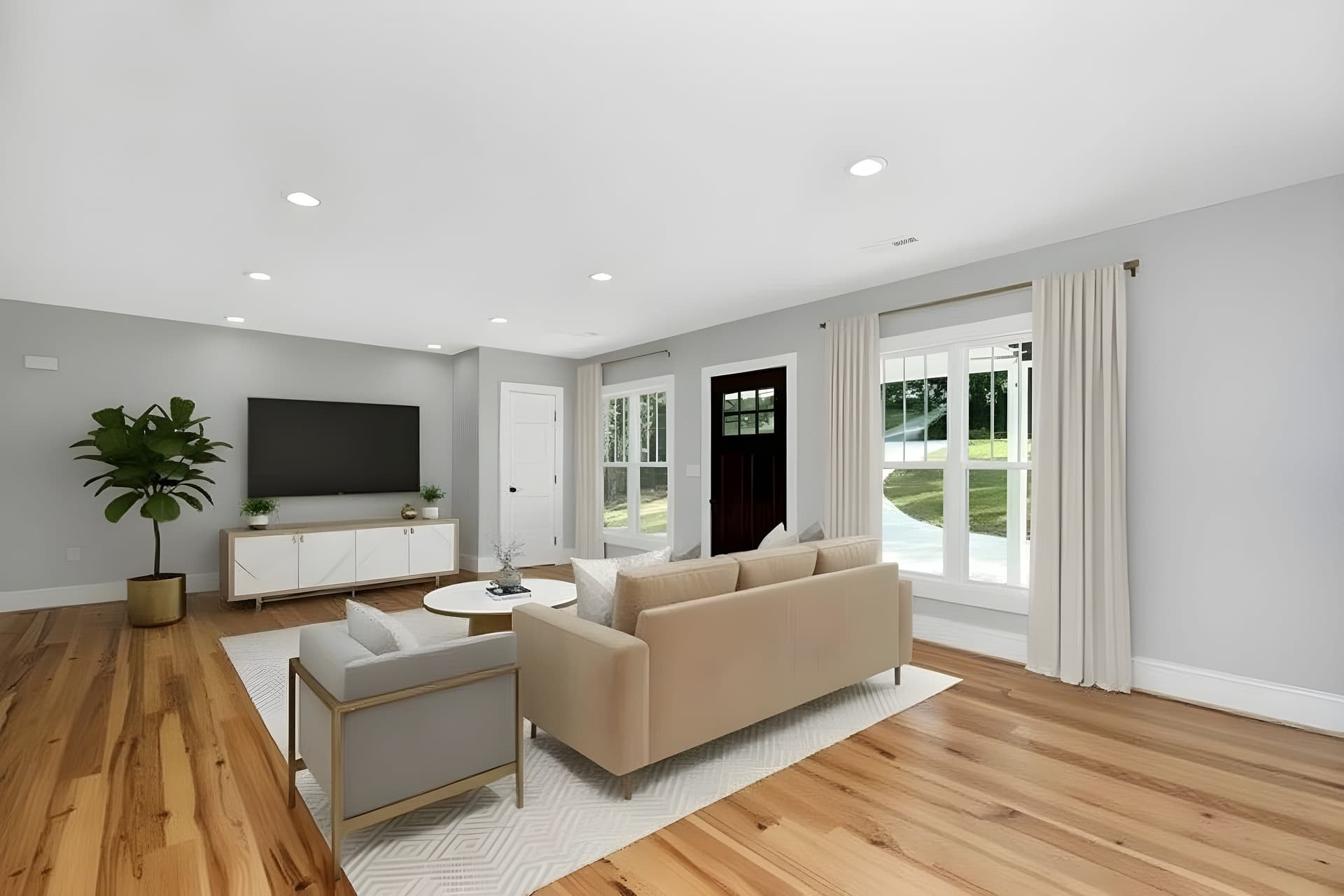 VoorVerbetering
AI Foto Verbeteraar
Verbeter foto's direct met AI
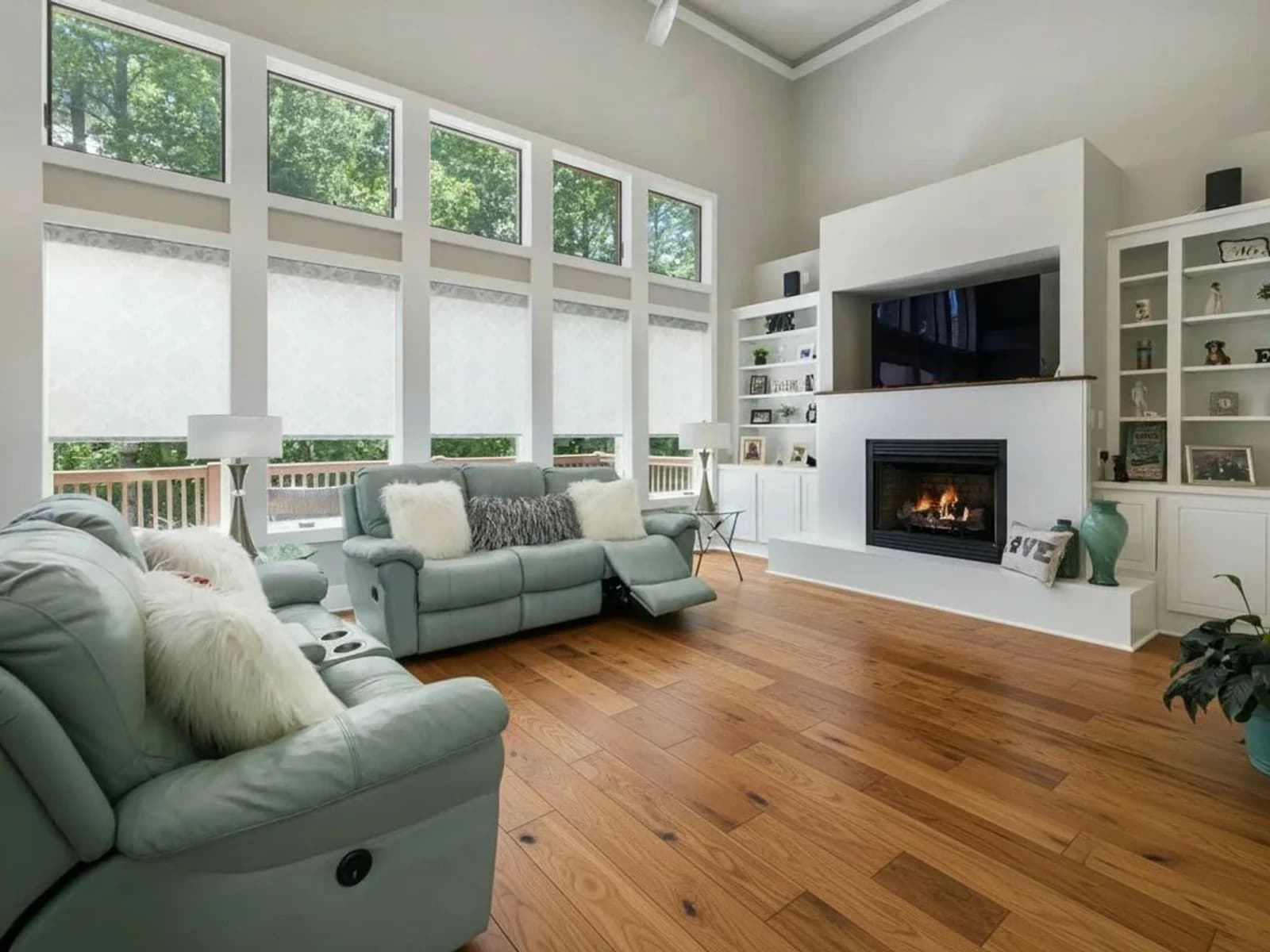 VoorStyling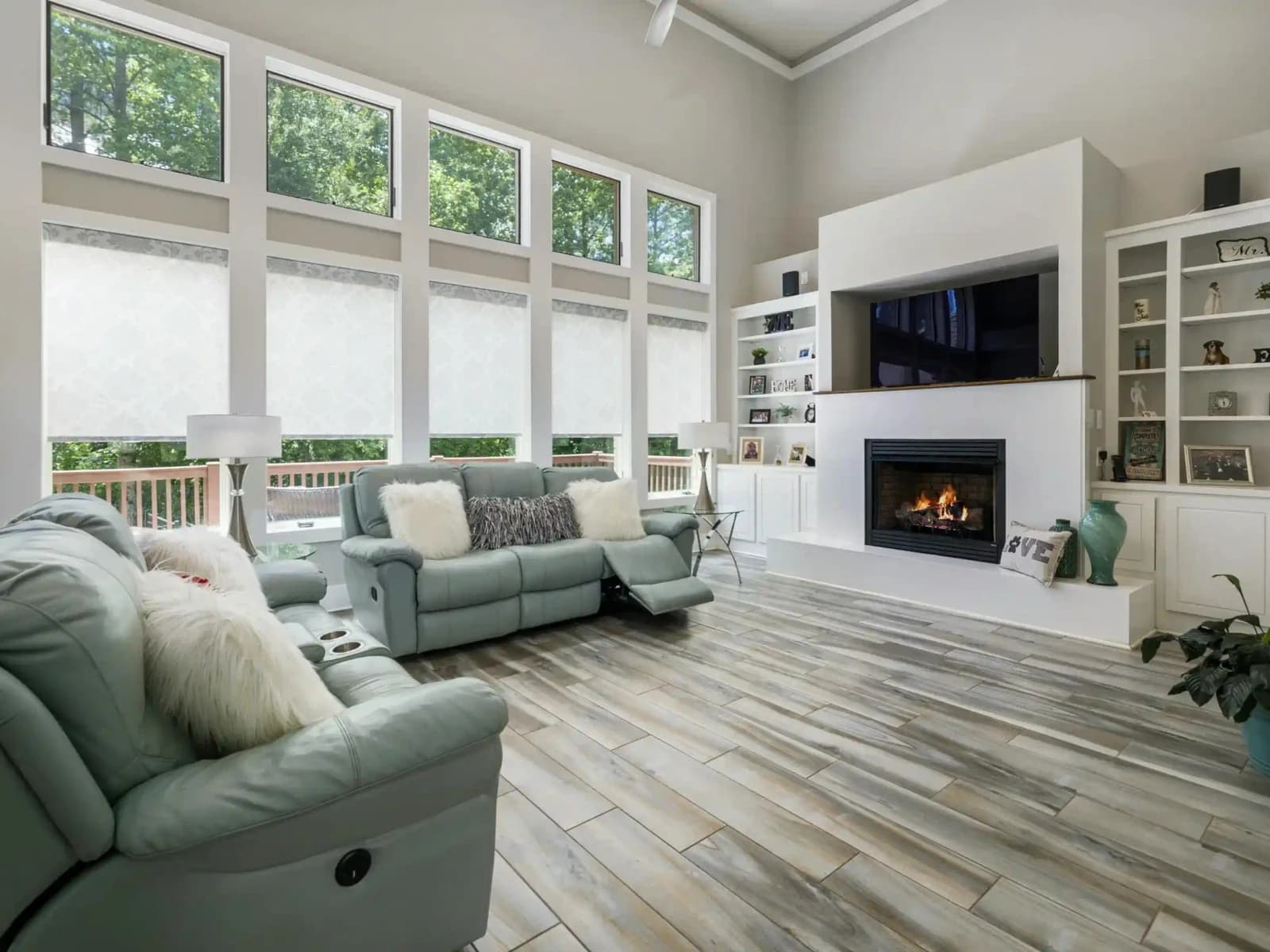
AI Virtuele Renovatie
Nieuwe afwerking, dezelfde ruimte en indeling
One object gone. What about the room?
Clearing a whole room of furniture is a different operation with a different guarantee, and an empty room is usually a room that wants staging afterwards.
Try QuickStaging for free3 gratis credits om te starten, daarna $0.45 per foto. Credits verlopen nooit. Bekijk prijzen