
Multi-Angle Virtual Staging
Stage the Same Room From Every Angle — With Consistent Furniture
Stage several photos of one room from different angles with matching furniture, so the listing reads as one staged room instead of five.
Try Multi-Angle Staging Free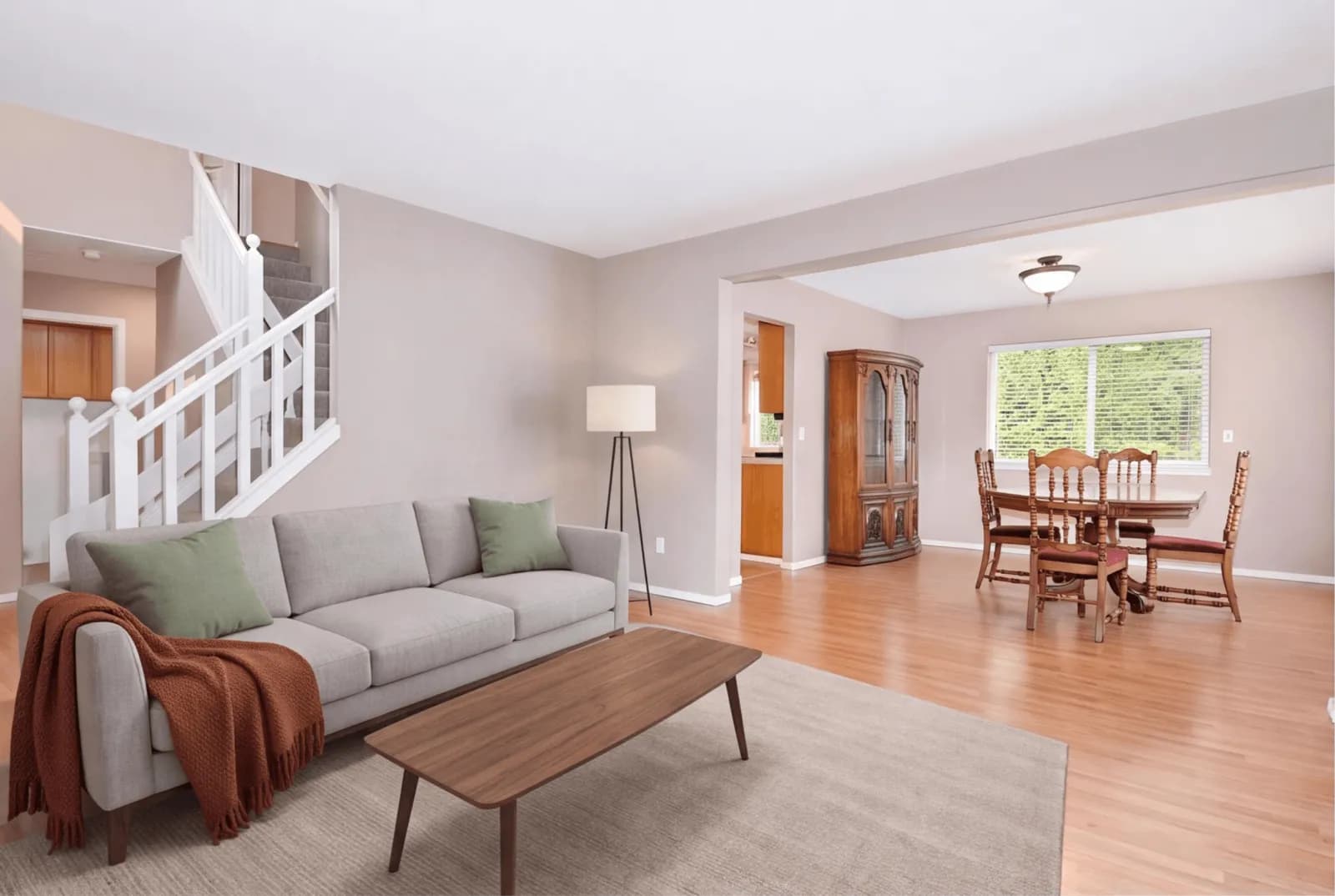
See the Same Room From Every Angle
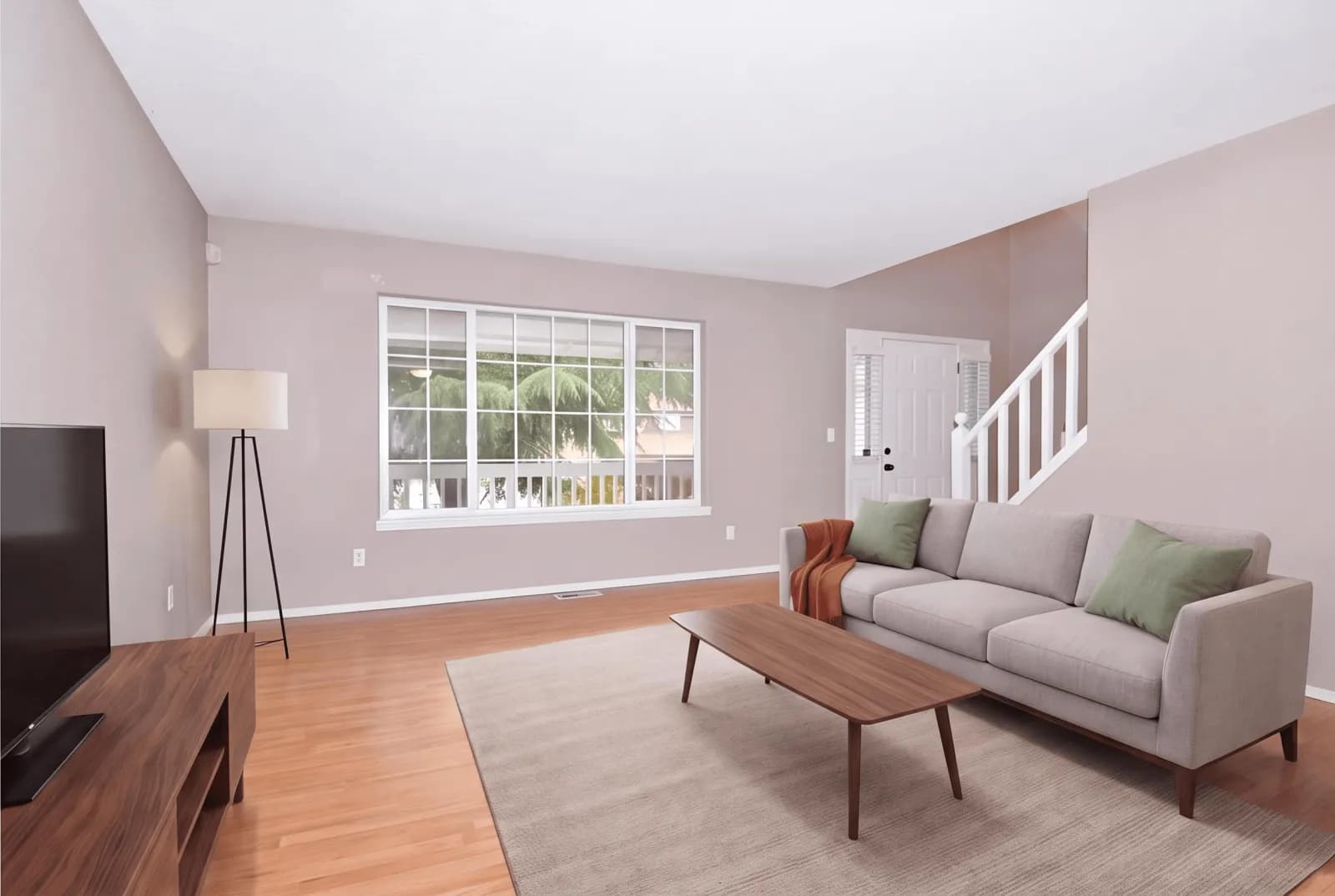
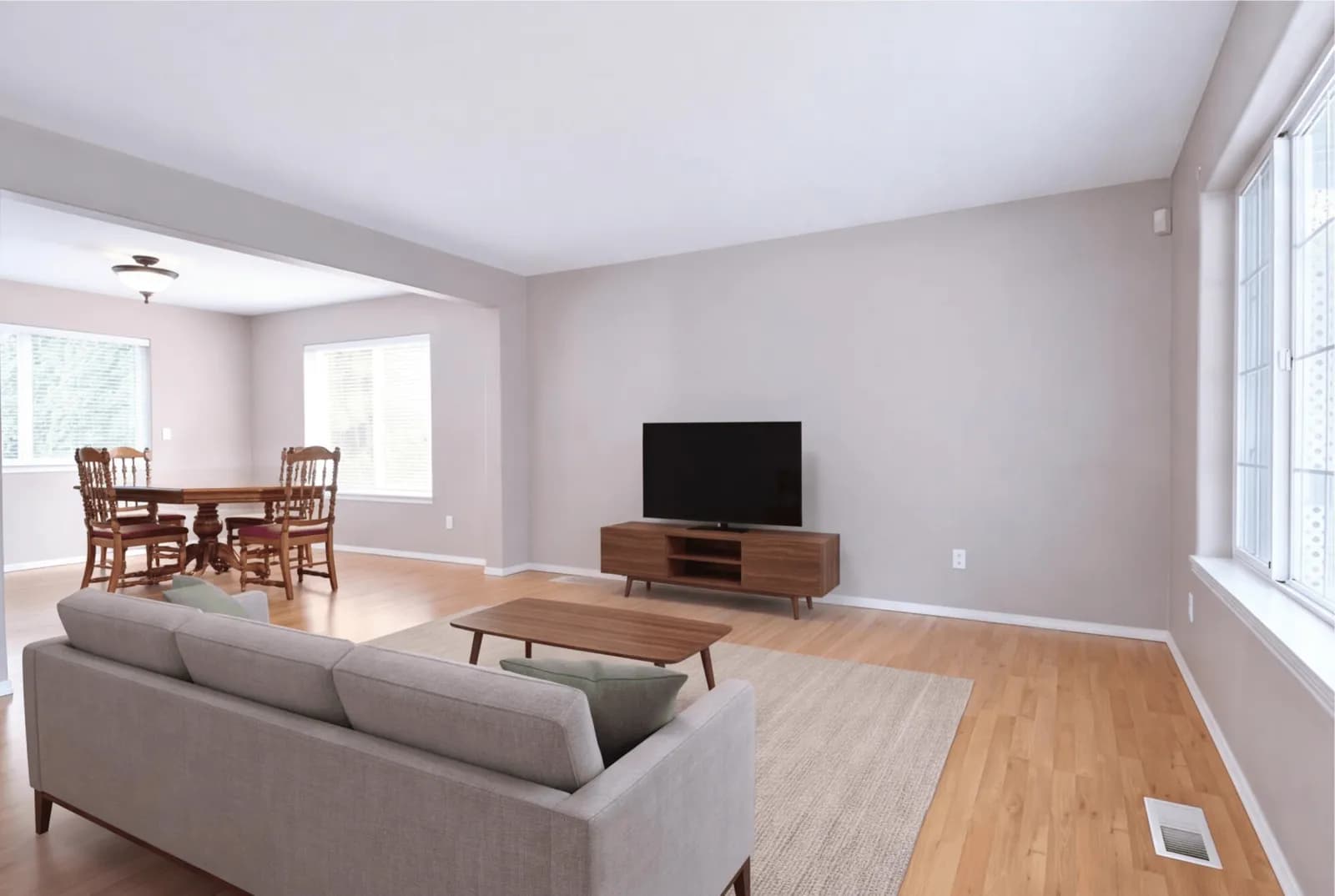
Two living rooms, each staged from three angles. The sofa, throw, rug, coffee table, floor lamp and TV console carry over from one angle to the next.
Angle 1StagedAngle 2StagedAngle 3Staged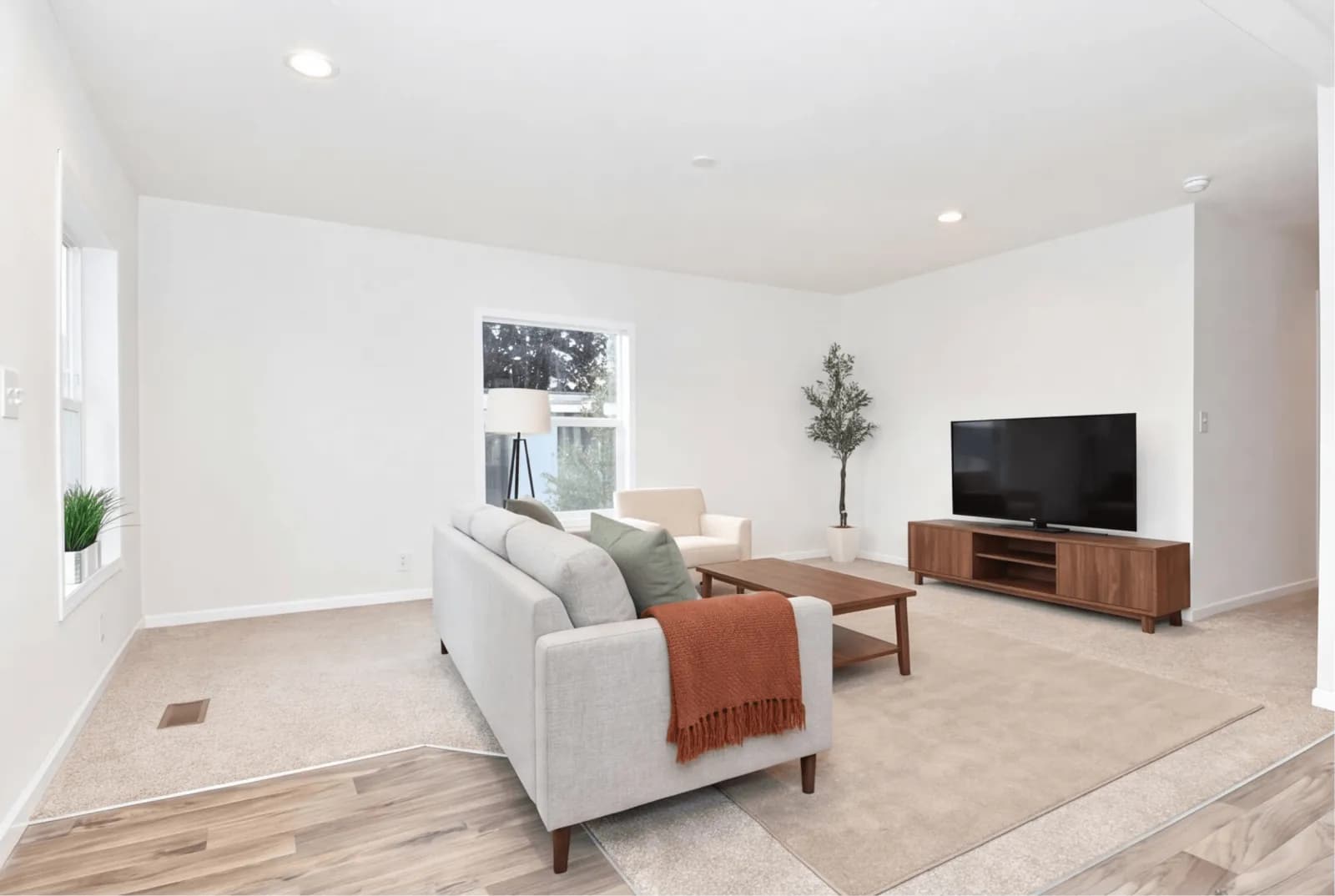 Angle 1Staged
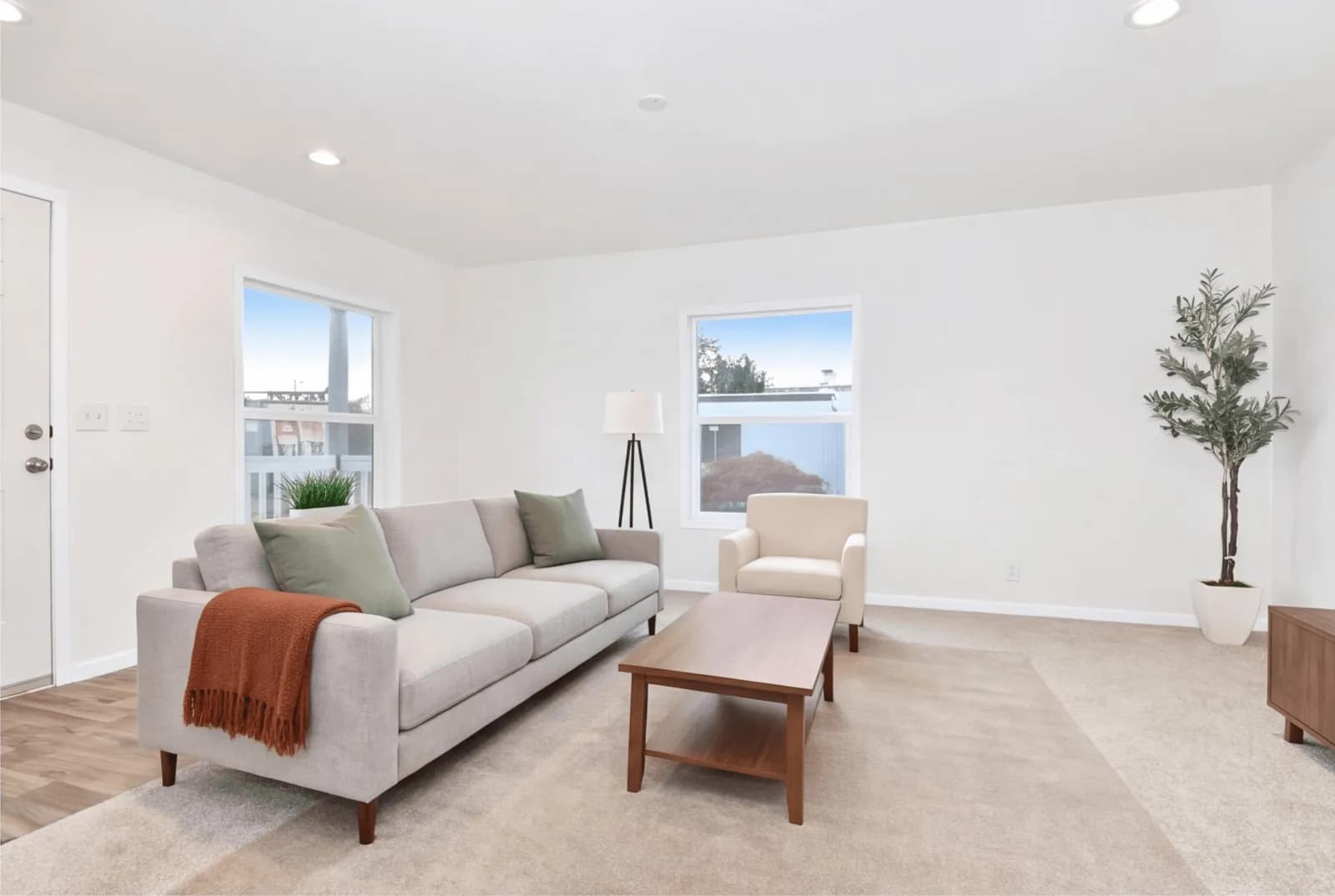 Angle 2Staged
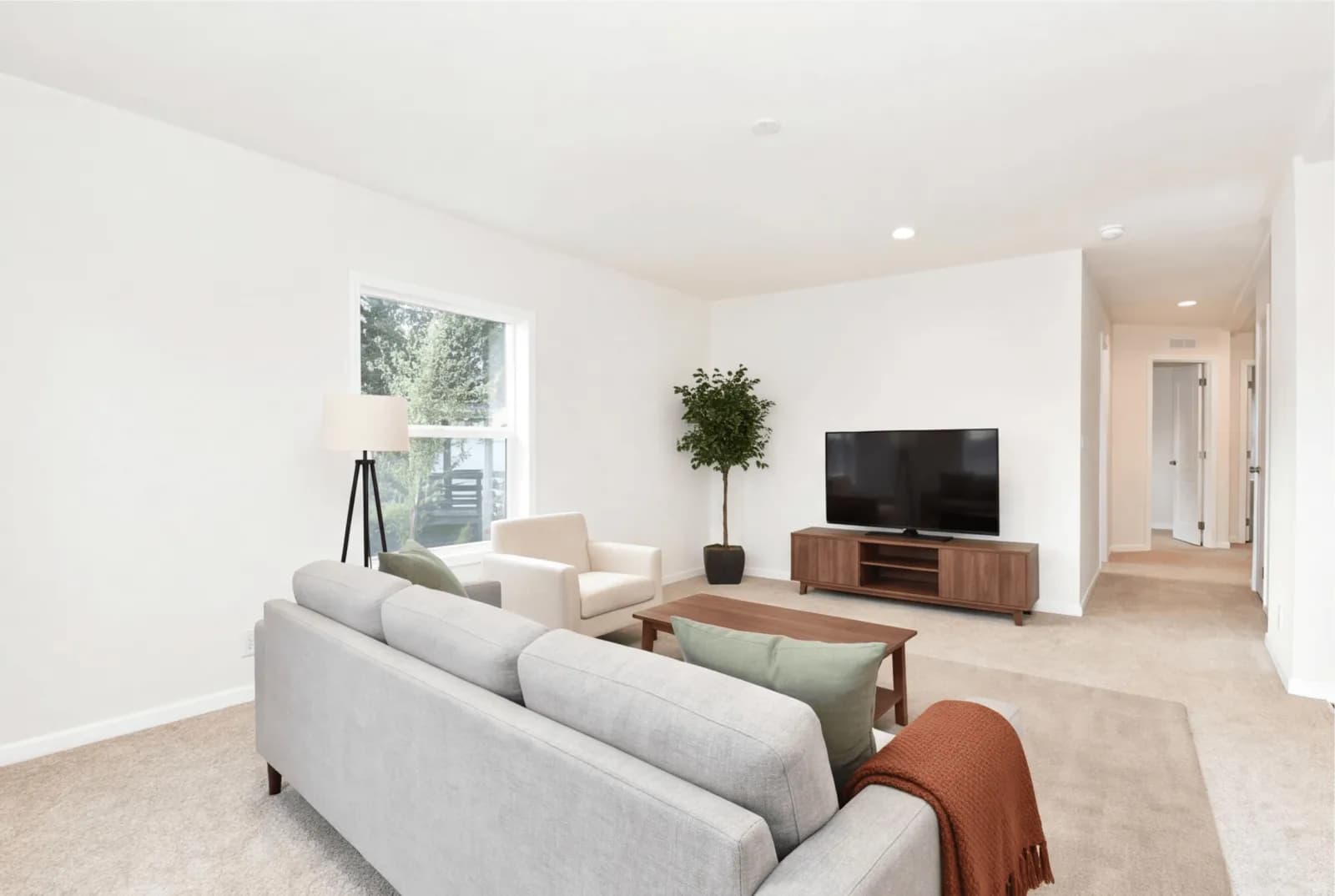 Angle 3Staged
Why Single-Photo Staging Breaks on Multi-Angle Listings
Most virtual staging tools stage each photo independently. Upload two angles of the same living room and you get two different sofas, two different rugs, two different layouts. Buyers notice instantly — and it kills trust in the listing.
How Multi-Angle Staging Works
Upload Every Angle
Add 2 to 4 photos of the same room: the wide shot, the corner, the doorway. The AI measures the room from them.
Approve the Layout
Check the measured room, then drag the furniture where you want it. Every angle is staged from that one approved layout in a single pass.
Download a Consistent Set
Get a full set of staged photos that look like one real room shot from multiple angles — ready for MLS, Zillow, and every portal.
Multi-Angle Staging vs Other Methods
| Feature | QuickStaging Multi-Angle | Single-Photo AI Tools | Physical Staging |
|---|---|---|---|
| Furniture consistency | One approved layout | Different every photo | Real, always consistent |
| Angles per room | 2 to 4 | Each staged separately | Limited by shoot day |
| Cost per room | $0.45–$0.48 / photo | Per photo, no link | $500–2,000+ |
| Turnaround | Minutes | Minutes | 1–2 weeks |
| Looks like one room | Closer, not guaranteed | Rarely | Yes |
| Revisions | Re-stage any angle | Restage each photo | Very costly |
Why Agents Use Multi-Angle Staging
Matched Furniture
You approve one furniture layout and every angle is staged from it in one pass, so the sofa, rug and tables sit in the same spots in each shot. Check each angle and re-stage any that drifts.
2 to 4 Angles per Room
Stage the wide shot, the corner and the doorway of the same room as one consistent set.
Every Room Type
Living rooms, bedrooms, kitchens, offices — multi-angle staging works for any space you photograph more than once.
Photorealistic Output
High-resolution staged photos with realistic lighting and shadows that follow the real geometry of each angle.
Faster Full Listings
Stage an entire room's photo set in one flow instead of restaging and re-matching each photo by hand.
Portal-Ready Sets
Consistent staged photos optimized for MLS, Zillow, Realtor.com, Rightmove, and every major listing platform.
Frequently Asked Questions About Multi-Angle Virtual Staging
What is multi-angle virtual staging?
Multi-angle virtual staging stages several photos of the same room, taken from different angles, with one furniture set. Instead of each photo getting its own random furniture, every angle is staged from one approved layout so the listing looks like one staged room.
How does QuickStaging keep the furniture consistent?
The AI measures the room from your photos and suggests a furniture layout, which you can adjust before anything is staged. Every angle is then staged from that one layout in a single pass. It is not perfect: a piece can still come back off or missing in one angle, so check every angle and re-stage the ones that drift.
How many angles can I stage per room?
Two to four photos per room. That covers the wide shot, the opposite corner and the doorway most listings show.
Does it cost more than regular staging?
You're charged per staged photo, the same as standard staging — credits run $0.45–$0.48 per image. Multi-angle simply links the photos so they stay consistent; there's no premium for the layout lock.
Which rooms work best for multi-angle staging?
Any room you photograph from more than one angle — living rooms, bedrooms, kitchens, dining rooms, and home offices are the most common. It's most valuable for the hero rooms buyers scrutinize most.
Can I restage a room with a different style?
Yes. You can restage the whole angle set in a different design style, and the AI keeps that new style consistent across every angle.
Stage Every Angle of Your Next Listing
Give buyers a room that looks real from every photo. Start with 3 free credits — no subscription required.
Try Multi-Angle Staging Free