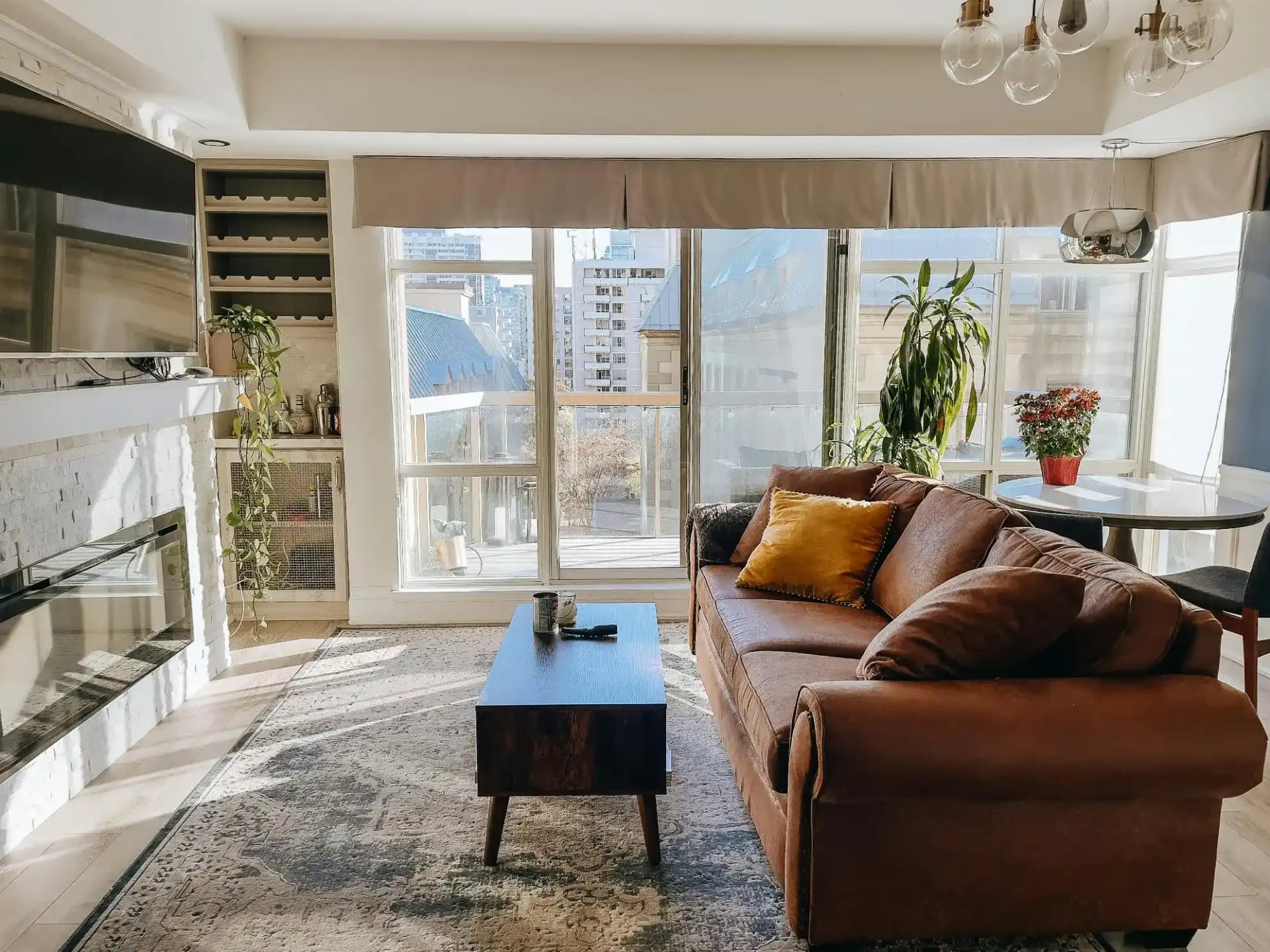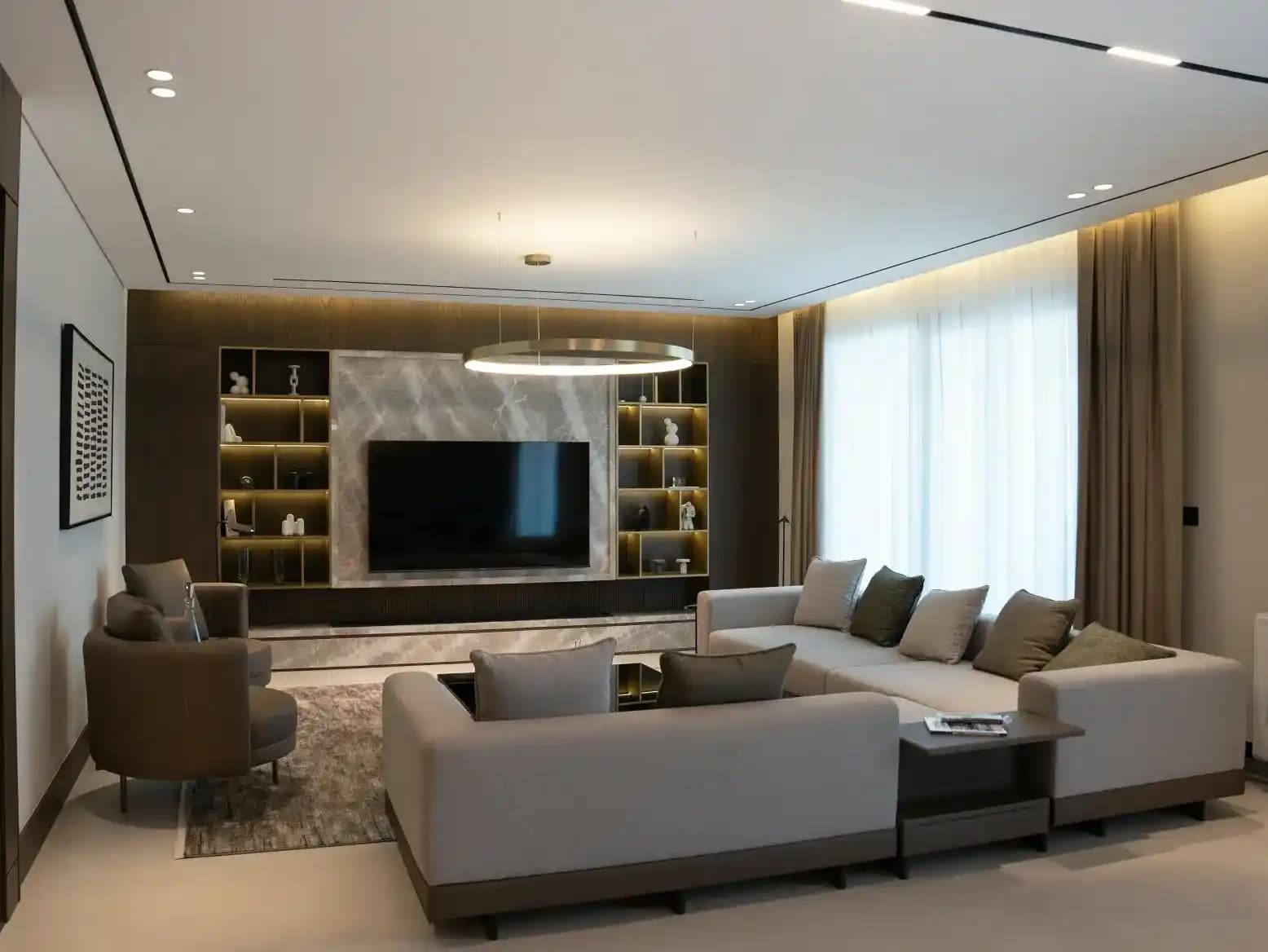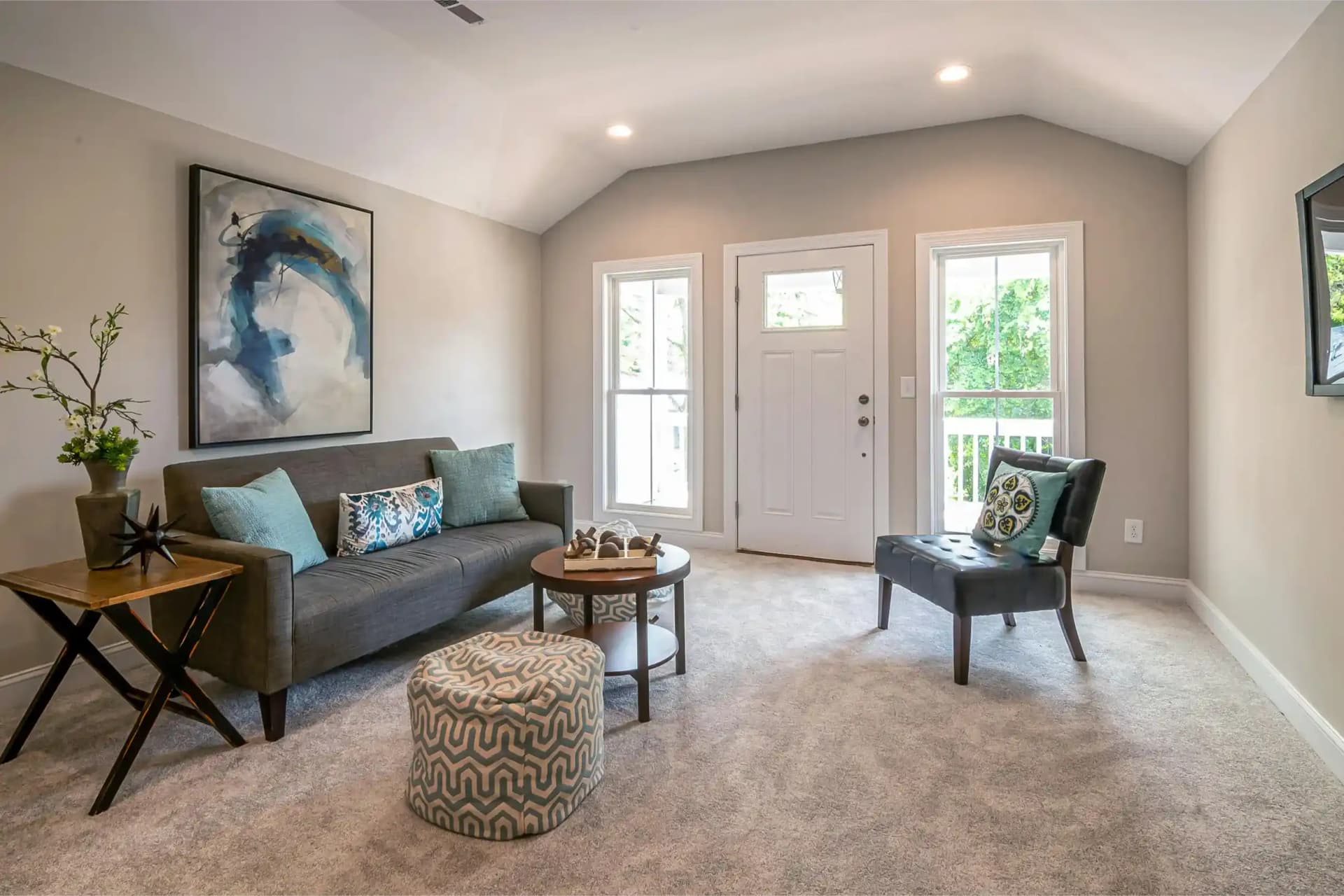
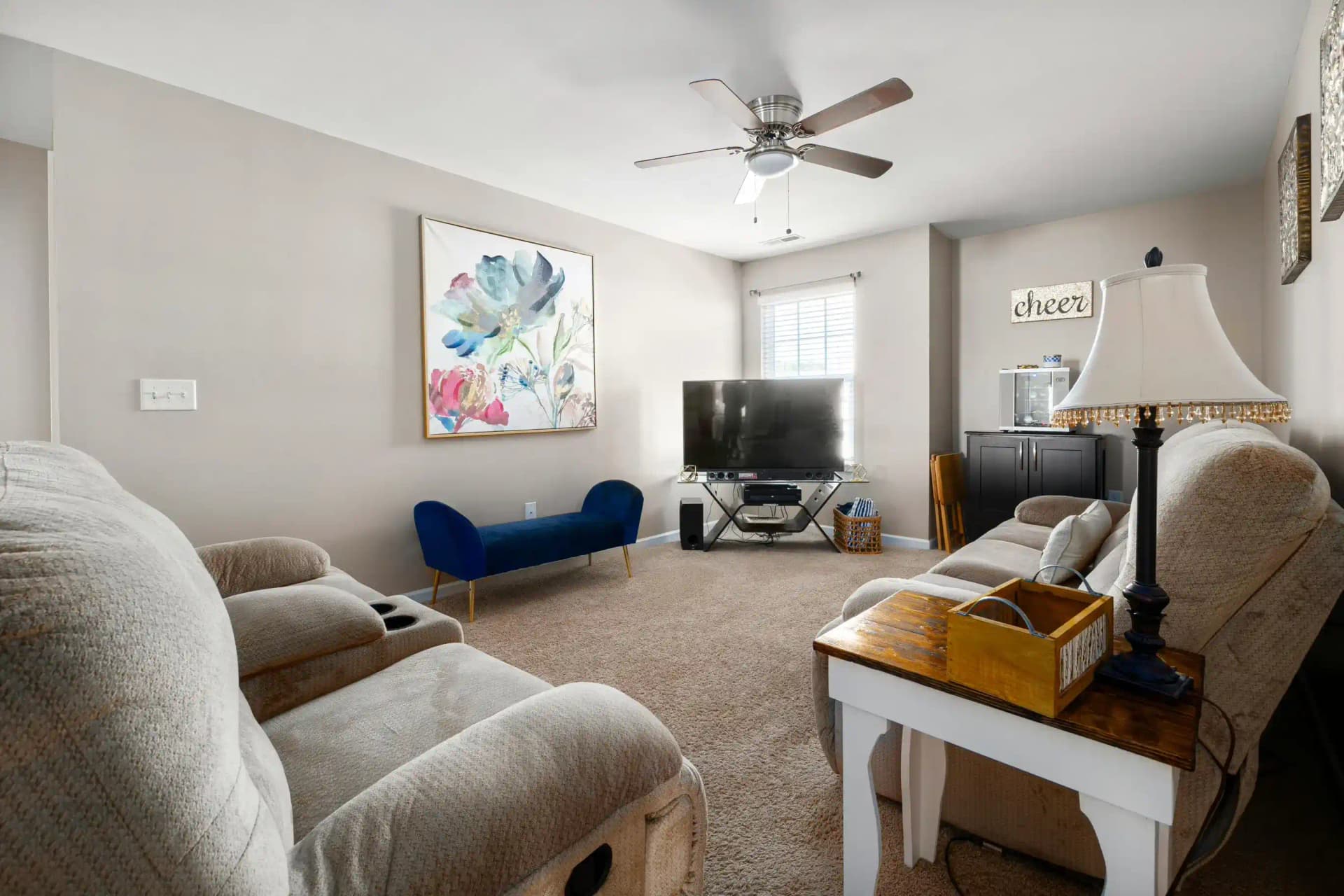
The traditional advice for listing photos is to hire a stager, rent furniture, and spend thousands getting a home "photo ready." But in 2026, there's a smarter approach — one that produces equally compelling listing photos without the logistics, cost, or time delay of physical staging. Here's the complete workflow.
Step 1: Clean and Declutter First (Always)
Before anything else, the home needs to be thoroughly cleaned and decluttered. Remove personal photos, excess furniture, and anything that personalizes the space too strongly. This applies whether you're doing physical or virtual staging — a cluttered room produces a cluttered staged image.
For vacant homes, this means ensuring the space is swept, windows are clean, and any remaining construction debris or owner items are removed.
Step 2: Address Lighting Before the Shoot
Open every window treatment. Replace any burned-out bulbs with daylight-temperature LEDs (5000K). For rooms with poor natural light, bring in a portable LED panel to fill shadows. Good lighting is the foundation of good staging photography — no amount of post-processing fixes a fundamentally dark photo.
Step 3: Shoot the Empty Rooms First
For vacant homes, capture clean shots of every room before adding any props or staging elements. These "clean empty" shots are your source files for virtual staging. Shoot from a corner or doorway that shows the maximum room depth, keep the camera level, and use a wide-angle lens (24–35mm equivalent) for standard rooms.
Step 4: Add Minimal Physical Props (Optional but Effective)
A few inexpensive physical items can anchor a room and improve the AI staging result:
- A potted plant or two in the living room and kitchen
- A single piece of art leaned against the main wall
- A small rug in the center of the room to define the space
- Fresh towels in bathrooms
These props cost very little but give photographers something to compose around, and they help the AI staging model understand the scale and usage of the space.
Step 5: Apply Virtual Staging to Key Rooms
Upload your clean room photos to QuickStaging. Prioritize: living room (always), master bedroom, kitchen (if open plan), and any bonus rooms. Select a design style that matches the home's architecture and target buyer demographic. Generate and compare multiple results — most sessions take under 10 minutes for a full home.
Step 6: Edit and Export
Lightly retouch the virtually staged images in Lightroom or your preferred editor — match the tone, brightness, and color temperature to your other listing photos for consistency. Buyers notice when staged and unstaged photos look like they were taken in different conditions.
Step 7: Order the Photos Strategically
Lead with your best staged shot — usually the living room. Follow with the master bedroom, kitchen, and outdoor spaces. Use virtually staged images for the first 6–8 photos in your listing (the ones buyers see before scrolling) and transition to unstaged shots for secondary rooms and exterior views.
Disclosure Note
Always disclose in your listing that photos are virtually staged. Most MLS platforms require it, and buyers appreciate transparency. A simple note in the listing description — "Some photos virtually staged for illustrative purposes" — is sufficient and protects you legally.
The Bottom Line
Professional listing photography combined with virtual staging gives you the visual impact of a fully staged home without coordinating a staging company, renting furniture, or waiting for delivery windows. For vacant homes especially, this workflow consistently produces listing photos that compete with — and often outperform — traditionally staged listings.