
AI grass and lawn replacement for listing photos
Upload one exterior shot and get the lawn back in four finishes — including a drought-tolerant one that keeps it straw-coloured instead of turning it emerald.
JPG、PNG 或 WEBP · 最大 15 MB
- What a run costs
- 1 credit per variant, and a run defaults to 2
- To try it
- A free account, 3 credits, no card
- Signed out
- Not available — this tool needs an account
How do you replace the grass in a real estate photo?
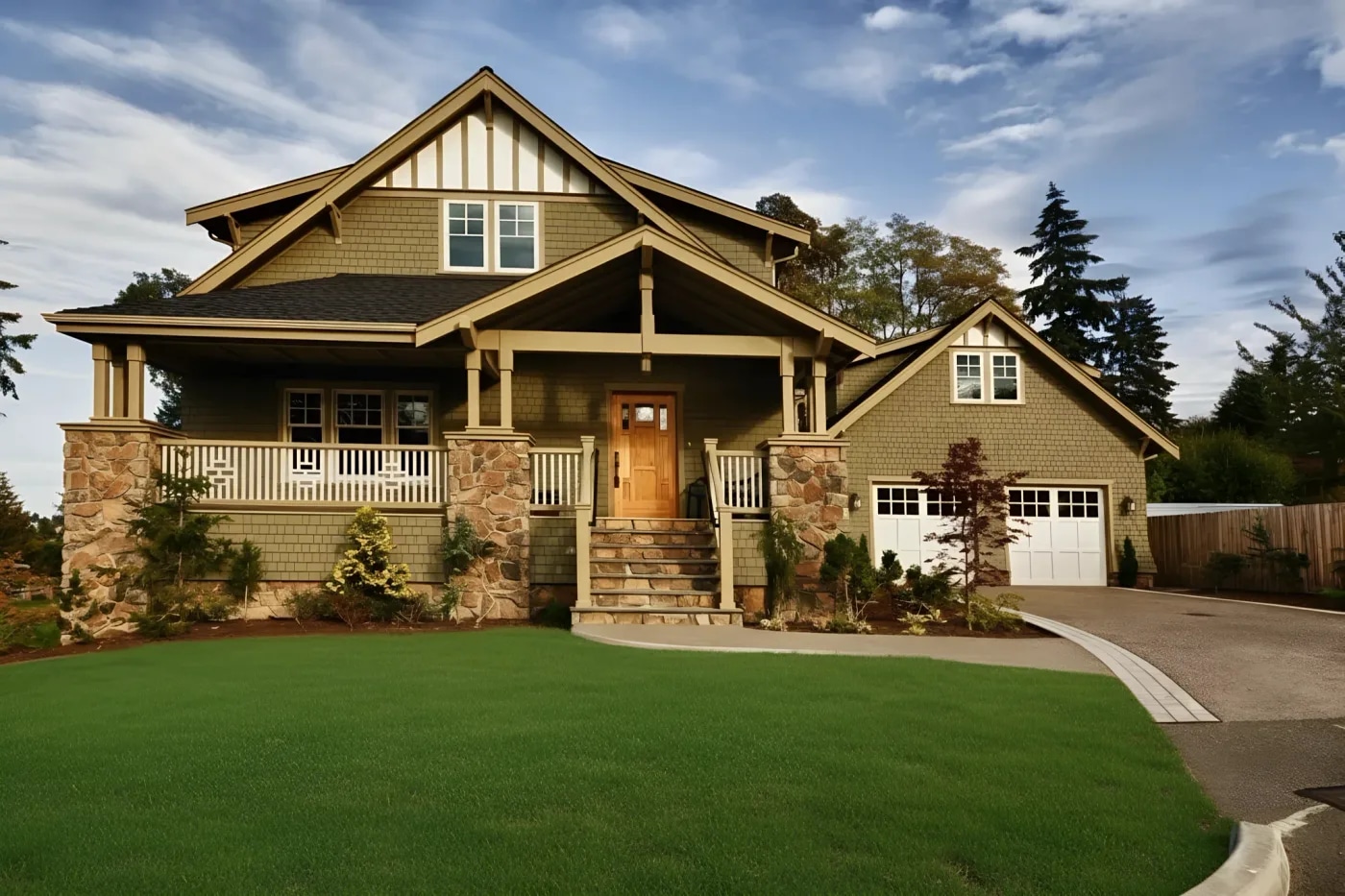
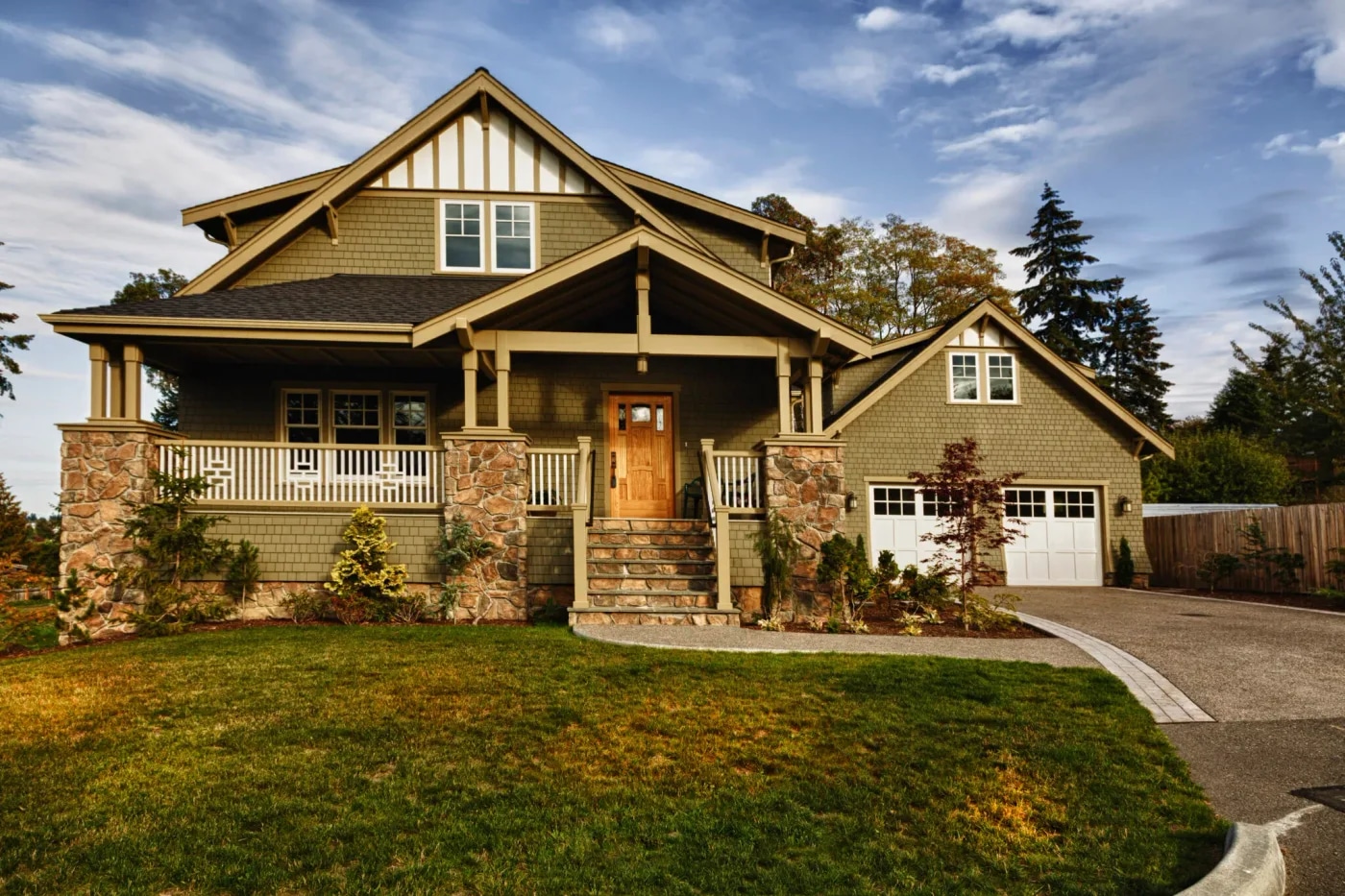
Upload the exterior shot and pick a lawn finish. The AI recolours the turf inside its existing boundary and evens out the bare patches, while the prompt holds the paving, decking, gravel and planting beds to their own materials. Four finishes, including a drought-tolerant one. One credit per variant, a run defaults to two, from $0.45 per photo. A free account takes no card and comes with 3 credits.
最后更新:
The list of surfaces it has been told to leave alone
A lawn tool's characteristic failure is greening something that is not a lawn. Ours did it once — a wooden deck came back as turf — and the fix is enumerated in the prompt rather than left to the model's judgment, which is why the list can be published.
- 01Hardscape is named, not implied
- Decking, stone, pavers, gravel, concrete, driveways, paths, patios, mulch and soil beds are listed by name and keep their own material and colour.
- 02The lawn keeps its outline
- The turf is worked inside its current boundary: same shape, same edges, same size. It does not grow over a path to make a better picture.
- 03Nothing standing on it moves
- Clearing leaves, weeds and moss is a separate switch, and it is told in the same breath to leave furniture, toys, hoses, bins and vehicles exactly where they are.
- 04Drought-tolerant is judged as itself
- Quality control is given a different description of the job per finish, so a correctly straw-coloured result is not flagged as an edit that never ran.
A replaced lawn is a digitally altered image under California's AB 723 — unlike exposure or white balance, which the statute carves out. Recolouring the turf changes what the property looks like it has, so the listing needs the notice and a link to the original. See the disclosure rules by state
How it works
- 01
Drop the exterior photo
Any JPG, PNG or WEBP up to 15 MB. Front yards, back gardens and drone shots all work; the lawn needs to be visible as lawn.
- 02
Pick a finish
Lush, manicured, natural or drought-tolerant. Two switches extend the work to the planting beds, or to clearing leaves and weeds off the turf itself.
- 03
Compare it against your original
The result is a re-render, so read it against the upload before you use it. Quality control re-runs a broken result once at no cost.
The four finishes
They are four different instructions to the model, not four strengths of one. Picking the wrong one for the season is the most common reason a lawn looks fake.
| Finish | The four finishes | Best for |
|---|---|---|
| Lushdefault | Healthy, vividly green turf. | Spring and summer listings, and anywhere a green lawn is the local norm. |
| Manicured | Dense, freshly mown, crisp edges, faint mowing stripes. | Larger plots and new-build photography, where an unstriped lawn reads as unfinished. |
| Natural | Healthy green that keeps real grass's tonal variation and texture. | Anything where an even emerald lawn would look retouched. |
| Drought-tolerant | Keeps warm straw, sage and olive tones; evens out bare patches. | California, Arizona, Texas and anywhere a green lawn in August reads as a lie. |
Every finish costs the same: one credit per variant, and the variant picker opens on 2. A free account comes with three credits and no card, which covers one run at the default plus a single-variant one. Signed out, the tool does not run at all — the studio shows a sign-up wall rather than spending a GPU on an anonymous request.
Questions about lawn replacement
Terms, limits and what the tool will not do.
Is the AI grass tool free?
Not without an account, and not unlimited. A free account takes no card and comes with 3 credits. A run costs 1 credit per variant and the picker opens on 2, so those three cover one run at the default plus a single-variant one. After those, credits work out to $0.45 per photo depending on pack size, they never expire, and there is no subscription to keep. Signed out, the tool does not run — the request is refused before it reaches a GPU.
Does it change anything except the lawn?
In intent, no: the prompt names the hardscape and the planting to hold, and the lawn's own boundary to work inside. In practice the model re-renders the whole frame rather than painting into a mask, so the result is a new rendering of your photo, not your photo with one region swapped. Compare it against your original before you publish it — that is what the slider on this page is for.
What does the drought-tolerant finish do?
It is the one finish that does not make the lawn green. It keeps the warm straw, sage and olive tones of unirrigated turf, evens out the dead and bare patches and clears the weeds. It exists because an emerald lawn on an August listing in Phoenix reads as retouched, and because a buyer who arrives to find brown grass has been told something untrue.
Will it turn my deck or gravel into grass?
It has done, once, which is why the prompt now enumerates decking, stone, pavers, gravel, concrete, driveways, paths, patios, mulch and soil beds by name rather than relying on the model to infer them. If it still happens on your photo, that is a bug worth reporting rather than an outcome to work around.
Do I have to disclose a replaced lawn on the listing?
In California, yes. AB 723 covers images that change what a property appears to contain, and carves out only lighting, exposure, white balance, colour correction and sharpening. Recolouring a lawn is not in that carve-out. The rule requires a conspicuous notice next to the image and a link to the unaltered original. Other states vary — our disclosure reference tracks what is in force where.
How long does it take?
Usually 20 to 40 seconds. It is a queued GPU model rather than local arithmetic, so it is slower than the photo enhancer and occasionally slower than this when the provider is busy. Closing the tab does not lose the run or the credit — the result is written to your project when it lands.
What resolution do I get back?
Up to 2048 px on the long edge, the size MLS platforms and portals ask for. Bigger uploads are scaled to 2048 px first, and the model renders at about one megapixel before the result is upscaled to that size, so fine detail is reconstructed rather than copied. It is not a print-resolution file.
Which formats and sizes are supported?
JPG, PNG and WEBP up to 15 MB. The lawn has to be identifiable as lawn in the source — the tool recolours turf that is already there, and cannot add a lawn to bare soil or replace a paved yard with one.
Are my property photos private?
Uploads are processed over encrypted connections and are not used to train any model. They are stored with your project so you can come back to the result, and you can delete a project and its images from the studio at any time.
Disclosing altered photos
Since January 1, 2026, California's AB 723 has required a visible disclosure and a link to the original photo on digitally altered listing images. Edits that change how a property looks are covered; routine colour and exposure fixes are not.
We checked 297 California listings whose own captions admit the photos were altered. 99% carry no publicly reachable link to the original image, which is the half of the statute almost everyone misses.
The lawn is fixed. Is the sky?
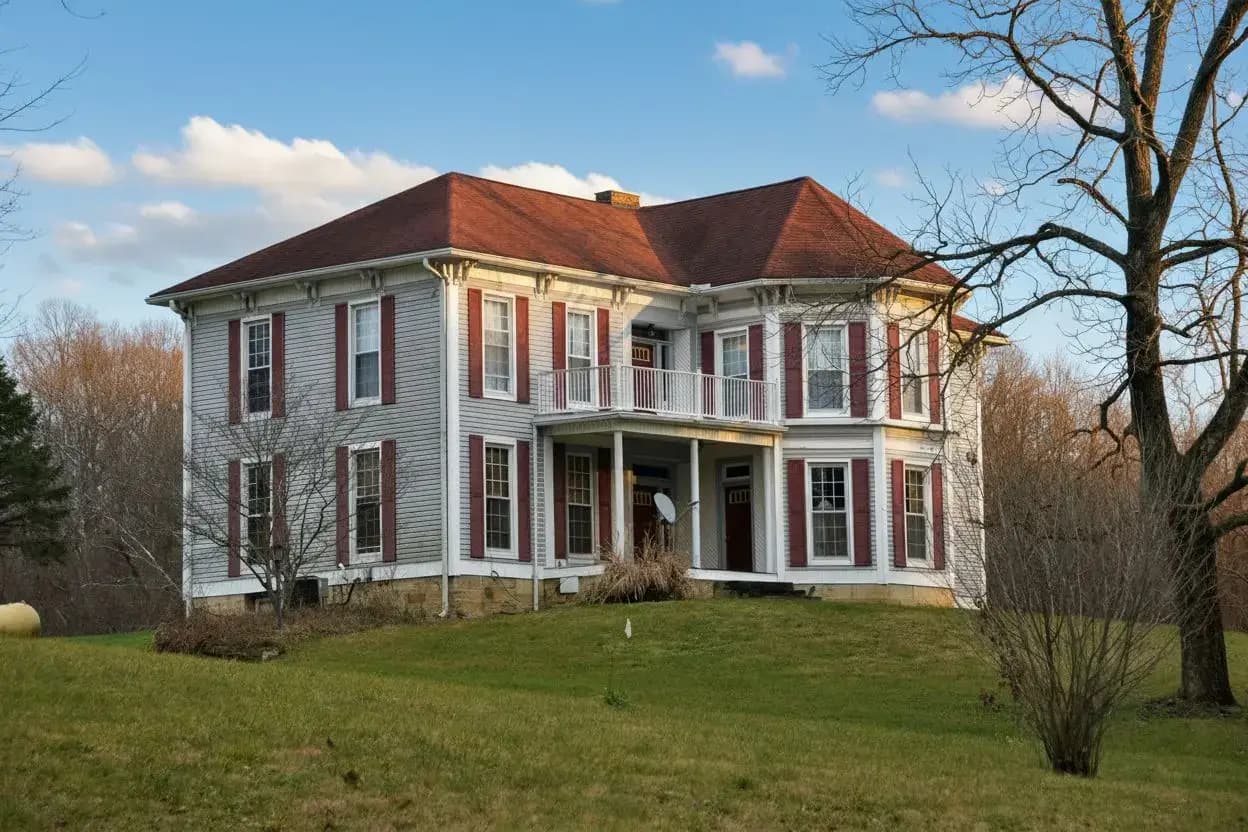
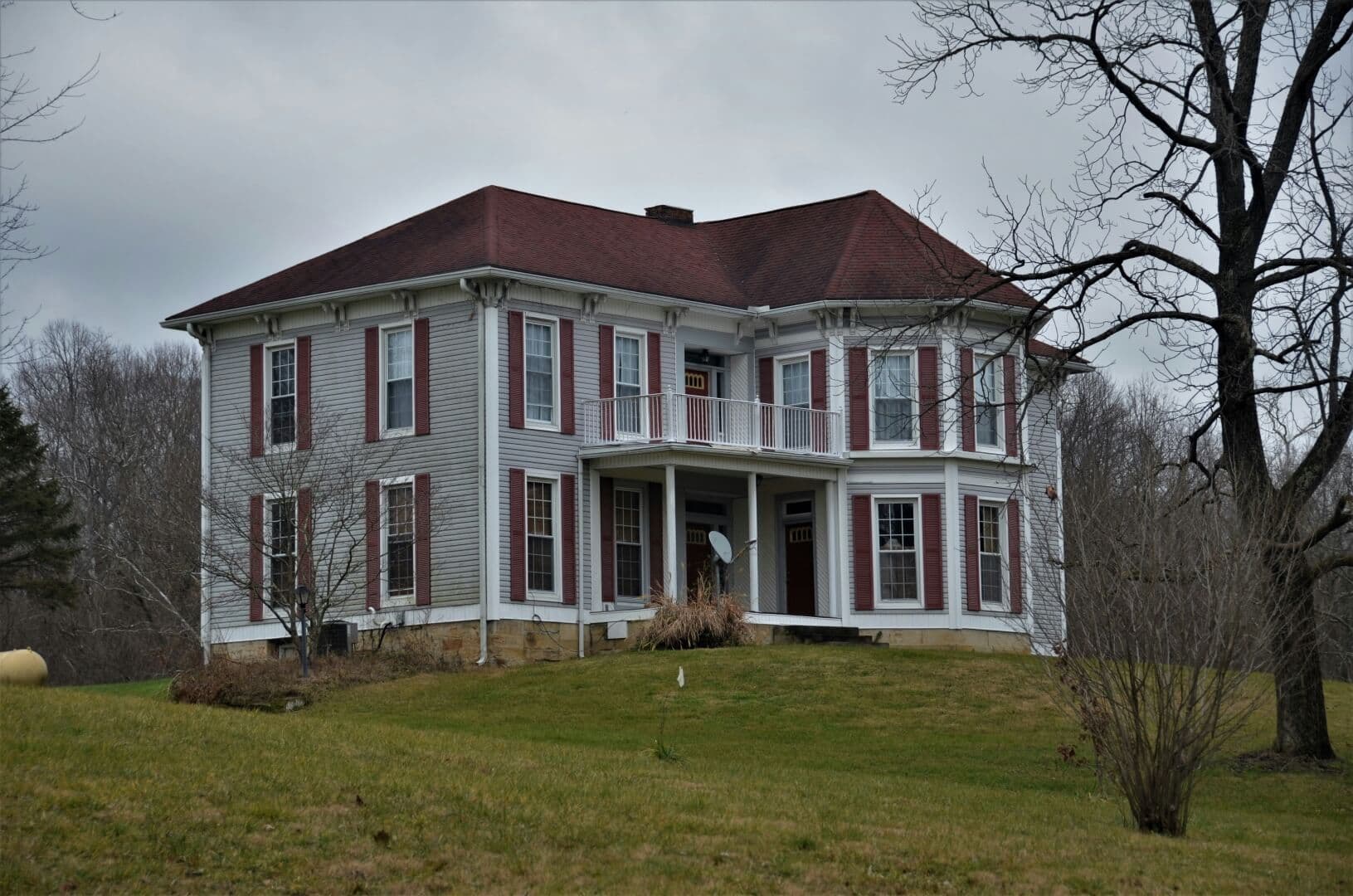
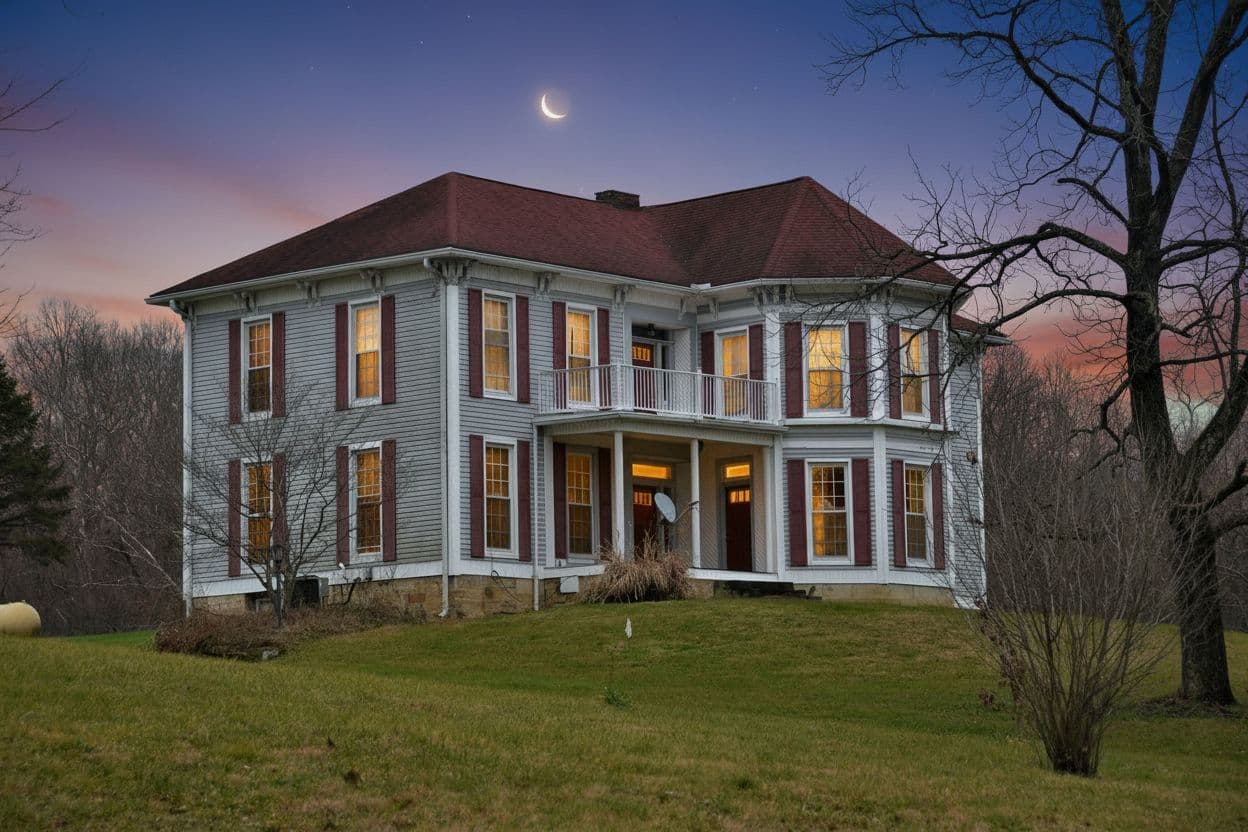
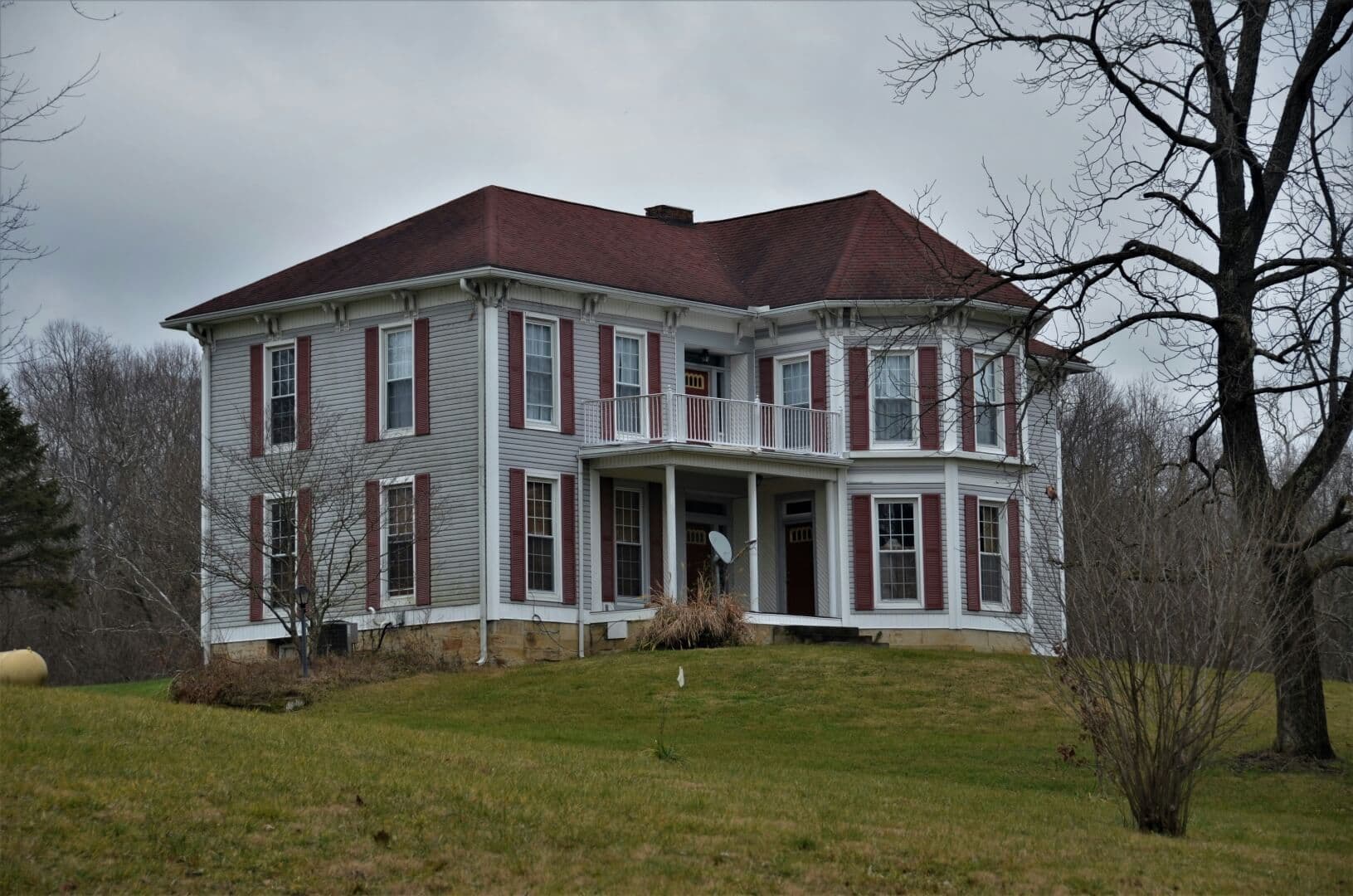
Grey skies and midday shadows are a different job. Sky replacement swaps the sky on the same exterior, and day-to-dusk turns it into a twilight shot with the windows lit.
Try QuickStaging for free3 个免费额度即可开始,之后每张照片约 $0.45。额度永不过期。 查看价格