
Free AI listing description generator: no account, no card, no catch
Enter the facts a buyer filters on, pick a tone, and get a 200-to-300-word listing description in one of seven languages. Nothing to sign up for.
- What it costs
- Nothing — no account, no card, no credits
- The limit
- 5 descriptions an hour from one connection
- Output languages
- EN, TR, DE, ES, FR, IT, PT
Is there a free AI listing description generator?
Yes — this one, with no account and no card. Enter the bedrooms, bathrooms, size, location and features, pick luxury, modern or warm, and it returns a 200-to-300-word description in any of seven languages. The cap is 5 an hour per connection. Saving the result as a file needs a free account; copying it does not.
The generator does not know fair housing law. You do.
This writes marketing copy from the facts you type. It does not screen the result against the Fair Housing Act, and no AI listing tool we know of does. The output is a first draft by a fast copywriter with no legal training, and that is exactly how it should be treated.
- 01Describe the property, never the neighbours
- "Family-friendly", "perfect for young professionals", "safe neighbourhood", "walking distance to church" — all of these describe who lives there. Familial status, religion and national origin are protected classes.
- 02The warm tone is the one to watch
- It is instructed to write welcoming, community-focused copy, which is where familial-status language creeps in. Read a warm-tone draft twice before it goes on the MLS.
- 03Facts you typed are still your facts
- The model does not verify the square footage, the bedroom count or the features. A description is an advertisement, and an inaccurate one is your problem, not the model's.
- 04It writes; it does not check
- There is no compliance step in this tool. If you need one, your brokerage's review process is it — this is a drafting shortcut, not a substitute for that review.
How it works
- 01
Enter the property facts
Bedrooms, bathrooms, size, location, and up to ten features. These are the fields a buyer filters on, which is why they are the ones asked for.
- 02
Pick a tone
Luxury, modern or warm. They are three different instructions to the model, not three levels of enthusiasm — the table below says which is which.
- 03
Edit it, then copy it
The output is editable in the browser. Copy it free, or create a free account to download it as a file and keep it.
The three tones
Picking the wrong one is the most common reason AI listing copy reads as AI listing copy. Each is a separate instruction, written out in seven languages.
| Tone | The three tones | Use it for |
|---|---|---|
| Luxury | Elegant and formal: exclusivity, prestige, premium finishes. | High-end and unique properties, where restraint reads as underselling. |
| Modernsafest default | Clean, active sentences about efficiency, technology and convenience. | Urban apartments and new builds — and anything where you want the fewest adjectives. |
| Warm | Welcoming and emotional: comfort, community, lifestyle. | Suburban homes. Read it twice — this is the tone that drifts toward fair housing trouble. |
Every tone is free and needs no account. The cap is 5 descriptions an hour from one connection, applied whether you are signed in or not — an account changes what you can save, not how many you can generate. Output runs to 200–300 words in English, Turkish, German, Spanish, French, Italian or Portuguese; other interface languages fall back to English copy.
Questions about the listing description generator
Terms, limits and what it will not do.
Is this listing description generator really free?
Yes, and unusually for this site, with no account at all. There is no card, no credits and no signup wall in front of generating a description. The two real limits are the rate cap — 5 an hour from one connection — and the download: copying the text is free, saving it as a file needs a free account, which also costs nothing.
Do I need an account for unlimited descriptions?
No, because an account does not lift the limit. The 5-an-hour cap is applied per connection whether you are signed in or not. What an account adds is the ability to download the result as a file and come back to it later. Any page that told you otherwise was wrong, and that is now fixed.
Which languages can it write in?
Seven: English, Turkish, German, Spanish, French, Italian and Portuguese. It follows your interface language. If you are browsing in Dutch or Chinese the generator falls back to English copy, because those two are not among the tones and system prompts it has been written for.
Will the description comply with fair housing rules?
That is not checked, and you should assume it is not. The generator writes marketing copy from the facts you type; it has no compliance step. The specific risk is language that describes the people rather than the property — "family-friendly", "perfect for young professionals", "safe neighbourhood", "close to churches" — because familial status, religion and national origin are protected classes under the Fair Housing Act. The warm tone is the one most likely to produce it. Read every draft before it goes on the MLS.
What's the difference between the three tones?
Luxury writes elegant, formal copy about exclusivity and premium finishes. Modern writes clean, active sentences about efficiency and convenience, and is the safest default. Warm writes welcoming, emotional copy about comfort and community — the right register for a suburban home and the one that needs the closest read. They are three separate instructions to the model, each written out in all seven languages.
Can I edit the description?
Yes, in place. The output lands in an editable field, so you can fix a fact, cut an adjective or drop a sentence before copying it. Treat it as a fast first draft rather than finished copy — that is what it is good at.
How long are the descriptions?
200 to 300 words, which fits what MLS platforms and portals expect. The length is not adjustable; if you need it shorter, cutting the last paragraph in the editable field is usually the right cut.
Does it work for land and commercial listings?
Apartments, houses, villas, condos and land are the five property types on the form. Land works. Specialised commercial — office floors, retail units, industrial — is not a supported type, and a description generated for the nearest option will need heavy editing.
Does this replace a copywriter?
For volume residential listings it removes the blank page, which is most of the work. For a property whose value is in its story — an unusual building, a landmark, anything where the copy is doing real persuasion — a person still writes it better. It also cannot do the thing a copywriter does without being asked: notice that a claim in your input is not true.
What format can I download it in?
Plain text (.txt), which pastes cleanly into MLS portals, Zillow, Realtor.com or a CRM. The download is the one part that needs a free account; copying to the clipboard does not.
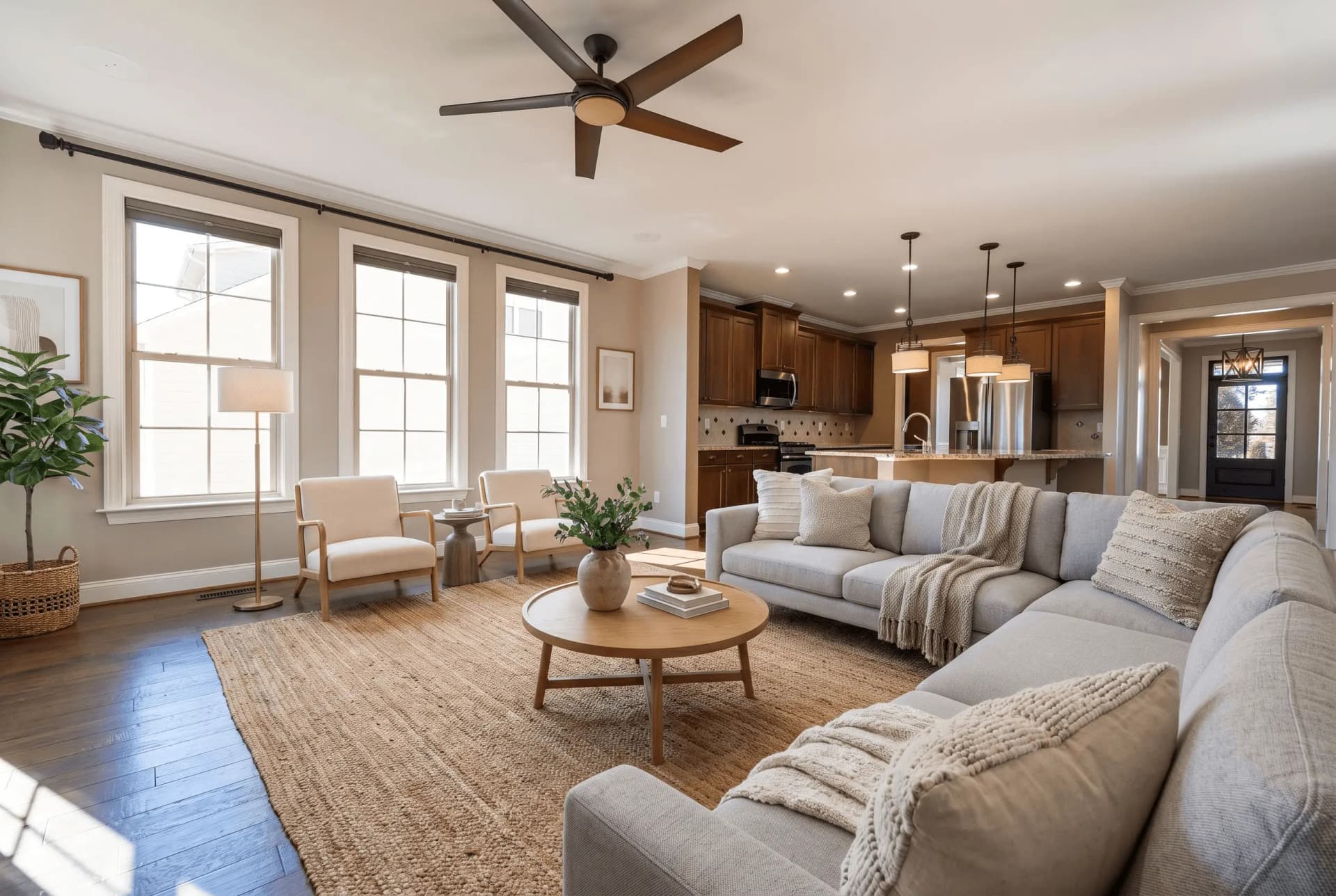
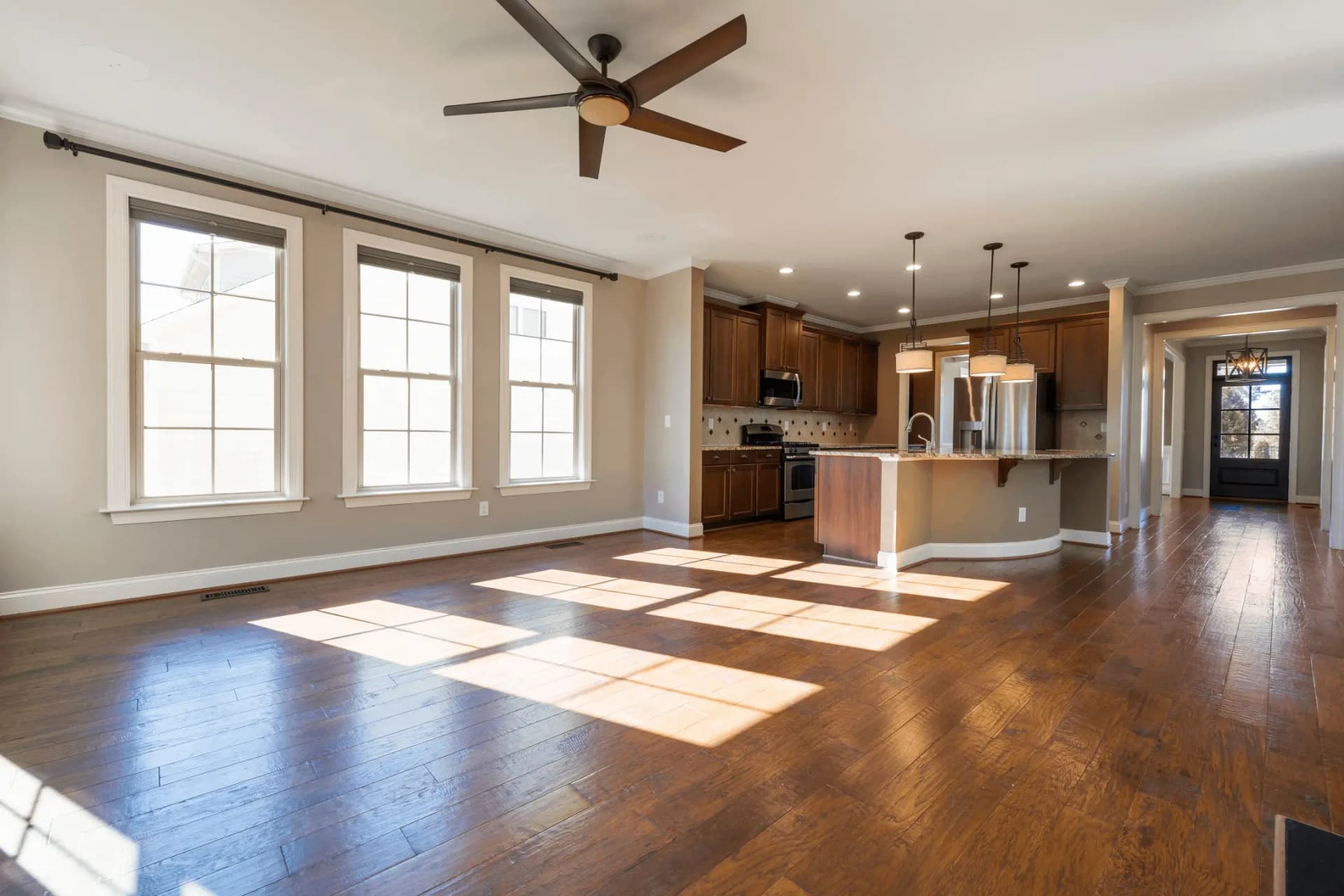
The copy is written. The photos are the other half.
Buyers click a photo and then read the description. Virtual staging furnishes the empty rooms, and the photo tools fix the exteriors and the exposure on the same listing.
Try QuickStaging for free3 个免费额度即可开始,之后每张照片约 $0.45。额度永不过期。 查看价格