
AI day-to-dusk conversion without the second trip
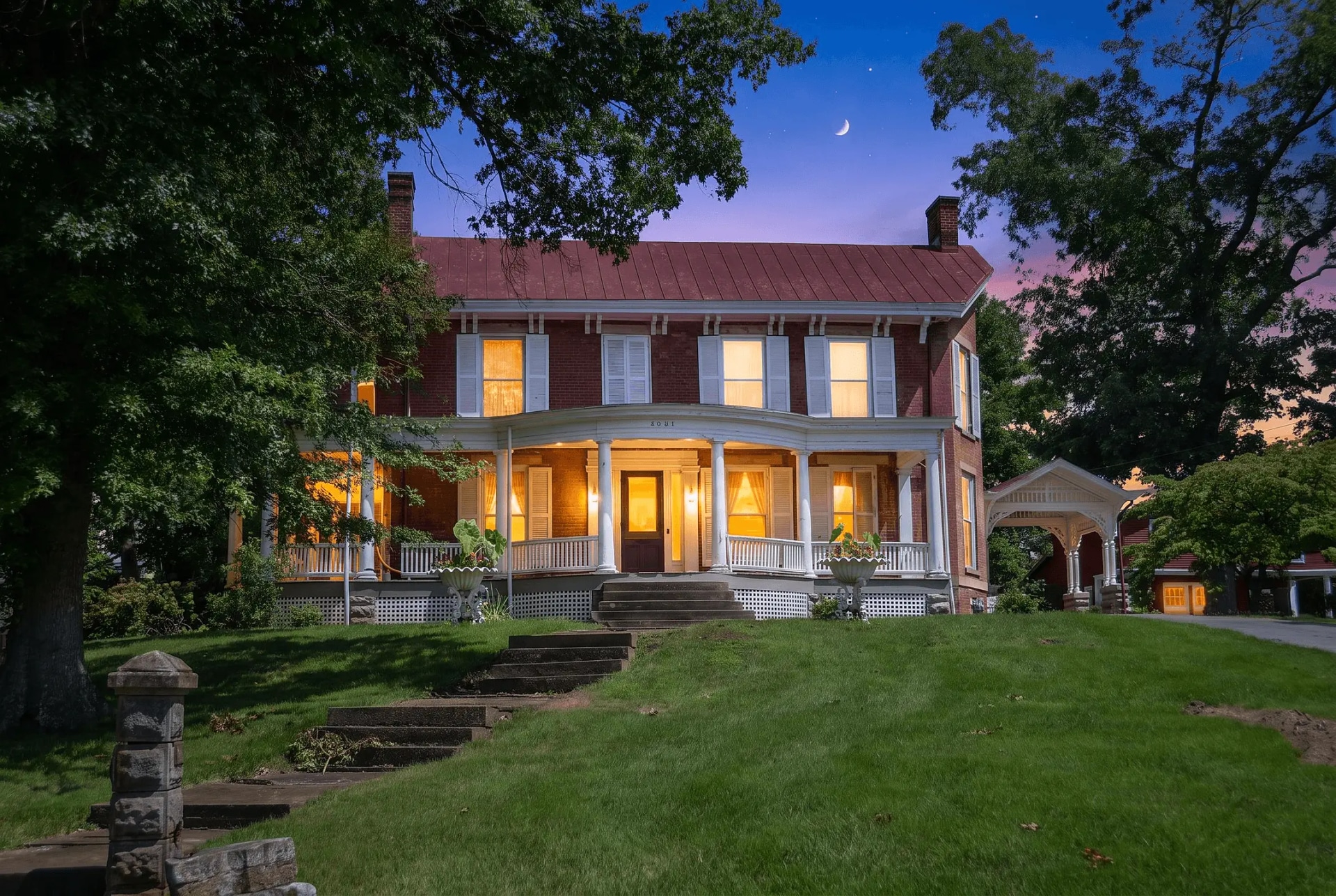
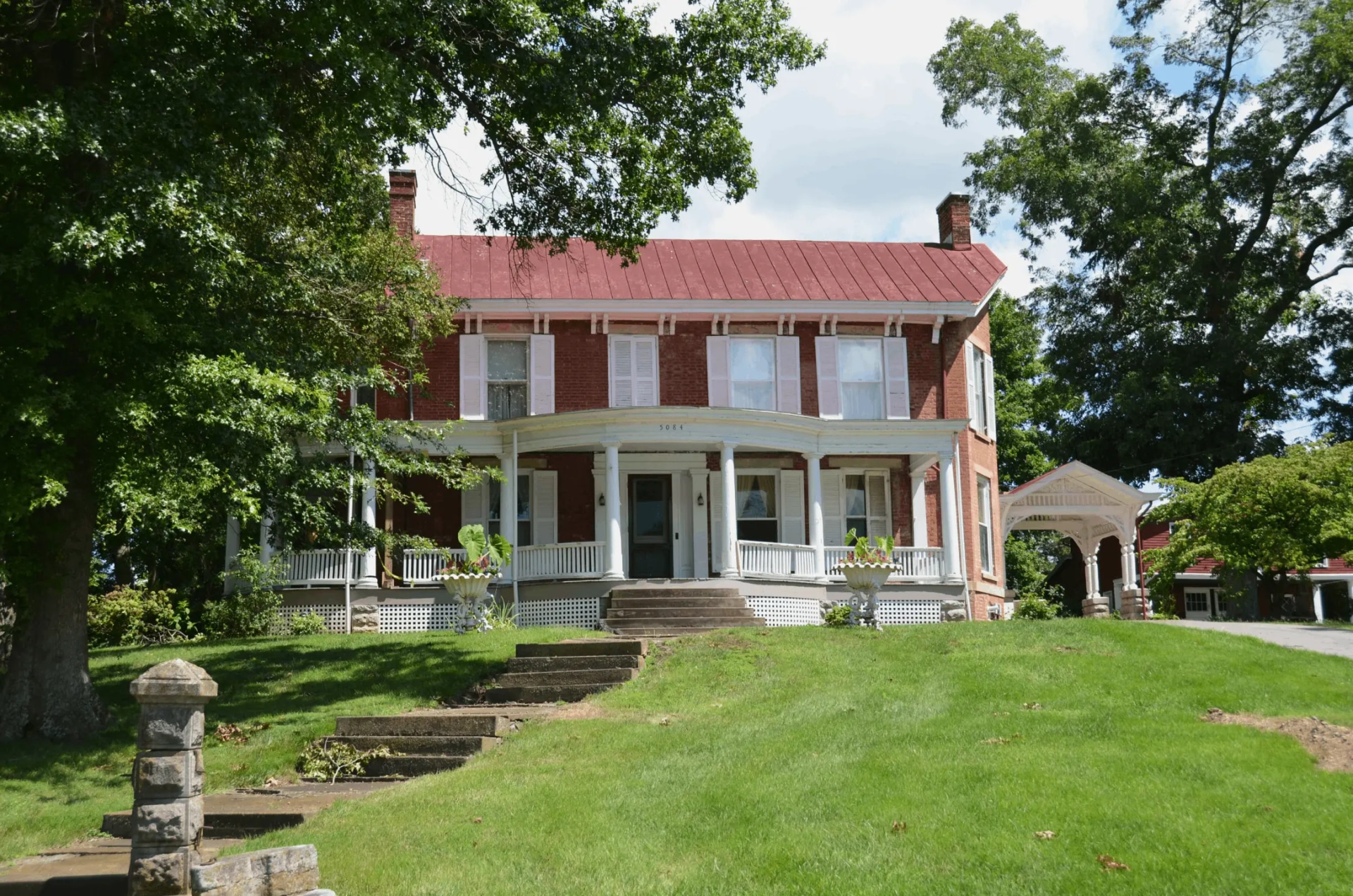
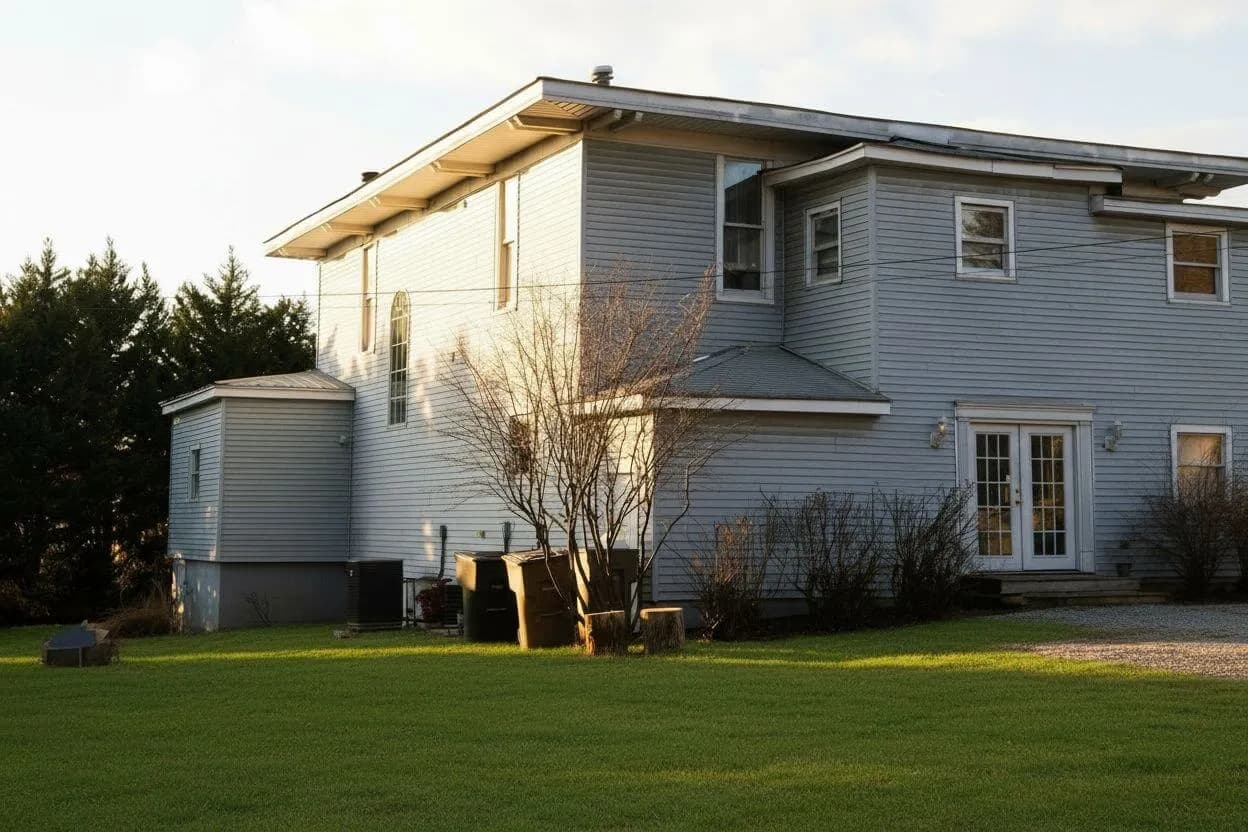
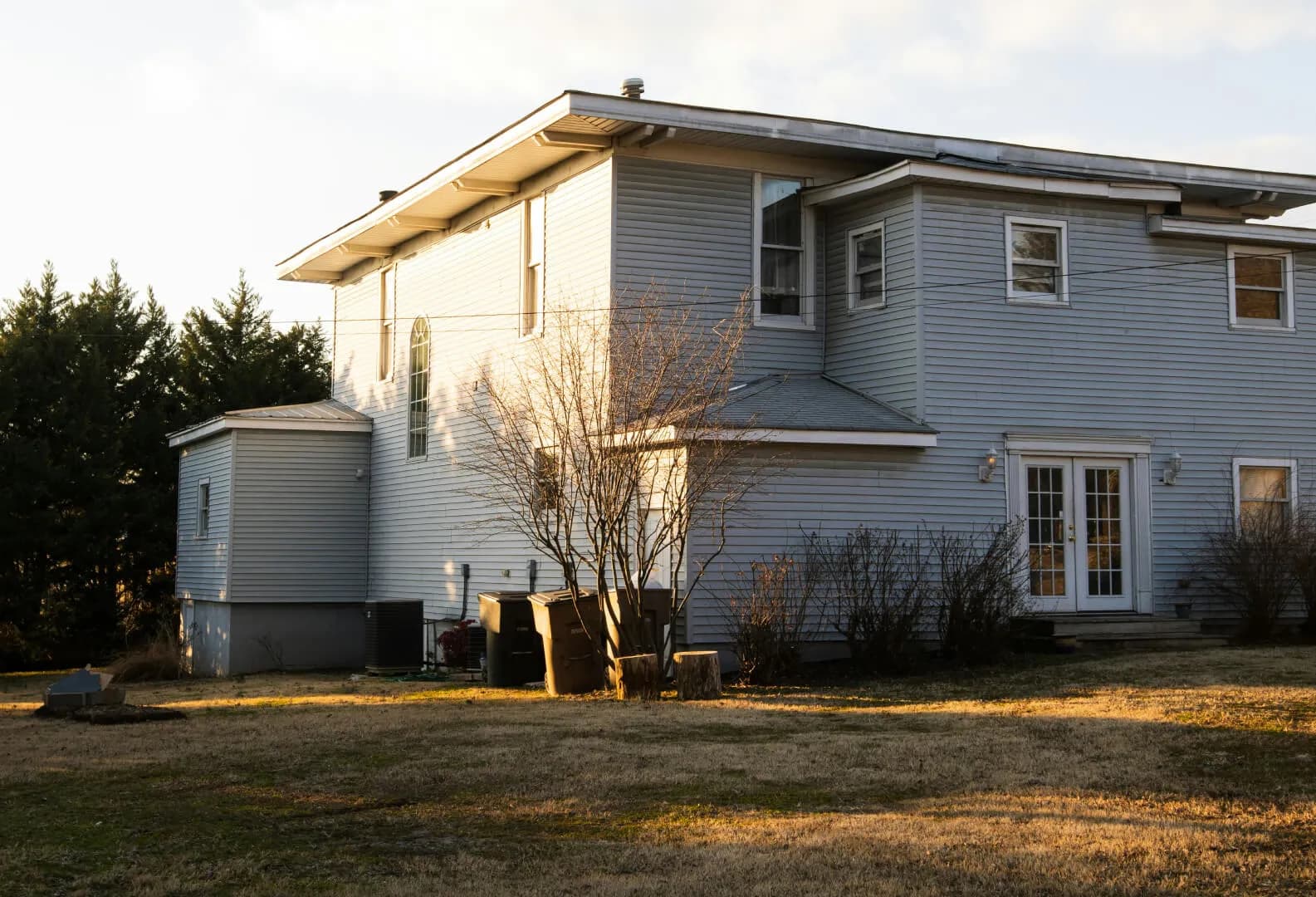
Turn an exterior you shot in daylight into a twilight photo with a blue-hour sky and the windows lit. Seconds and a credit, instead of a per-image order and a next-day turnaround.
JPG、PNG 或 WEBP · 最大 15 MB
- What a run costs
- 1 credit per variant, and a run defaults to 2
- To try it
- A free account, 3 credits, no card
- Signed out
- Not available — this tool needs an account
What is a day-to-dusk conversion, and how much does it cost?
It turns a daylight exterior into a twilight photo, also called virtual twilight: the sky becomes blue hour and the windows are lit from inside. Retouching services charge per image with a next-day turnaround; here it runs in 20 to 40 seconds and costs 1 credit per variant, from $0.45 per photo. It is also the listing edit most clearly covered by disclosure rules.
最后更新:
A photograph of an hour nobody was there for
This is the strongest edit in the toolkit and the one that most needs saying out loud. A dusk conversion does not brighten a photo, it asserts a time of day — and the window glow asserts an interior. Both are worth having, and both are worth being straight about.
- 01The window light is invented
- The glow is generated, not your actual interior seen through the glass. Do not use it to imply a room a buyer will not find behind that window.
- 02Daylight shadows do not leave
- The sun that cast them is now below the horizon in the sky above. Midday sources are where the conversion falls apart; late afternoon ones are where it works.
- 03One dusk, not a mood library
- Deep indigo sky, warm horizon, lit windows. There is no slider for how romantic it gets, because that slider is how listings end up misrepresenting a property.
- 04This one always needs disclosing
- Of everything here, a twilight photo of a house shot at noon is the clearest example of what California's AB 723 was written about.
AB 723 carves out lighting, exposure, white balance and sharpening — corrections to how a photo was captured. A day-to-dusk conversion is not a correction; it depicts a time of day the photograph was not taken at, so the listing needs a conspicuous notice and a link to the unaltered original. See the disclosure rules by state
How it works
- 01
Drop a daytime exterior
Any JPG, PNG or WEBP up to 15 MB. Check the shadows before you upload: soft or late-afternoon light converts well, hard midday light fights the new sky.
- 02
Pick how many takes
1 to 3 variants, one credit each, opening on 2. They differ in how the sky and the window glow land, which is worth a second take on a facade with a lot of glazing.
- 03
Compare it against your original
Read the shadows and the windows against the upload before you use it. Quality control re-runs a broken result once at no cost.
Which photos convert well
The light in your source decides the result more than anything the model does. This is the check worth making before you spend a credit.
| Your source | Which photos convert well | What you get |
|---|---|---|
| Late afternoonbest case | Low, warm sun with long soft shadows. | The direction of the light already agrees with the new sky. Nothing to fight. |
| Flat overcast | Even grey light, no directional shadows at all. | Works well for the same reason: there are no shadows to contradict the sky. |
| Hard midday sun | Short, dark shadows straight down from the eaves. | The weakest case. The shadows say noon while the sky says evening, and the eye catches it. |
| Already dark | A shot taken at dusk, at night, or heavily underexposed. | Little to convert. The photo enhancer is the right tool — it lifts the exposure without asserting a time of day. |
Every case costs the same: 1 credit per variant, and the variant picker opens on 2. A free account comes with three credits and no card. Signed out, the tool does not run at all — the studio shows a sign-up wall rather than spending a GPU on an anonymous request.
Questions about day-to-dusk
Terms, limits and what the tool will not do.
Is the AI day-to-dusk tool free?
Not without an account, and not unlimited. A free account takes no card and comes with 3 credits. A run costs 1 credit per variant and the picker opens on 2, so those three cover one run at the default plus a single-variant one. After those, credits work out to $0.45 per photo depending on pack size, they never expire, and there is no subscription to keep. Signed out, the tool does not run — the request is refused before it reaches a GPU.
How does this compare to a virtual twilight service?
The services charge per image, typically a couple of dollars, and return the file the next day with a human having judged the result. That judgement is what you are paying for, and on a hero shot for an expensive listing it can be worth it. This runs in about half a minute for a credit, with no minimum order, so it fits the case the services fit badly: you want to see whether the shot works as a dusk photo at all before committing to it.
Which photos should I not use this on?
Anything shot in hard midday sun. The conversion puts an evening sky above shadows that were cast by a sun now below the horizon, and that contradiction is what makes a dusk conversion read as fake. Late afternoon and flat overcast are the two sources that convert cleanly. Photos already taken at dusk have nothing to convert — use the photo enhancer instead.
Is the light in the windows my actual interior?
No. The warm glow is generated to simulate interior lights being on; it is not your room seen through the glass. That matters beyond realism: a window that implies a finished, lit room a buyer will not find is the kind of thing a disclosure rule exists to catch.
Do I have to disclose a day-to-dusk photo on the listing?
Yes, and this is the clearest case of the lot. California's AB 723 carves out lighting, exposure, white balance, colour correction and sharpening — corrections to how the photo was captured. A dusk conversion is not a correction: it depicts a time of day the photograph was not taken at. The rule requires a conspicuous notice next to the image and a link to the unaltered original. Other states vary, and NAR's Code of Ethics applies regardless.
Does it change anything except the sky and the windows?
In intent, no: the prompt names the building, roof, walls, landscaping, driveway and ground as things to keep. In practice the model re-renders the whole frame rather than painting into a mask, so the result is a new rendering of your photo. Compare it against your original before you publish it — that is what the slider on this page is for.
How long does it take?
Usually 20 to 40 seconds, and longer when the model provider is busy. Closing the tab does not lose the run or the credit — the result is written to your project when it lands.
What resolution do I get back?
Up to 2048 px on the long edge, the size MLS platforms and portals ask for. Bigger uploads are scaled to 2048 px first, and the model renders at about one megapixel before the result is upscaled to that size, so fine detail is reconstructed rather than copied. It is not a print-resolution file.
Are my property photos private?
Uploads are processed over encrypted connections and are not used to train any model. They are stored with your project so you can come back to the result, and you can delete a project and its images from the studio at any time.
Disclosing altered photos
Since January 1, 2026, California's AB 723 has required a visible disclosure and a link to the original photo on digitally altered listing images. Edits that change how a property looks are covered; routine colour and exposure fixes are not.
We checked 297 California listings whose own captions admit the photos were altered. 99% carry no publicly reachable link to the original image, which is the half of the statute almost everyone misses.
One dusk shot, or the whole listing?
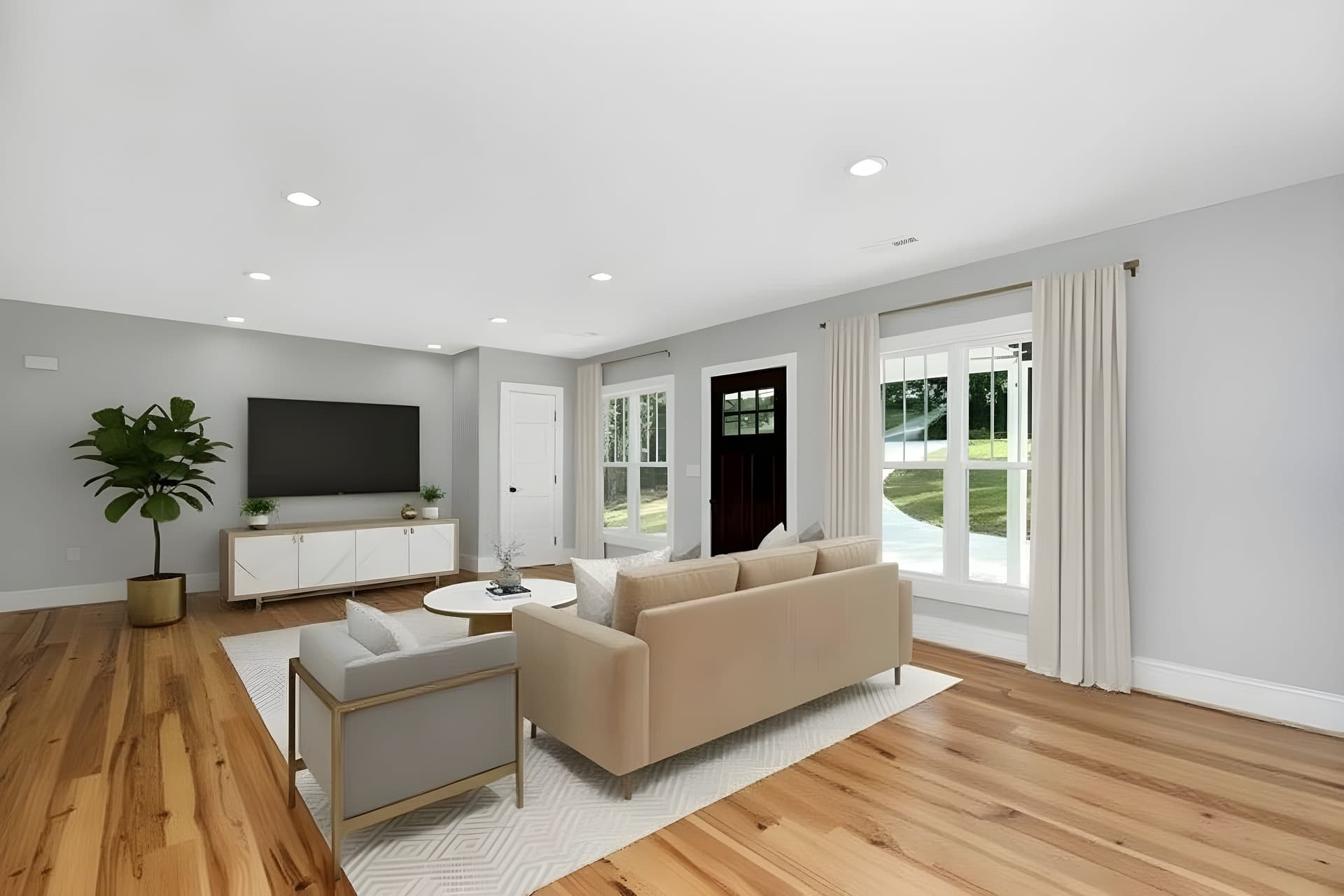
Dusk is the hero image. The rest of the set still needs the sky fixed, the lawn recovered and the interiors corrected — and the empty rooms furnished.
Try QuickStaging for free3 个免费额度即可开始,之后每张照片约 $0.45。额度永不过期。 查看价格