
Property Photo Support
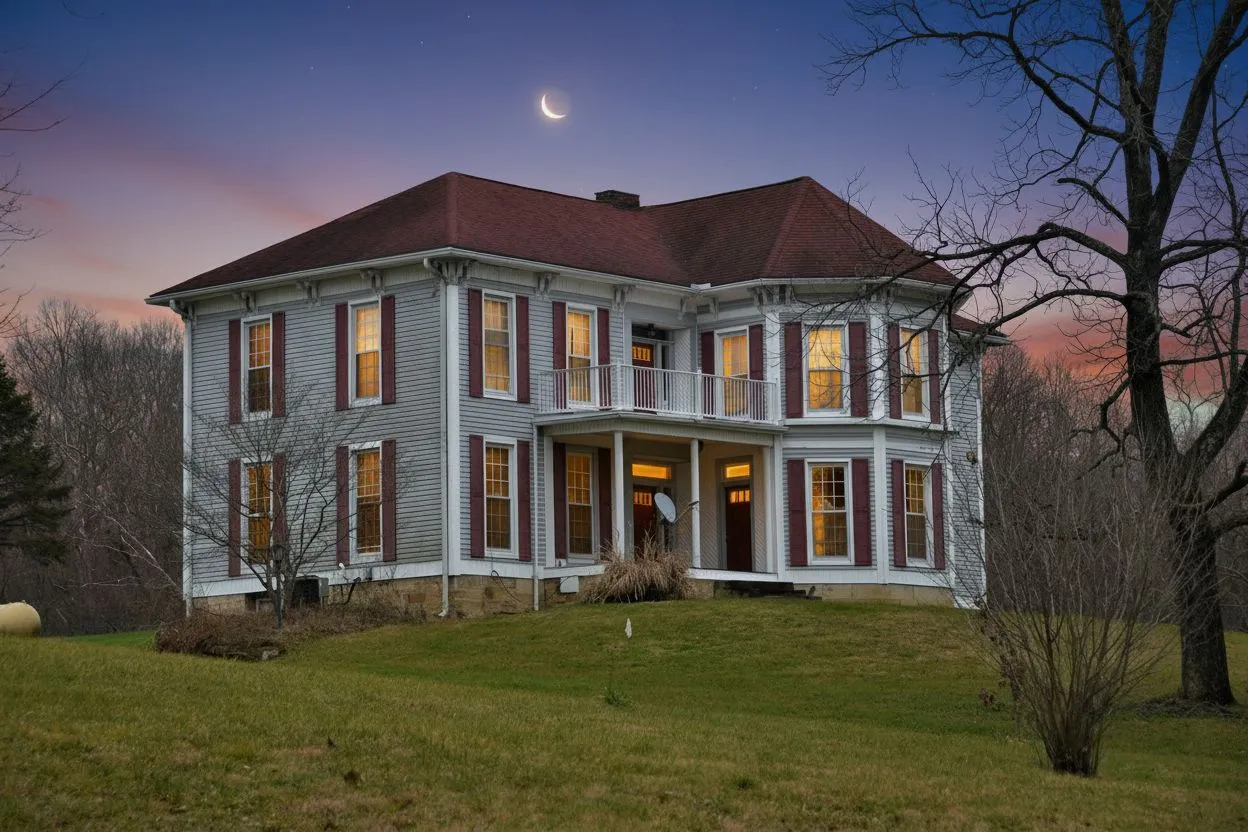
Upload a high-quality property photo that displays prominently on the flyer — making your listing stand out at a glance.
Fill in your property details and agent info, preview your flyer live, then print or save as PDF — in under two minutes. No design skills needed.
Sample content
The flyer is filled with a sample listing so you can see the finished thing. Type in any field and it replaces the sample as you go.
JPG, PNG · Max 5 MB · Appears as the main flyer image
PNG, JPG · Max 2 MB · Appears in the agent footer
A free account is needed to download. It also comes with 3 credits for the studio — no card.
Preview
One page · print-ready
A listing flyer pairs one strong exterior photo with the address, the price, the key figures and your contact details, laid out so it stays readable at arm's length. This maker fills a template from your listing and exports a print-ready PDF plus a PNG sized for social. It is free; the download takes a free account.
Last updated:
Create your property flyer in three simple steps
Fill in the address, price, bedrooms, bathrooms, square footage, and a compelling description of the property.
Upload an optional property photo, add your agent contact details and logo, then choose a flyer style.
Click "Print / Save as PDF" to open the browser print dialog. Select "Save as PDF" to download or send to your printer.
Everything you need to market your listing
Upload a high-quality property photo that displays prominently on the flyer — making your listing stand out at a glance.
Showcase price, beds, baths, square footage, year built, and up to six custom highlight features on one clean page.
Include your name, phone, email, brokerage, and logo for a fully branded flyer that drives inquiries directly to you.
Print or download as many flyers as you need. No subscriptions, no hidden fees, no watermarks — ever.
Everything you need to know about the flyer maker
Yes, completely free. There are no subscriptions, hidden fees, or watermarks on your flyers. Printing needs no account; downloading the PDF or PNG takes a free one.
Click "Print / Save as PDF", then in the print dialog select "Save as PDF" as the destination. This works in Chrome, Safari, Firefox, and Edge on Mac and Windows.
Yes. Click "Upload Photo" in the Property Photo section and select a JPG or PNG file up to 5 MB. Your photo will appear as the main image on the flyer.
Yes. Upload a PNG or JPG logo in the Agent Logo section (max 2 MB). It will appear alongside your agent contact information at the bottom of the flyer.
Two styles are available: Classic (dark navy header with a clean layout) and Modern (sleek charcoal design with contemporary typography). Both look great when printed or shared as PDF.
You can add up to six key property features or highlights. These appear as a bulleted list on the flyer — great for calling out standout amenities.
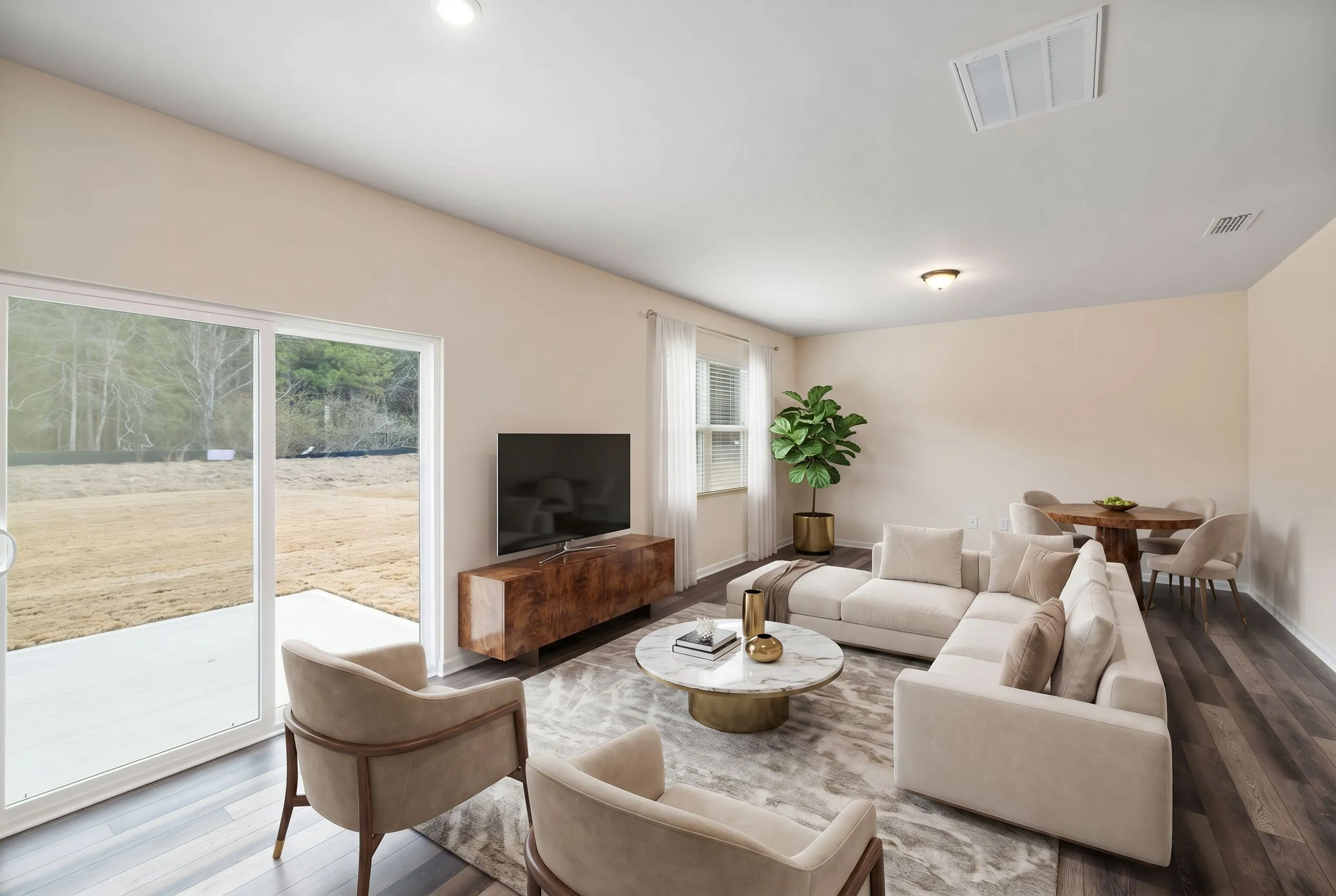
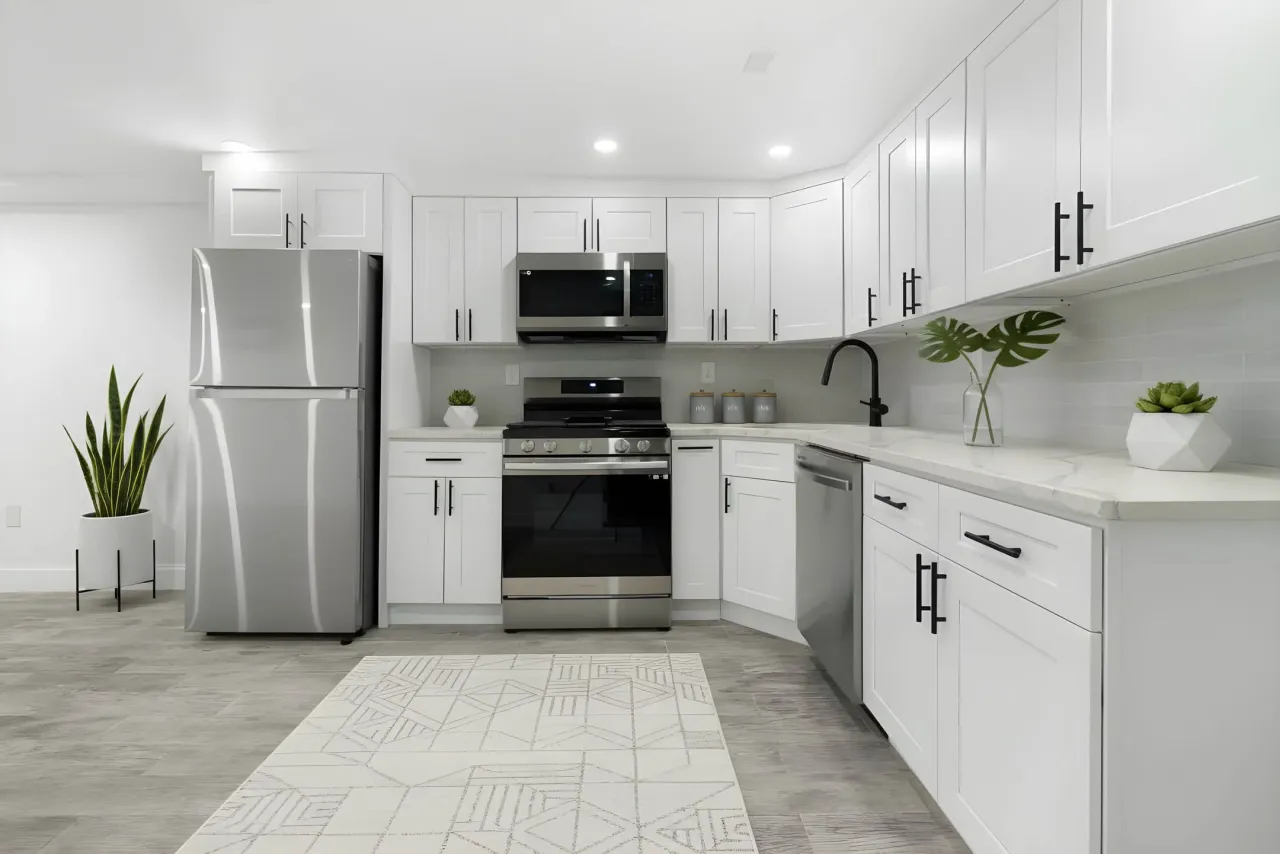
Transform empty rooms into photorealistic staged spaces with AI virtual staging — the perfect visual complement to a professional flyer.
Try AI Virtual Staging Free