
Before-and-after reveal videos for Reels, TikTok and YouTube
Two photos in, one reveal clip out, in about three seconds. No model touches your images — this is a wipe between the two files you gave it.
Before
Empty / Unfurnished Room
or click to browse
After
AI Staged Room
or click to browse
JPG, PNG or WEBP · Max 15 MB each
Upload both photos to continue
- What it costs
- Nothing — no credits, no card
- Signed out
- Works. 10 an hour, and the clip carries a watermark
- With a free account
- No watermark, 30 an hour
How do you make a before-and-after video from listing photos?
Upload the two photos, pick the aspect for where it is going — 9:16 for Reels and TikTok, 1:1 for a feed post, 16:9 for YouTube — choose a transition and a length, and the clip renders in a couple of seconds. It is free with no account: signed out you get 10 an hour with a watermark, and a free account removes the watermark and raises it to 30.
Last updated:
Nothing here is generated. It is a wipe between your two files.
The category this sits in is full of tools that animate one listing photo into invented camera motion. This does the opposite and does it on purpose: the render is a deterministic pass over the two images you uploaded, so every frame is one of your photos or a crossfade between them.
- 01No model, no GPU, no queue
- The whole pass is sharp and ffmpeg on a CPU, which is why it takes seconds rather than a minute and why it can sit in front of the paywall instead of behind it.
- 02Free because it is cheap, not as bait
- There is no credit to charge. Credits attach to the branded listing clip built from photos the pipeline already staged, which is a different surface.
- 03The watermark is a server decision
- It is keyed on the session, never on a client flag, so it cannot be removed by editing the request. Creating a free account removes it properly.
- 04A reveal is not a walkthrough
- This makes one comparison legible in three seconds. If you want camera movement through a property, that is a different job and this is the wrong tool for it.
How it works
- 01
Drop the two photos
The before and the after of the same room, framed the same way. Two shots from different positions read as two rooms rather than as a change.
- 02
Pick where it is going
9:16 for Reels and TikTok, 1:1 for an Instagram post, 16:9 for YouTube. Then a transition and a length — the preview updates as you choose.
- 03
Download it
The render takes a couple of seconds. Signed out you get 10 an hour with a small watermark; a free account removes it and raises the limit to 30.
The four formats
The aspect is the one choice that cannot be fixed afterwards without cropping, so it is worth getting right at the start.
| Format | The four formats | Where it goes |
|---|---|---|
| 9:16 portrait1080 × 1920 | Full-screen vertical. | Instagram Reels and Stories. The default, because it is where listing video actually gets watched. |
| 9:16 TikTok1080 × 1920 | Same frame, kept separate so the label matches where you are posting. | TikTok. |
| 1:1 square1080 × 1080 | Square, safe in any feed. | An Instagram or Facebook feed post, and anywhere a portal crops unpredictably. |
| 16:9 landscape1920 × 1080 | Widescreen. | YouTube, a listing page embed, or an email. |
Every format is free and needs no account. Signed out you get 10 renders an hour and the clip carries a small watermark; a free account removes the watermark and raises the limit to 30. Transitions are wipe, fade, zoom and diagonal; lengths are 3, 5 or 8 seconds.
Questions about reveal videos
Terms, limits and what it will not do.
Is the before-and-after video maker free?
Yes, and with no account. There are no credits and no card. Signed out you can render 10 clips an hour and each carries a small watermark. A free account removes the watermark and raises the limit to 30 an hour. It is free because it is cheap to run — the whole render is CPU work, with no model call behind it.
Is the video AI-generated?
No, and that is deliberate. Nothing in the clip is invented: every frame is one of the two photos you uploaded or a crossfade between them, produced by a deterministic pass in ffmpeg. Tools that animate a single listing photo into invented camera motion are a different product, and on a property listing they are a liability rather than a feature.
What size should I post it at?
9:16 for Reels, Stories and TikTok, which is where listing video is actually watched. 1:1 for a feed post, because a square survives any crop. 16:9 for YouTube or an embed on the listing page. The aspect is the one choice you cannot fix afterwards without losing the edges of the frame.
Why does my clip have a watermark?
Because you are signed out. The watermark is decided by the server from your session rather than by anything the page sends, so it cannot be removed by editing the request — and a free account, which costs nothing and takes no card, removes it properly.
How long can the video be?
3, 5 or 8 seconds. Longer is not offered because a reveal has one thing to show and a viewer decides in the first second whether to keep watching. If you need a sequence of rooms, that is a different edit than this tool makes.
What makes a good before-and-after pair?
The same room, framed the same way. Two photographs taken from different positions read as two rooms rather than as one room changing, and no transition rescues that. If the after came from our staging tool it will line up by construction, because it started from the before.
Do I need to disclose the video on a listing?
The video itself changes nothing — it shows two photographs. But if the after frame is a staged, decluttered or otherwise altered image, that image carries the same disclosure obligation in a video that it carries as a still, and California's AB 723 does not care which container it is in.
Which formats can I upload?
JPG, PNG and WEBP up to 15 MB each. The output is an MP4 you can post directly.
AI Tools
Listing Tour Video
Turn a listing's staged rooms into a tour reel
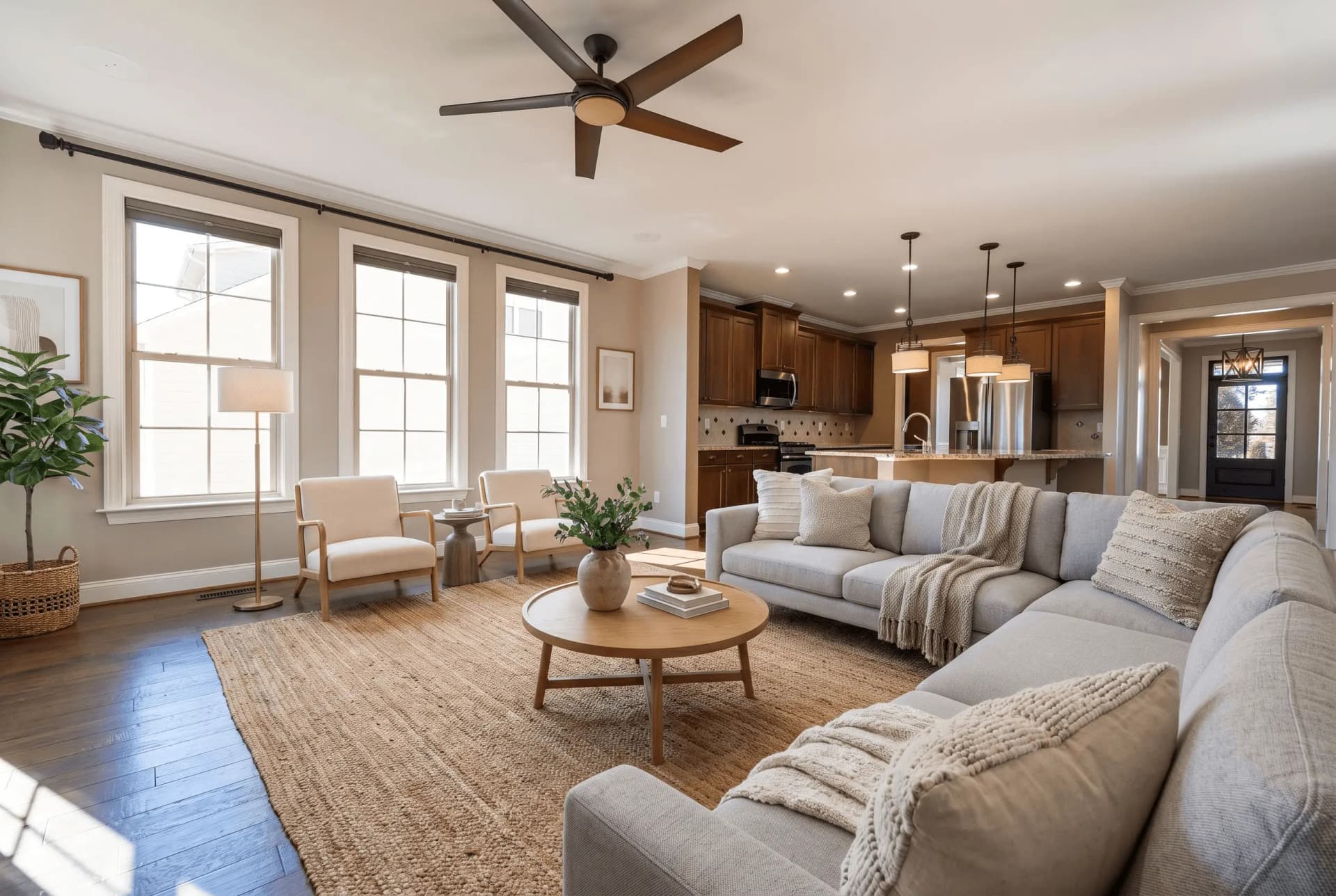 BeforeStaging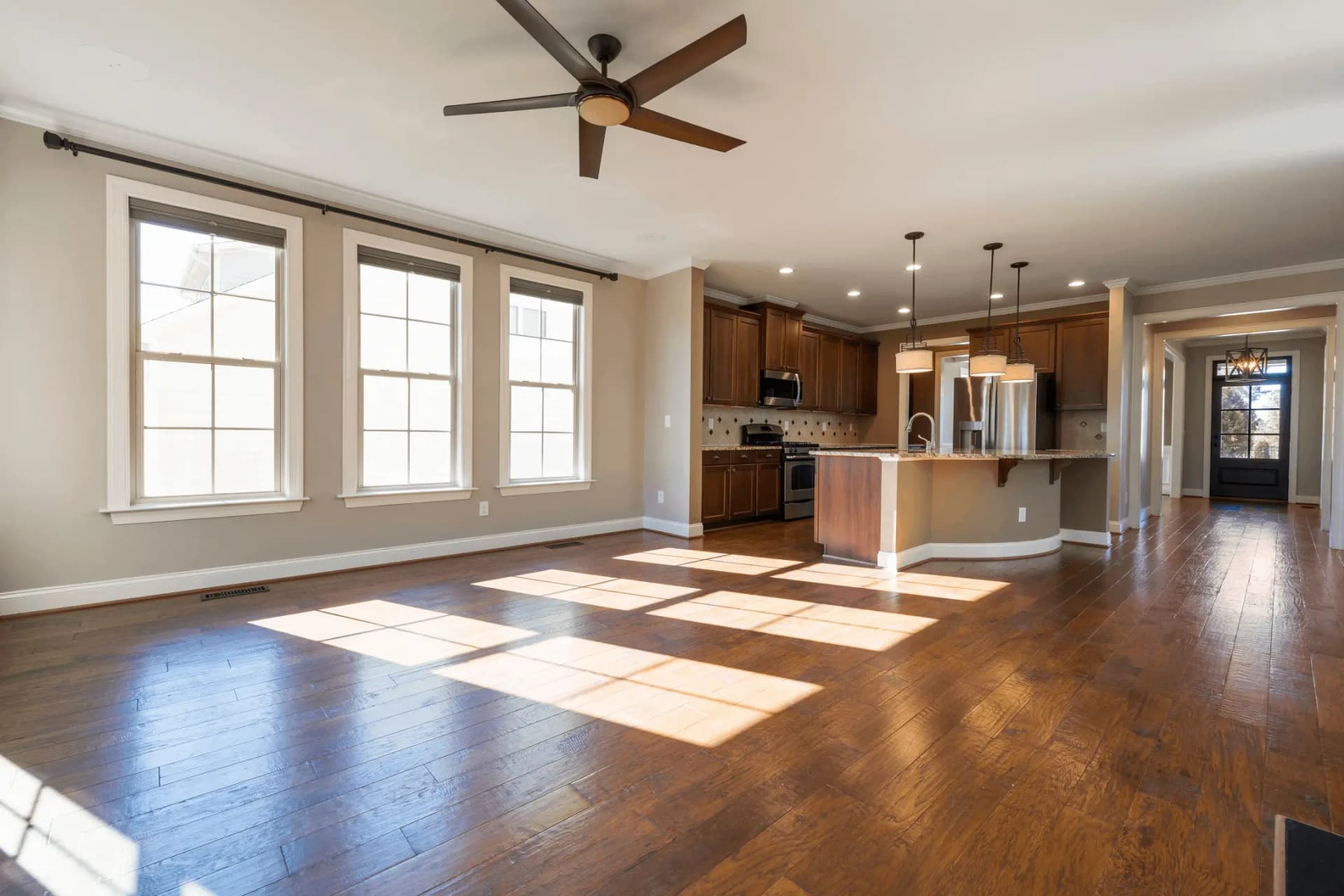
Virtual Staging
Transform empty rooms with AI-generated furniture
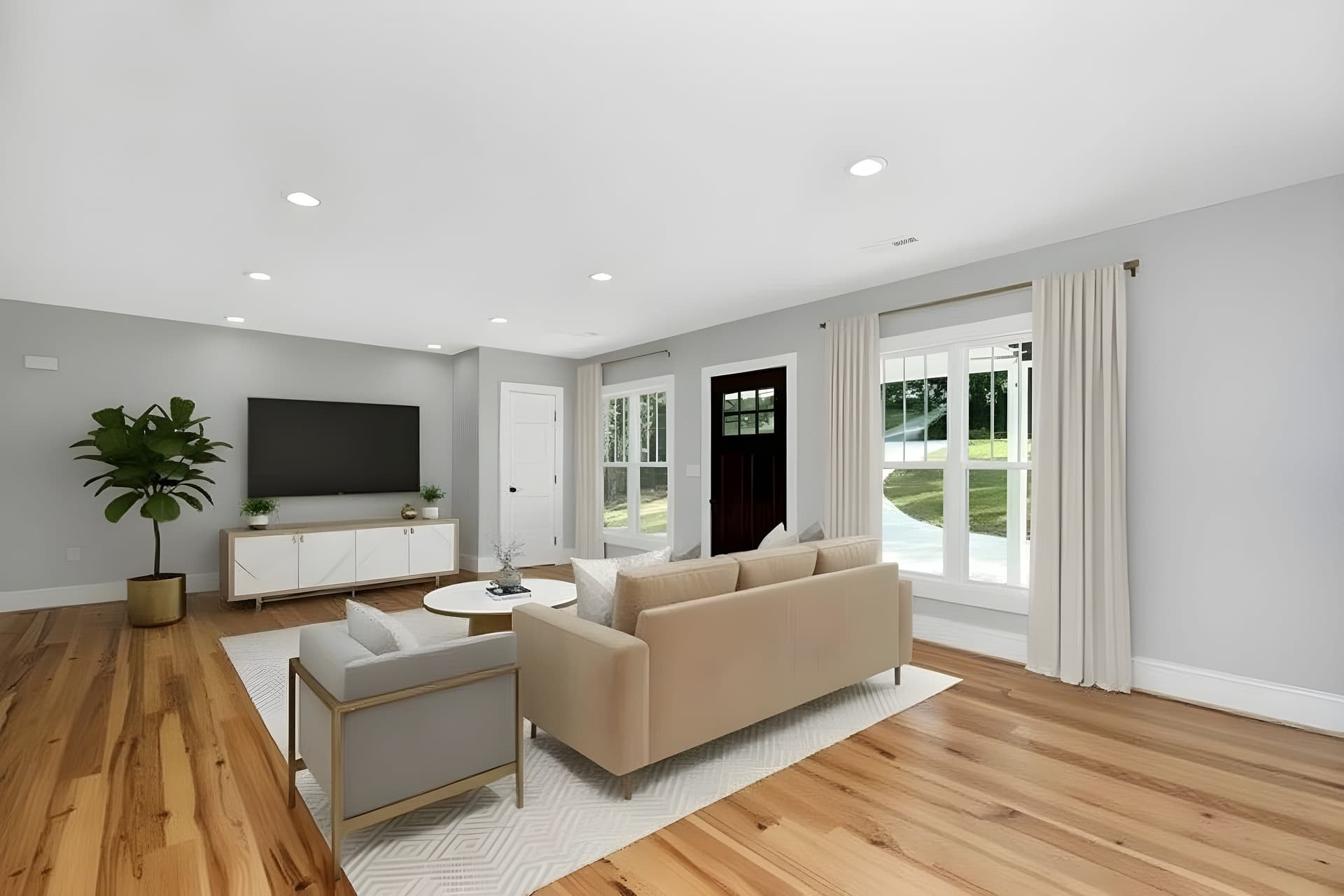 BeforeEnhancement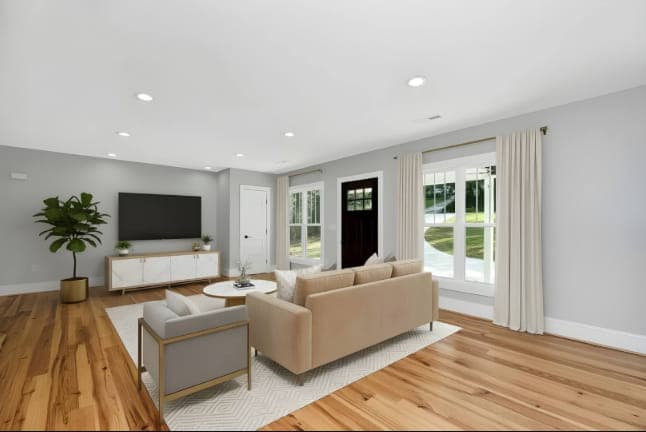
AI Image Enhancer
Enhance photo quality instantly with AI
Description Generator
Generate compelling property listings
You need an after photo before you need a reveal.
The clip only works if the two frames are the same room. Virtual staging furnishes the empty one from the photo you already have, so both frames come from the same shot.
Try QuickStaging for free3 free credits to start, then $0.44–$0.60 per photo. Credits never expire. See pricing