

The virtual staging market has exploded in the past two years. What was once a niche service requiring a dedicated design team is now available to any agent with a browser. But not all tools are created equal. Here's what to look for — and how the leading options stack up.
What to Look for in Virtual Staging Software
- Realism: Does the AI produce natural lighting, accurate shadows, and furniture that looks like it belongs in the room?
- Speed: Can you get results in minutes, or do you wait hours for a manual edit?
- Style variety: Does the tool offer multiple design styles (modern, Scandinavian, traditional, etc.)?
- Room type support: Living rooms are easy — but can it handle kitchens, bathrooms, and outdoor spaces?
- Price per image: What does it actually cost at volume?
- Ease of use: Can a non-designer use it without a learning curve?
QuickStaging
Best for: Agents and photographers who need fast, high-quality results across multiple room types.
QuickStaging uses the latest Replicate AI models to generate photorealistic staged images in under 2 minutes. It supports 7 room types and 16 design styles, making it one of the most versatile options on the market. The interface is clean and requires zero design experience. Pricing is credit-based and scales well for high-volume users.
Pros: Fast generation, high realism, wide style selection, simple workflow
Cons: Best results with clean, well-lit source photos
What to Avoid
Be wary of tools that use template overlays rather than true AI generation — the results look artificial and buyers notice. Also avoid tools with long manual review queues that add days to your workflow. The best tools return results in minutes with no human bottleneck.
Our Recommendation
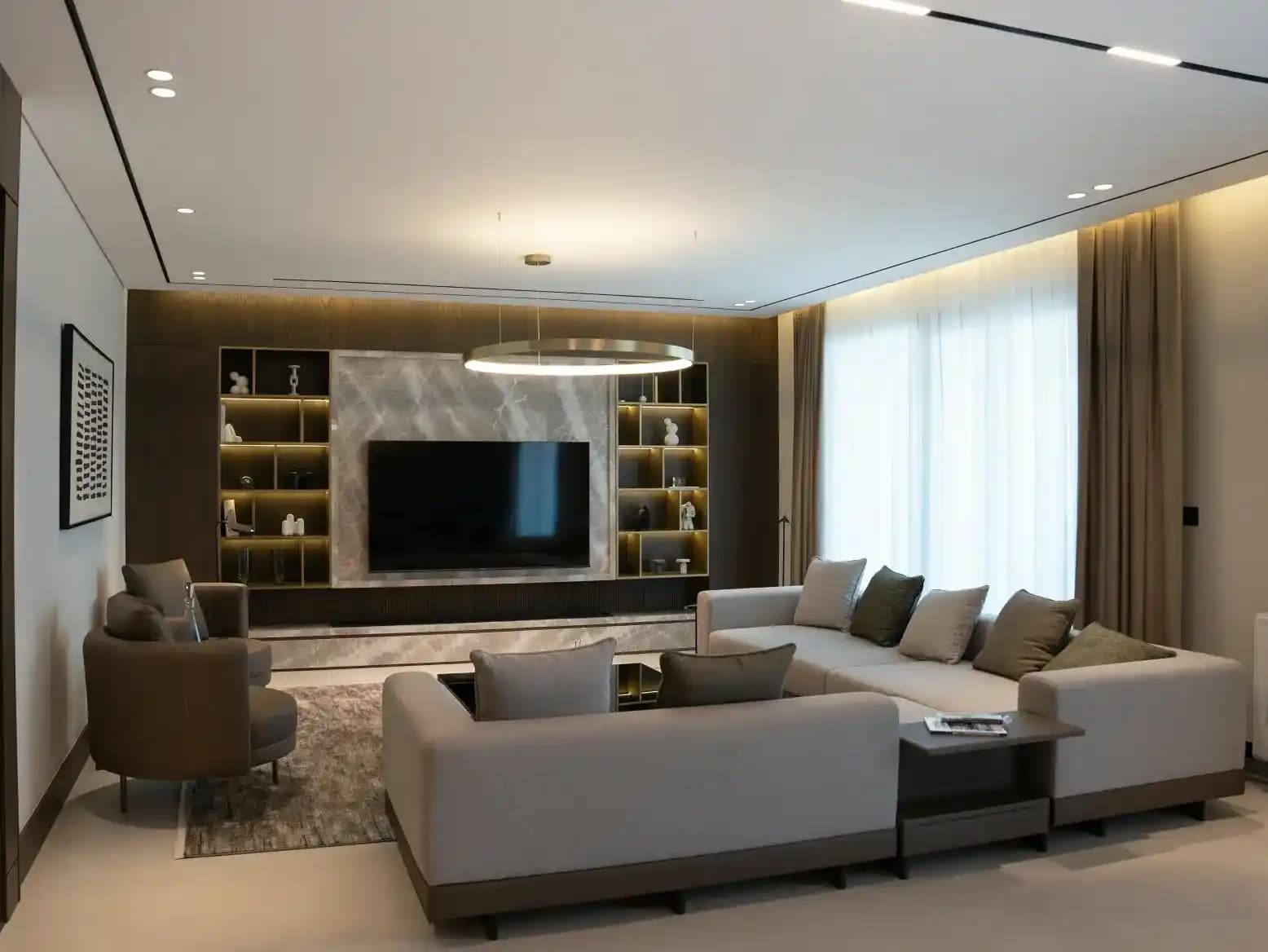
For most agents in 2026, an AI-native tool with fast turnaround and multiple style options is the right choice. Test a few tools with the same source image and compare the realism of shadows, fabric textures, and spatial coherence. The difference between a good tool and a great one is immediately visible.


![AI Virtual Staging: Does It Actually Work? [Before & After Examples]](/_next/image?url=%2Fimg%2Freal-rooms%2F4.webp&w=1920&q=75)